AI Cartoon Generator from Text

What Can You Create from a Text Prompt?

Start without a photo. Each example pairs a written idea with a different cartoon direction so you can see how subject, mood, and style shape the result.

American cartoon prompt

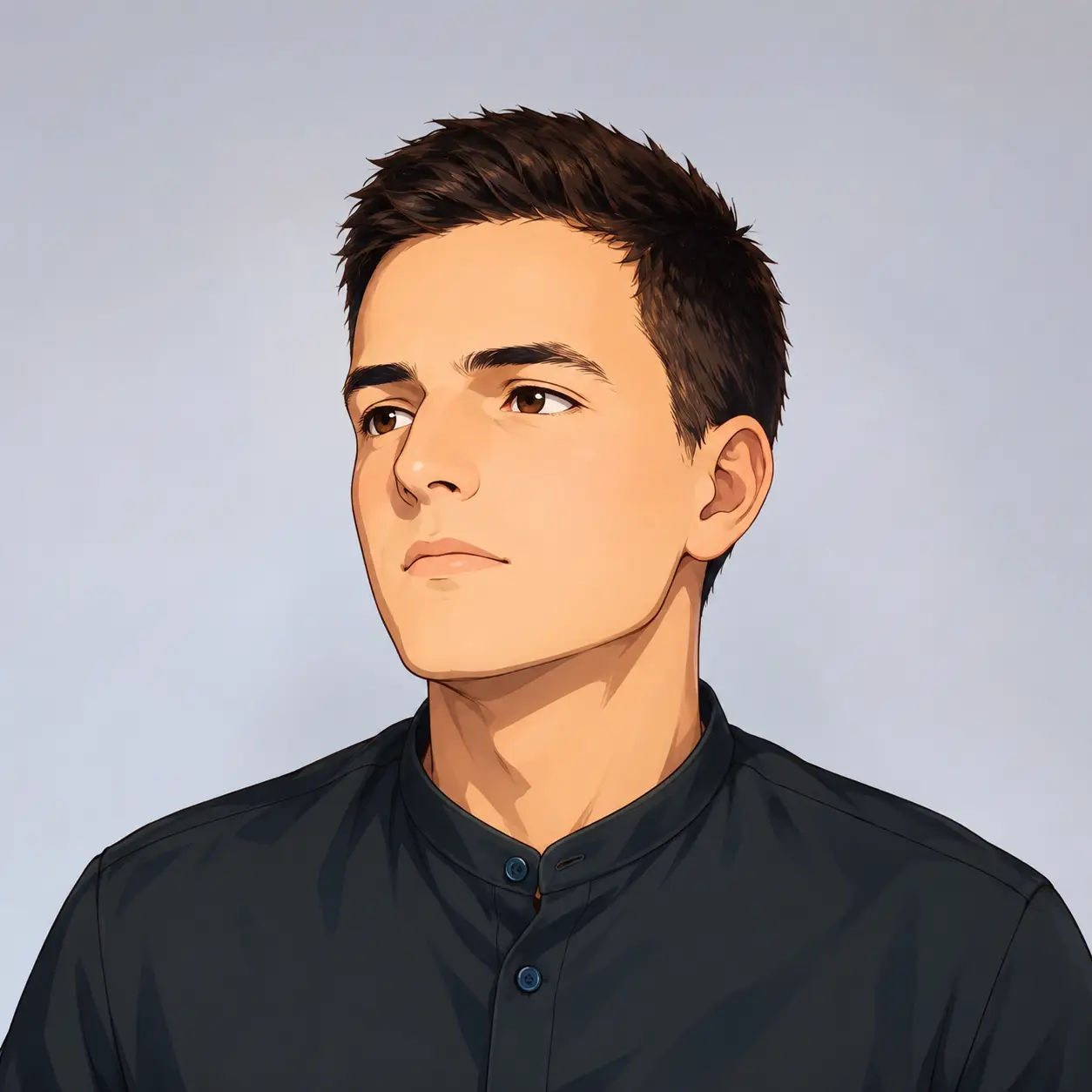
A confident young audio creator with short curly hair, bright orange headphones, a green utility jacket, and a handheld recorder

Creator Avatars

Describe the identity, clothing, props, and energy you want in a profile image without supplying a selfie.

Character concept prompt

An original young desert courier hero wearing a weathered turquoise scarf, lightweight utility armor, fingerless gloves, and a compact mechanical compass

Original Characters

Test a hero’s costume, signature object, and personality before committing to a larger character direction.

Claymation prompt

A tiny corgi astronaut botanist in a moon greenhouse, cream space suit with teal patches, watering a glowing purple sprout

Fantasy Pet Cartoons

Invent an animal character with a role, setting, and visual material that could not come from an ordinary pet photo.

Watercolor prompt

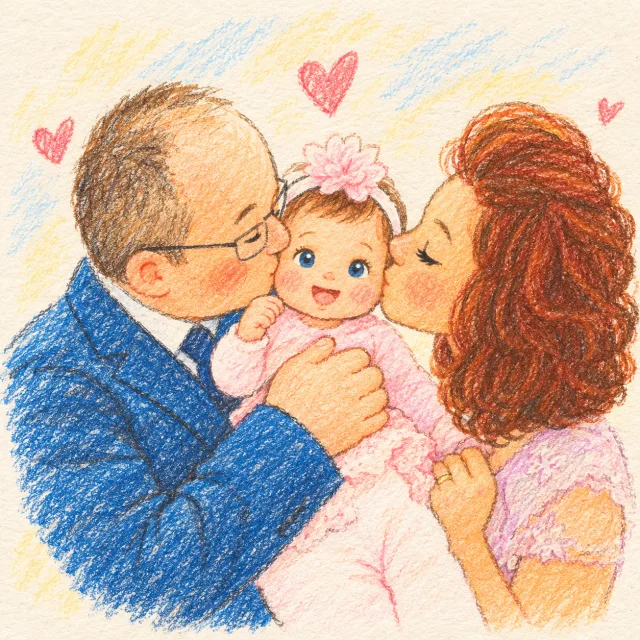
Three lifelong friends at a seaside picnic table, laughing together while passing a paper boat, soft coastal light

Storybook Portraits

Stage an expressive group moment for an illustrated story, greeting, lesson, or editorial feature.

Fantasy anime prompt

A red electric train crossing a high stone viaduct above a misty alpine valley, village gardens, snow peaks, early morning light

Cartoon Landscapes

Build a complete place from a few visual anchors, then direct the weather, depth, and time of day.

Action scene prompt

A skateboarder wearing a bright helmet performing a stylish aerial trick above a purpose-built rooftop skate park at dusk

Content Visuals

Create a high-energy scene for a thumbnail, article, social post, or campaign without searching for stock art.

What Is Text to Cartoon AI?

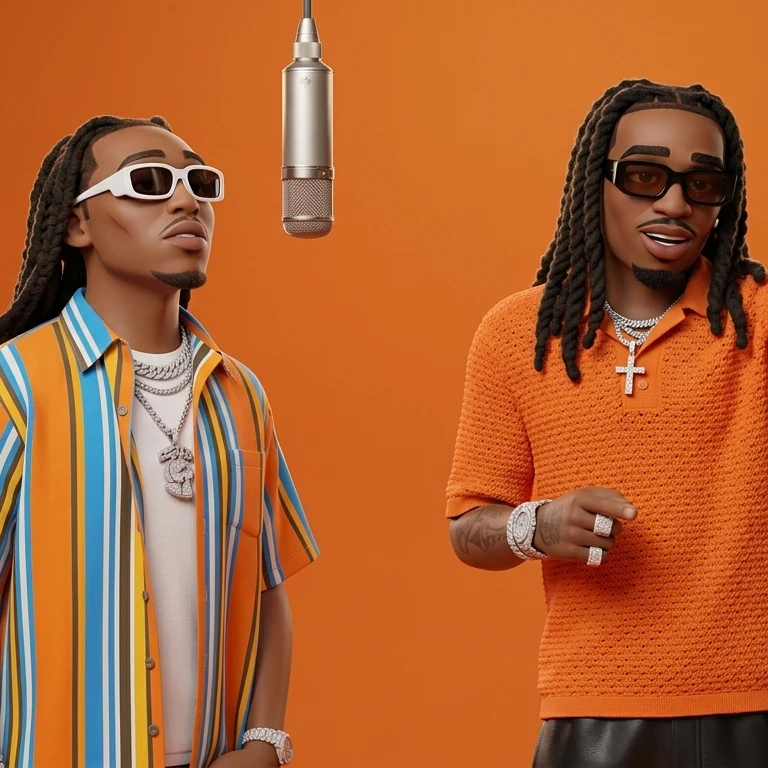
Text to cartoon AI is an online image maker that turns a written description into original cartoon artwork. It is useful for creators, marketers, teachers, storytellers, and anyone who needs a character or scene but does not have a source photo or drawing skills.

Describe the result you want

Name the subject, appearance, action, background, mood, and format in plain language.

Direct the visual style

Choose 3D cartoon, anime, chibi, comic, watercolor, clay, and other curated styles.

Create a usable image

Generate high-resolution AI cartoons for avatars, mascots, stories, social posts, thumbnails, and concept art.

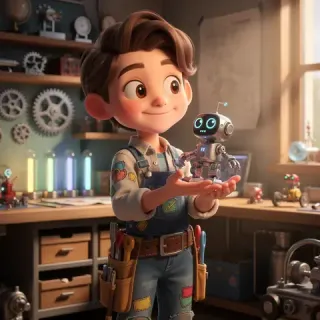
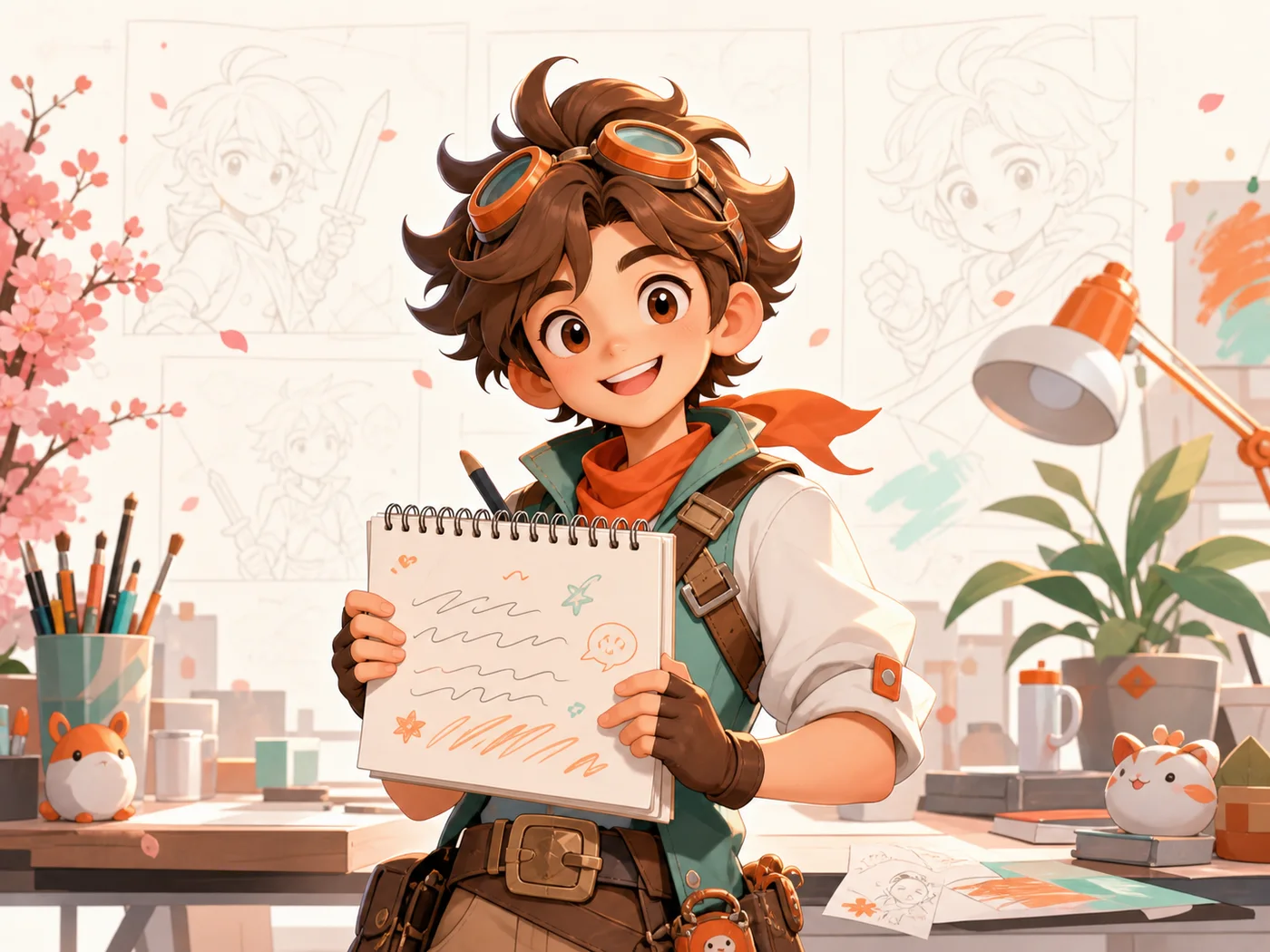
A written idea transformed into an original cartoon character

Join Thousands of Creators

Move from a rough sentence to a shareable cartoon without learning illustration software or model settings.

  • Free credits to start
  • Multiple cartoon styles
  • No watermarks
  • High-quality output

How to Convert Text to Cartoon

Use the controls in the generator above to move from an idea to a finished image in four steps.

1

Enter Your Idea

Write what should appear in the image. Include the subject, defining details, action, setting, and mood.

2

Choose a Cartoon Style

Pick the visual direction that fits the job, such as 3D, anime, comic, chibi, watercolor, or clay.

3

Set the Size and Quantity

Choose an aspect ratio for square, landscape, or portrait use, then select how many variations to generate.

4

Download, Share, or Edit

Download a strong result, share it, or reopen the image as a reference and continue editing when it needs another pass.

Tips for Better Cartoon Results

A useful prompt removes guesswork. Compare each vague instruction with a version that gives the generator a clear visual target.

Vague person prompt compared with a specific young wizard prompt

Be Specific About Characters

Give the main subject recognizable traits, clothing, props, and an action.

Too vague

“A person”

Better prompt

“A young wizard with round glasses and a blue robe, holding a wand”

Static skateboarder prompt compared with a detailed crouching action pose

Describe the Action and Pose

Choose the look with the Style Picker, then use your prompt to show what the subject is doing and how they are positioned.

Too vague

“A skateboarder”

Better prompt

“A skateboarder crouching low at the top of a ramp, one hand touching the board, looking toward the landing”

Plain field scene compared with a sunset scene with warm light and peaceful mood

Describe the Scene

Background, lighting, and mood turn an isolated subject into a coherent image.

Too vague

“A girl in a field”

Better prompt

“A girl in a wildflower field at sunset, warm rim light, peaceful mood”

Unspecified cartoon city compared with a landscape desktop wallpaper composition

Specify the Format

Tell the generator where the image will be used so the composition fits the canvas.

Too vague

“A cartoon city”

Better prompt

“Wide cartoon city skyline for a desktop wallpaper, clear horizon, room for icons”

Text to Cartoon AI vs. Drawing by Hand vs. General AI Models

Choose the workflow that matches your time, budget, and need for repeatable cartoon styles.

ConsiderationText to Cartoon AIDrawing by HandChatGPT / Midjourney
Cartoon stylesCurated visual presets made for cartoon, anime, comic, clay, and storybook results.Any style the artist can execute, with full manual control.Broad visual range, but the workflow is not centered on cartoon creation.
CostFree credits for trying ideas; paid credits when you need more output.Highest time or commission cost for each finished image.Usually requires a separate subscription or usage plan.
Style controlSwitch curated styles and rerun the same prompt for direct comparison.Precise control, but revisions take additional drawing time.Powerful controls, though consistent results may require more prompt work.
Learning curveBegin with a plain-language idea and visual style picker.Requires illustration skill or an artist brief and review process.Easy to start, but advanced prompting and model choices can add complexity.

AI Cartoon Generator is the focused option when you want fast cartoon exploration. Hand drawing remains the strongest choice for exact art direction and fully bespoke production.

Text to Cartoon AI FAQ

Practical answers about prompts, styles, free credits, output quality, and usage.

An AI cartoon generator from text is a tool that creates an original cartoon image from a written description. You describe the character or scene, choose a visual style and format, and the generator renders a new image without requiring a source photo.

Turn Your Next Idea into a Cartoon

Write one clear sentence, choose a style, and see where the first generation takes you.