


Gambar Gaya cel shading
Ubah foto atau ide menjadi suasana sehari-hari dengan cel shading yang bersih.
Buat gambar cel shadingGunakan tampilan grafis yang sama untuk karakter yang dapat digunakan kembali, adegan sehari-hari, video singkat, dan buku cerita bergambar.
Ubah foto atau ide menjadi suasana sehari-hari dengan cel shading yang bersih.
Buat gambar cel shadingAnimasikan satu aksi jelas dengan garis tegas dan warna datar.
Buat video cel shadingRencanakan cerita menjadi beberapa adegan dan tinjau sebagai storyboard sebelum dianimasikan.
Bangun cerita bergambar kehidupan lingkungan sekitar dengan karakter tersimpanmu.
Buat buku cerita cel shadingSeni cel shading menggunakan garis kontur yang teratur, warna dasar yang luas, dan beberapa bidang bayangan dengan tepi tegas. Alih-alih memadukan terang dan gelap secara bertahap, setiap permukaan dibagi menjadi bentuk grafis yang jelas sehingga kedalaman tetap mudah dibaca dengan hasil seperti animasi.
Gaya ini cocok untuk karakter ekspresif, momen sehari-hari, adegan aksi, konsep bergaya gim, komik, avatar, dan ilustrasi cerita. Siluet yang kuat dan bayangan terbatas membuat pose, properti, dan ekspresi mudah dipahami meski tampil dalam ukuran kecil.
Generator AI cel shading membangun ulang subjek dengan bahasa visual ini, bukan menempelkan efek tetap pada sumber. Wajah, pakaian, bahan, cahaya, dan kedalaman ruang diinterpretasikan sebagai garis serta bidang warna baru, sehingga hasilnya dapat berbeda di setiap generasi.
Bidang cahaya dan bayangan yang terpisah tegas memberi kedalaman tanpa gradasi halus.
Kontur terkendali menjaga orang, hewan peliharaan, benda, dan gerakan tetap terbaca sekali pandang.
Bidang warna luas menjaga struktur ruang dengan sentuhan ilustrasi yang bersih.

Mulai dengan adegan tertulis atau foto referensi, lalu pilih format yang cocok untuk proyekmu: gambar tunggal, karakter yang bisa dipakai ulang, video pendek, atau buku bergambar.
Mulai dari foto yang akrab atau deskripsikan adegan baru; preset terpilih membangunnya ulang dengan cahaya dan bayangan grafis.
Pilih referensi JPG, PNG, atau WebP, atau tuliskan subjek, aksi yang terlihat, properti praktis, dan latar.
Biarkan Cel Shading terpilih, pilih rasio aspek, dan tentukan berapa hasil yang ingin dibandingkan.
Model membangun ulang adegan dengan kontur bersih, bidang warna luas, serta cahaya dan bayangan bertepi tegas.
Unduh gambar, simpan karakter yang bisa dipakai ulang, animasikan aksi pendek, atau kembangkan buku bergambar.
Pilih dulu preset Cel Shading. Gunakan prompt untuk mengendalikan subjek, aksi, properti, lingkungan, dan komposisi alih-alih mengulang kata gaya atau kualitas.
Peran, busana, dan benda khas memberi adegan satu titik fokus yang jelas.
Seorang kurir
Kurir sepeda tenaga surya dengan visor ambar, jaket kobalt, tabung paket, dan sepatu boot diperkuat
Satu aksi yang tegas lebih mudah terbaca daripada beberapa peristiwa yang berebut perhatian.
Orang-orang di rumah
Kakek dan cucu perempuan melipat burung kertas bersama di samping jendela dapur yang basah hujan
Beberapa detail latar yang spesifik membuat momen biasa terasa berpenghuni.
Teman-teman yang makan
Dua sahabat berbagi mi bungkus di balkon apartemen di samping cucian bergantung dan pot rempah
Subjek fokus yang jelas dan daftar properti singkat biasanya menghasilkan gambar yang lebih konsisten.
Kota ramai dengan banyak kejadian
Pekebun atap menutupi nampan bibit saat hujan merambati cakrawala senja
Mulai dari karakter tersimpan, lalu gunakan identitas itu dalam adegan mandiri, video pendek yang fokus, dan buku bergambar lengkap.
Simpan identitas yang sudah disetujui untuk pekerjaan berikutnya.
Beri karakter aksi baru di lingkungan yang terasa dihuni.
Pilih karakter tersimpan untuk bidikan pendek yang fokus pada satu aksi.
Bagi ide menjadi adegan-adegan yang terhubung dan tinjau seluruh cerita sebagai storyboard sebelum animasi dirender.
Tetapkan tokoh utama tersimpan saat merencanakan buku bergambar.
Bandingkan lima tampilan terkait, lalu buka halaman gaya yang paling cocok untuk gambar berikutnya.

Ubah ide tertulis atau foto yang berhak Anda gunakan menjadi seni komik orisinal dengan pose tegas, siluet kuat, tinta pekat, dan konflik visual yang jelas.
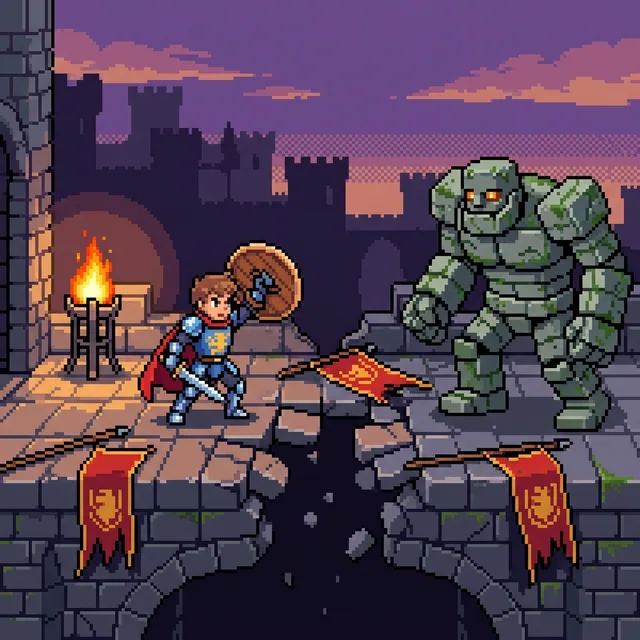
Ubah foto menjadi pixel art atau ubah ide tulisan menjadi pixel art dari teks dengan piksel persegi yang terlihat jelas, kluster warna bertepi tegas, dan palet terbatas yang terfokus. Buat potret, hewan peliharaan, latar tempat, dan karakter pixel art asli, lalu lanjutkan menjadi video atau cerita bergambar.
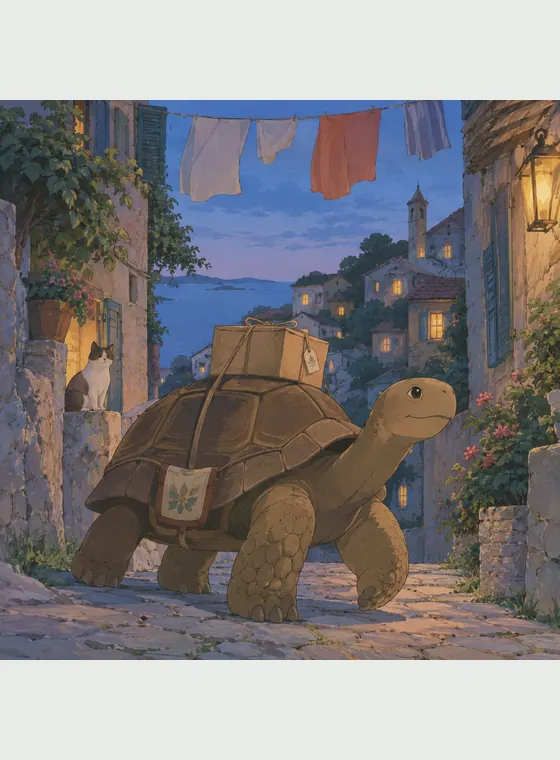
Ubah foto atau prompt asli menjadi adegan anime bergaya lukisan tangan dengan warna lembut, detail yang diamati, dan nuansa tempat yang membumi.

Ubah foto jadi gaya Disney atau ubah ide tertulis menjadi seni animasi 2D orisinal dengan ekspresi hidup, bentuk luwes, dan tata panggung hangat yang berfokus pada cerita.

Ubah foto atau ide tertulis menjadi seni voxel penuh warna dengan karakter kubik, latar berbasis kisi, dan aksi dunia balok yang mudah dipahami. Lanjutkan dengan karakter yang dapat digunakan ulang, video animasi, dan cerita bergambar.
Cel shading memberi potret, hewan peliharaan, momen harian, adegan aksi, dan ide orisinal struktur visual yang bersih. Kombinasi kejelasan grafis dan kedalaman yang cukup mendukung konsep karakter, gambar media sosial, adegan cerita, dan referensi animasi.
Ciptakan adegan dari prompt atau bangun ulang subjek dan komposisi foto referensi.
Bayangan bertepi tegas dan sorotan terkendali memisahkan hasil dari render 3D halus dan ilustrasi bergaya lukisan.
Simpan identitas yang disetujui dan lanjutkan lewat variasi, gambar, video, dan buku bergambar.
Mulai dengan kredit gratis yang tersedia dan unduh gambar JPG, PNG, atau WebP tanpa watermark platform yang terlihat.
Ini alat gambar AI yang mengubah teks atau foto referensi menjadi karya dengan kontur terkendali, warna lokal datar, dan pita bayangan bertepi tegas.

Mulai dari foto atau ide tertulis, lalu simpan karakter terbaik untuk dilanjutkan menjadi video atau cerita bergambar.