
Text to Cartoon AI - Free Online Cartoon Maker
Create original cartoon characters and scenes from any text prompt with flexible styles, sizes, and variations. Start free and download your favorite results.
Use the cartoon logo maker to turn your icon idea into an image. Describe the elements you want, add colors or a brand name if needed, and choose an art style.
A cartoon logo maker generates a logo image around a character, animal, or object. Describe what you want it to contain: a mascot, a meaningful prop, a color pair, or an optional brand name. The tool adds a logo composition brief for a centered symbol, clear space around the edges, and a plain background. Choose the drawing style separately to explore your idea in American Cartoon, Pixar 3D, Disney, Ghibli, or another available style.
The flower-shop concept pairs a finch with a fern to connect the subject to the fictional brand name. You can describe that relationship in your own prompt: what the mascot holds, wears, or does can say more about the business than an unrelated character.
Make your own logo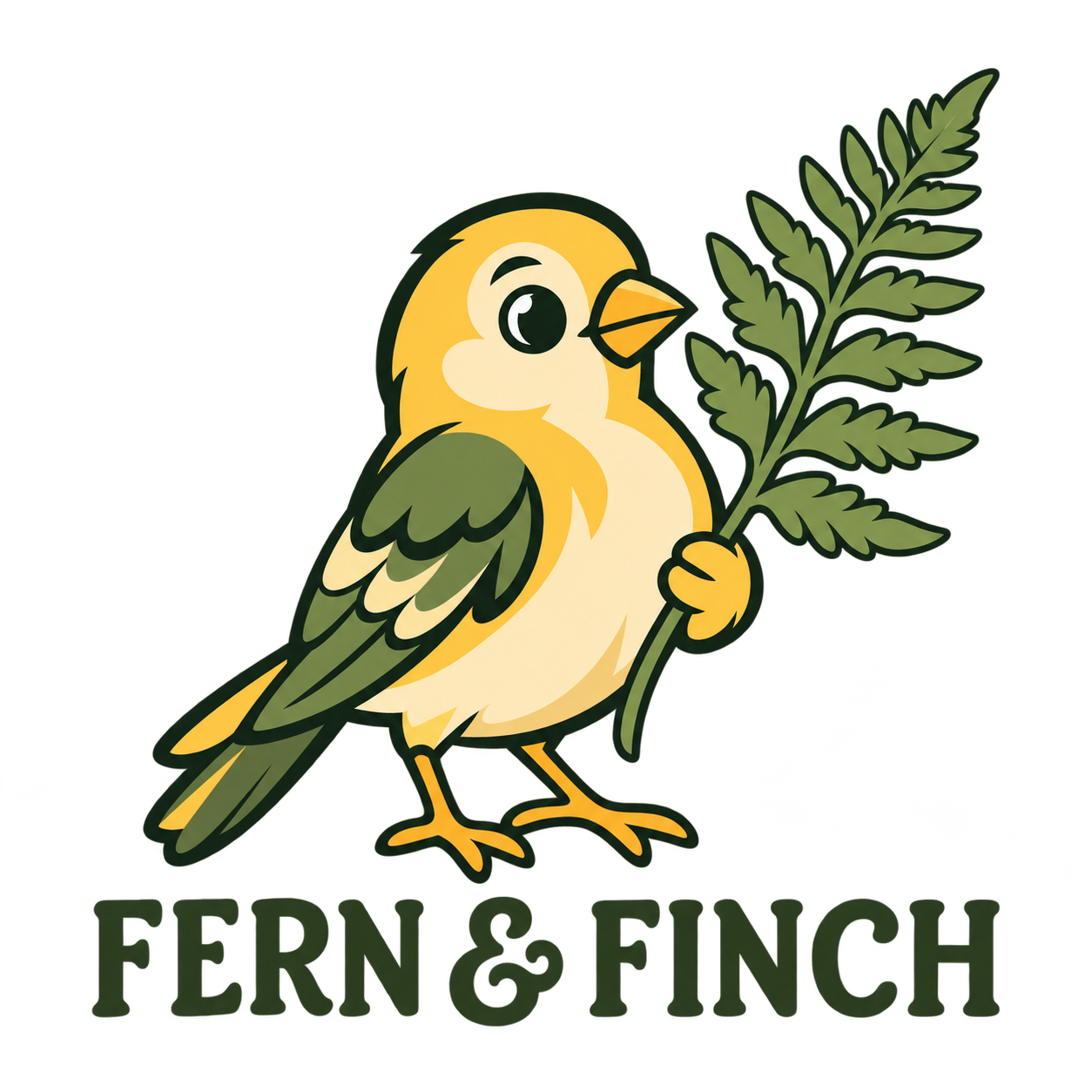
Write the subject and elements you want, such as a bear holding a coffee cup. Add the purpose, colors, or exact brand name if needed. You do not need to write a logo composition template. If you leave out lettering, the tool asks for a symbol-only icon.
Use the existing style picker to choose how the image is drawn. Keep the square canvas or choose another supported ratio. Select your model, output size, and quantity, then sign in and check the displayed cost before submitting.
Open the result to inspect the mascot and any lettering. Check every letter in the brand name. Download the original image, or reuse the prompt, change one detail, and generate another version. A new generation can also change other details.
The cartoon logo maker combines your description with the selected art style and a logo composition brief. Explore subjects, colors, and lettering without building the image from individual shapes or text layers.
Give the cartoon logo maker a subject and the elements you want in the icon. Add the purpose or brand name when it helps explain the idea. The tool supplies the logo composition brief, so you can keep your description short. Choose the visual treatment in the style picker rather than writing out an art-style prompt.
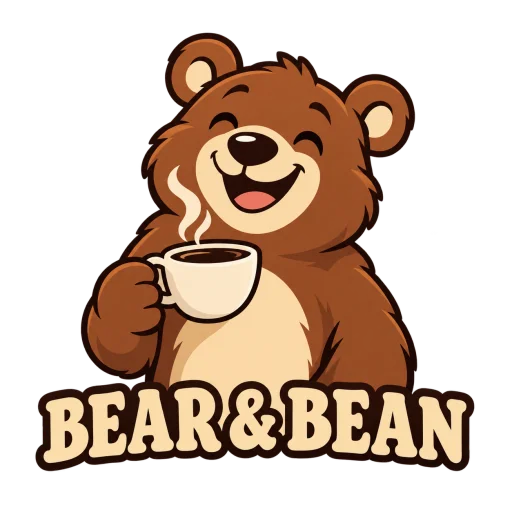
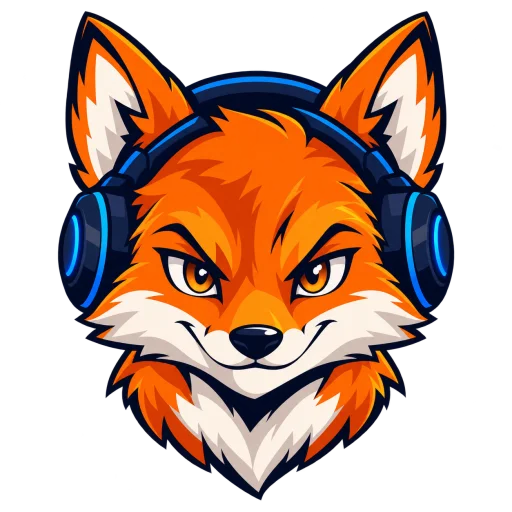
Name the project and give the mascot a relevant action or prop. A coffee cup connects the bear to a cafe; headphones connect the fox to a gaming channel.
A smiling bear holding a coffee cup, for a coffee shop.
For a name-and-mascot image, quote the exact words and say where they should sit. For a standalone icon, ask for no lettering. Generated text still needs a spelling check.
Include the name "BEAR & BEAN" below the bear.
Name a small palette and mention any important relationship between the elements. The built-in brief asks for a centered icon and clear space around the edges; you do not need to repeat it.
Brown and cream, with the cup held in front of the bear.
The logo brief requests a clear main symbol, a plain white background, and no scenery, mockups, or extra words. You only need to describe your idea. A white background does not make the downloaded file transparent.
Your input can be as short as: a teapot with two green leaves.
Want an icon without a brand name? Leave out lettering, or make it explicit:
A fox wearing headphones, orange and dark blue, no text.
Describe the elements you wantChoose a related tool for your next image, avatar, portrait, or illustration. Each option opens a focused workflow with real examples to try.
Create original cartoon characters and scenes from any text prompt with flexible styles, sizes, and variations. Start free and download your favorite results.
Turn your photo into a cartoon profile picture with AI. Pick 2D, 3D, anime, or sketch styles, keep your look recognizable, and download a high-quality avatar.

Create cute and stylish anime avatars from your photos with AI. Make custom anime PFPs for Discord, gaming, and social media with 1:1 square crop and HD export.

Turn your photo into a cartoon online with AI. Choose a style, preserve recognizable details, and download a high-quality, watermark-free result. Try it free.
Turn your photos into funny, expressive caricature art online. Free caricature maker for social avatars, personalized gifts, weddings, and couples.
Prompts, styles, generation costs, and the files you receive.
It is a text-to-image tool for exploring logo images built around a cartoon mascot or symbol. Describe your icon and choose an art style; the tool adds a logo composition brief. It is not a vector logo editor.
Have a subject in mind? Return to the generator.