Cartoon Avatars
Turn a clear headshot into distinctive profile art for social accounts, communities, games, or creator branding.
See how portraits, couple photos, pets, food, and favorite places can become polished cartoon artwork while the subject stays easy to recognize.
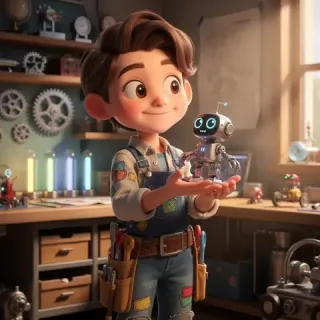
Turn a clear headshot into distinctive profile art for social accounts, communities, games, or creator branding.
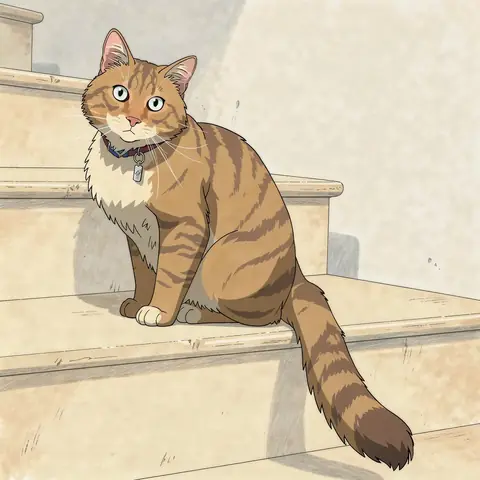
Keep familiar markings, expressions, and personality in a playful pet portrait made for sharing or gifting.
Transform an everyday portrait into polished illustrated artwork without losing the features that make the person recognizable.
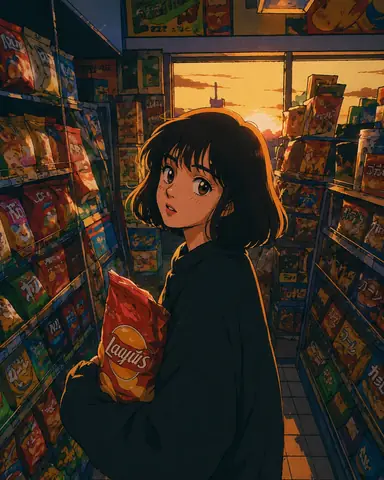
Reimagine a favorite travel photo with cleaner shapes, richer color, and a storybook or animated-film mood.
Turn a favorite photo together into a warm 3D cartoon portrait for anniversaries, gifts, invitations, or shared profiles.
Redraw a recognizable dish or product as bold cartoon artwork for menus, posts, packaging concepts, or promotional graphics.
Photo to cartoon AI works as an intelligent cartoon filter: using your uploaded image as a visual reference, it redraws the subject in an expressive cartoon style. Unlike a simple 2D filter overlay, it deeply rebuilds linework, color, lighting, texture, and background details while keeping your recognizable features intact.
Use a portrait, pet, product, or place when likeness, pose, markings, or composition matter.
Switch between American cartoon, 3D toon, anime, classic TV cartoon, claymation, and other curated styles.
Generate without writing a prompt, or add one optional note to preserve or change a specific detail.
Move from an everyday photo to reusable cartoon artwork without learning illustration software or model settings.
Go from a source photo to a downloadable cartoon in four focused steps.
Drag, drop, paste, or browse for a JPG, PNG, or WebP image up to 30 MB. A clear photo with one main subject gives the AI the strongest reference.
Select from American Cartoon, 3D Toon, Anime, Classic TV Cartoon, or Claymation filter styles. Add an optional note only when you want to keep or change a specific detail.
The AI reads the subject, face, pose, and composition, then redraws the image in your selected style. Most image generations take about 30–60 seconds.
Download the 1K result with no visible watermark, share it, or reuse the strongest version as a reference for another edit.
One photo, five cartoon directions. Compare the look before you generate.
Better source photos give the AI clearer details to follow. You do not need a longer prompt; start with a stronger image.
Choose even lighting, a visible face, and minimal motion blur. Avoid heavy shadows, sunglasses, and objects covering key features.
Single-person photos are the most reliable. For couples or groups, keep every face large, sharp, and clearly separated.
Cats and dogs work especially well when their eyes, ears, coat markings, and full face are visible.
A higher-resolution source gives the AI more useful detail. Upscaling a tiny or blurry screenshot cannot restore missing facial detail.
Choose a related tool for your next image, avatar, portrait, or illustration. Each option opens a focused workflow with real examples to try.
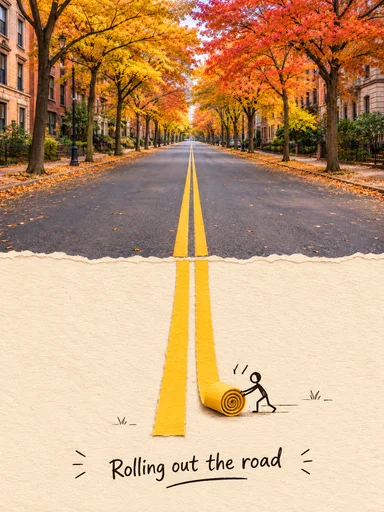
Turn a photo into an editable English prompt. Keep the full look or just the subject and scene, then copy, download, or open it in Toonderly's studio.
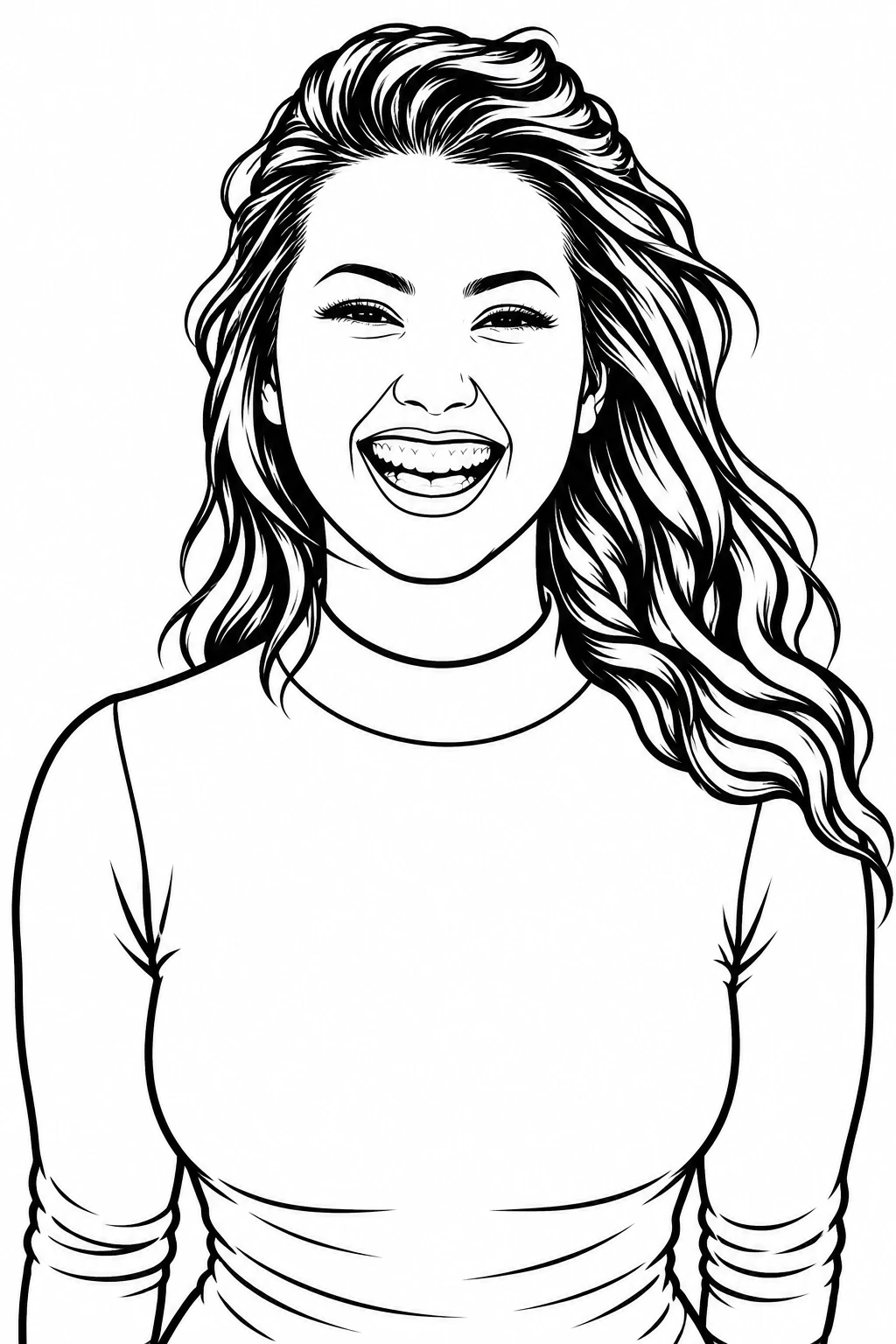
Turn any photo into clean black-and-white line art in one click. Three detail levels, print-ready 4K export, original aspect ratio kept.
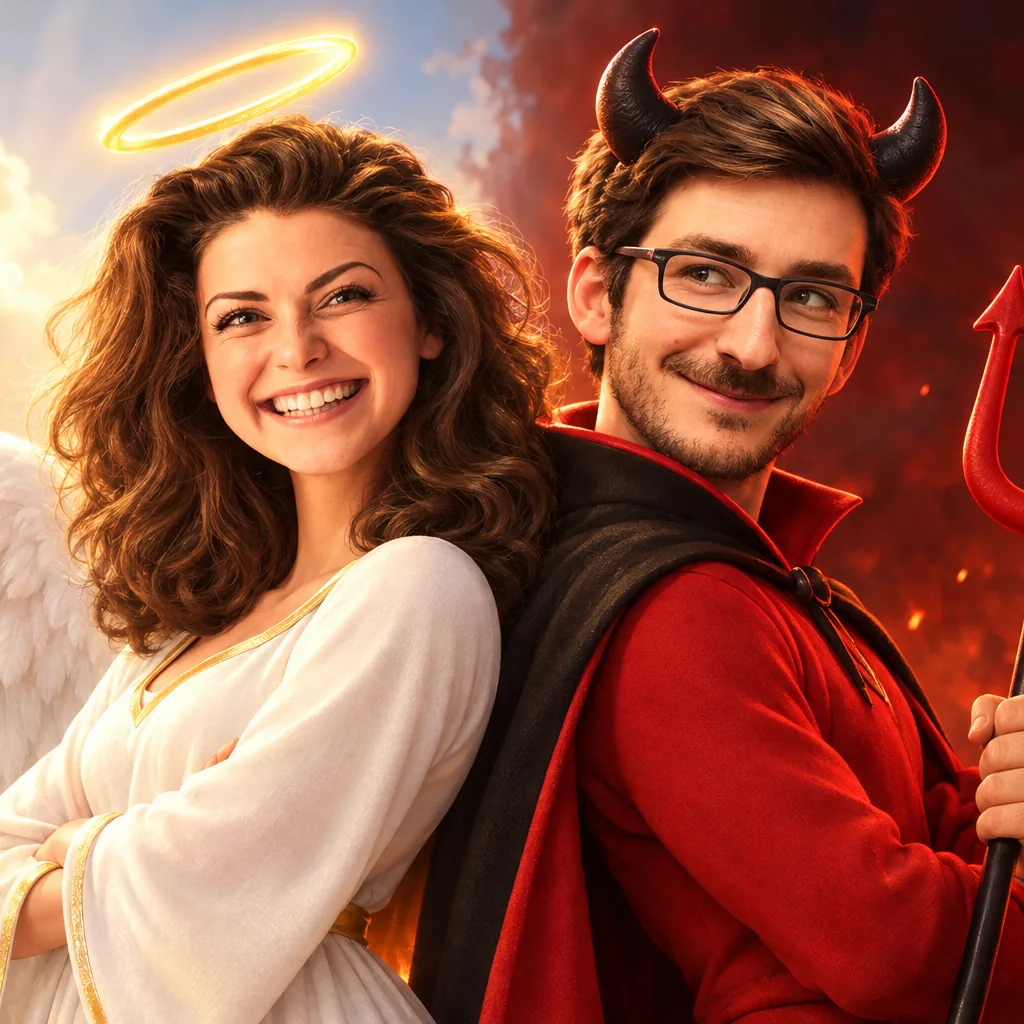
Turn your photo into a 3D cartoon Halloween costume — witch, vampire, skeleton, zombie or angel & devil duo. Six tested costumes, results in seconds.
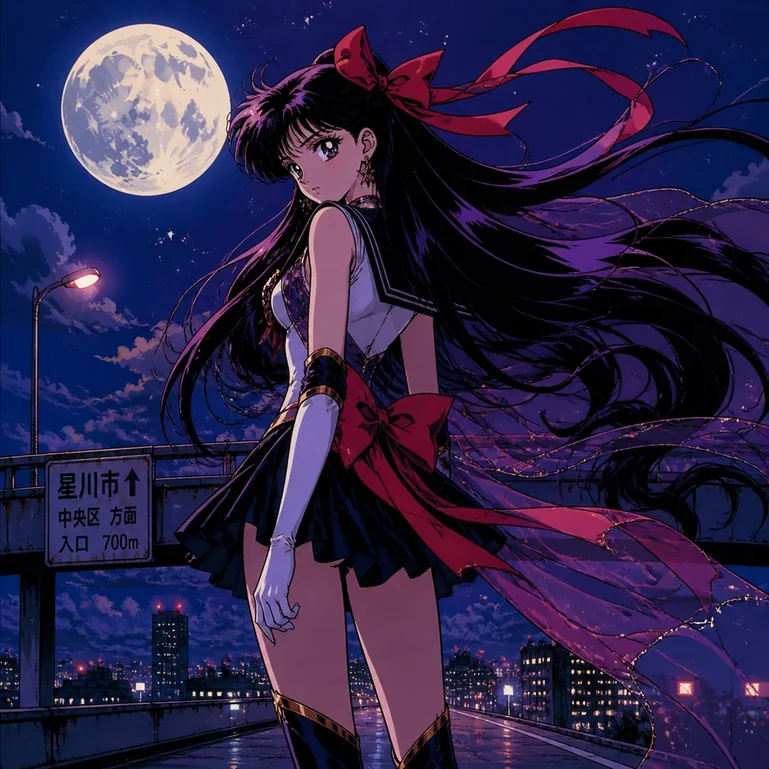
Turn portraits, pets, and travel photos into anime art with AI. Choose a preset style, preserve key features, and download HD results without a watermark.
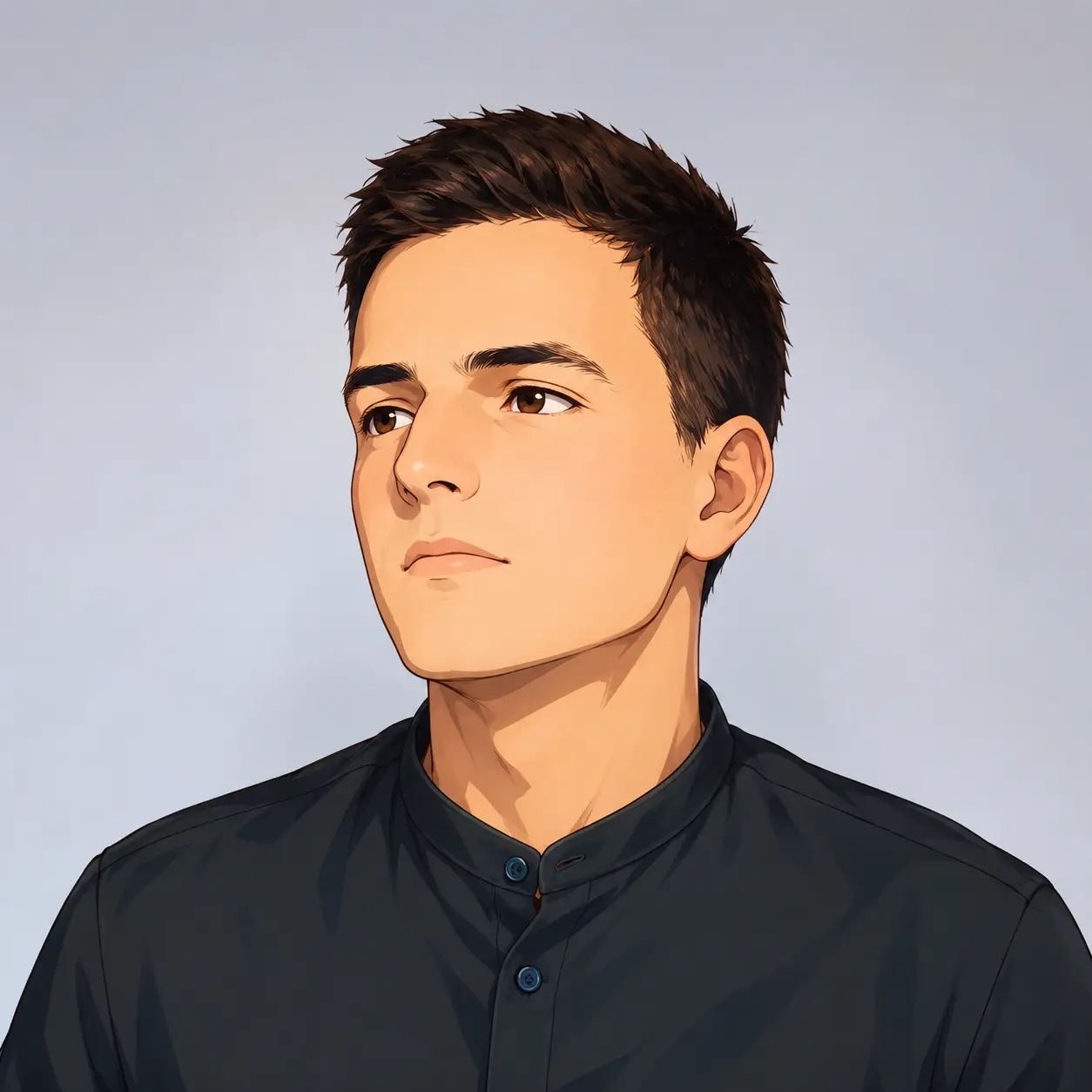
Turn your photo into a cartoon profile picture with AI. Pick 2D, 3D, anime, or sketch styles, keep your look recognizable, and download a high-quality avatar.
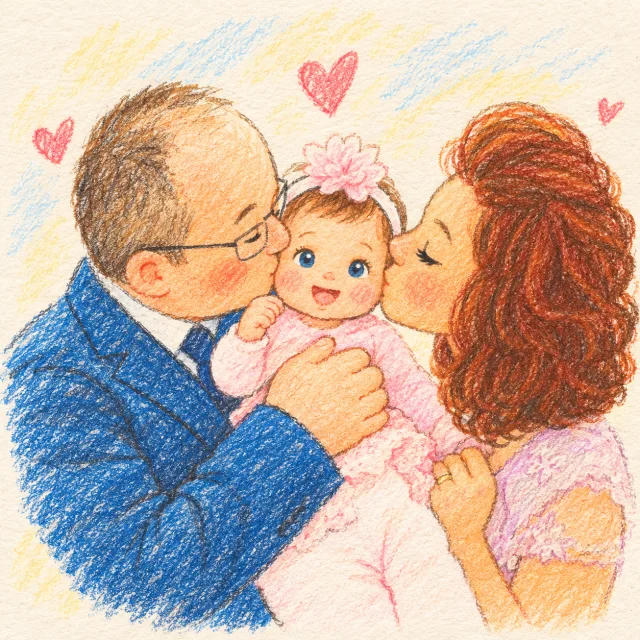
Create a family photo cartoon from one clear picture. Compare styles, keep relatives and pets recognizable, and make downloadable artwork for gifts or memories.
Choose based on how closely the result must follow your photo, how much control you need, and whether you want to install another app.
Uploaded photos may be processed by third-party AI and storage providers. Review the Privacy Policy for current handling and retention details.
Answers about how photo cartoonization works, what it costs, which images perform best, and what happens to your upload.
A photo to cartoon AI converter uses an uploaded image as a visual reference and redraws the subject in a cartoon style. It can transform portraits, pets, products, and scenes without requiring drawing skills or a detailed prompt.
Upload one clear photo, choose a style, and create a cartoon that still feels like your subject.