
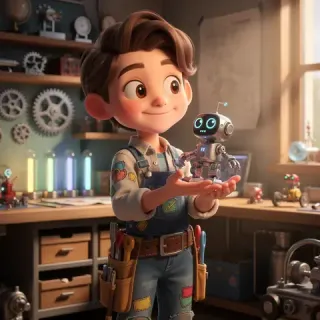
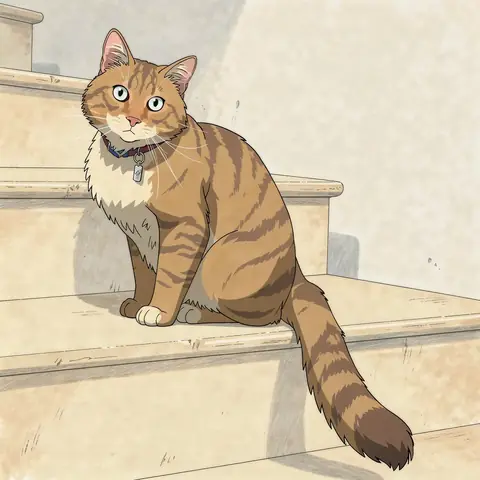
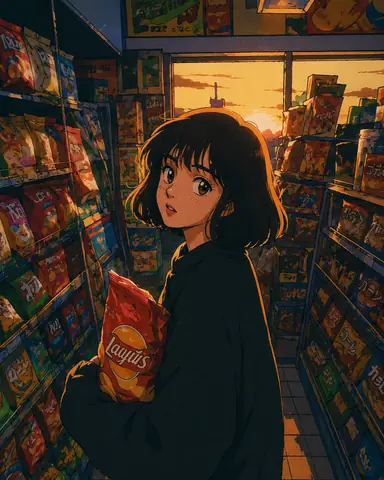
Social Media Profile
Refresh your Instagram, TikTok, X, or Facebook profile with a cartoon version of your real look.
Create a recognizable cartoon avatar for the places where people see you online, from social profiles and gaming communities to creator pages and private groups.
Refresh your Instagram, TikTok, X, or Facebook profile with a cartoon version of your real look.
Create a distinctive square cartoon PFP for Discord, gaming communities, forums, and online groups.
Turn a headshot into a memorable visual identity for your channel, portfolio, newsletter, or community.
Use polished cartoon portrait art for team pages, personal websites, presentations, or casual professional profiles.
Transform a photo with someone close to you into matching or shareable cartoon profile artwork.
Turn a real team photo into friendly group artwork for a company channel, online community, or shared project space.
A cartoon profile picture maker uses your photo as a visual reference and redraws it as a stylized avatar. Instead of applying one fixed filter, the AI rebuilds facial details, linework, color, lighting, and background elements around the profile-picture format. The result can range from a polished Western 3D cartoon portrait to a clean illustrated PFP for social, gaming, or professional use.
Use a selfie or portrait when you want the final avatar to keep recognizable details such as your hairstyle, glasses, expression, and face shape.
Try a clean 2D cartoon, polished 3D toon, expressive anime, or hand-drawn sketch direction from the style picker.
Generate a square image that is easy to download, share, and reuse across social profiles, communities, and creator platforms.
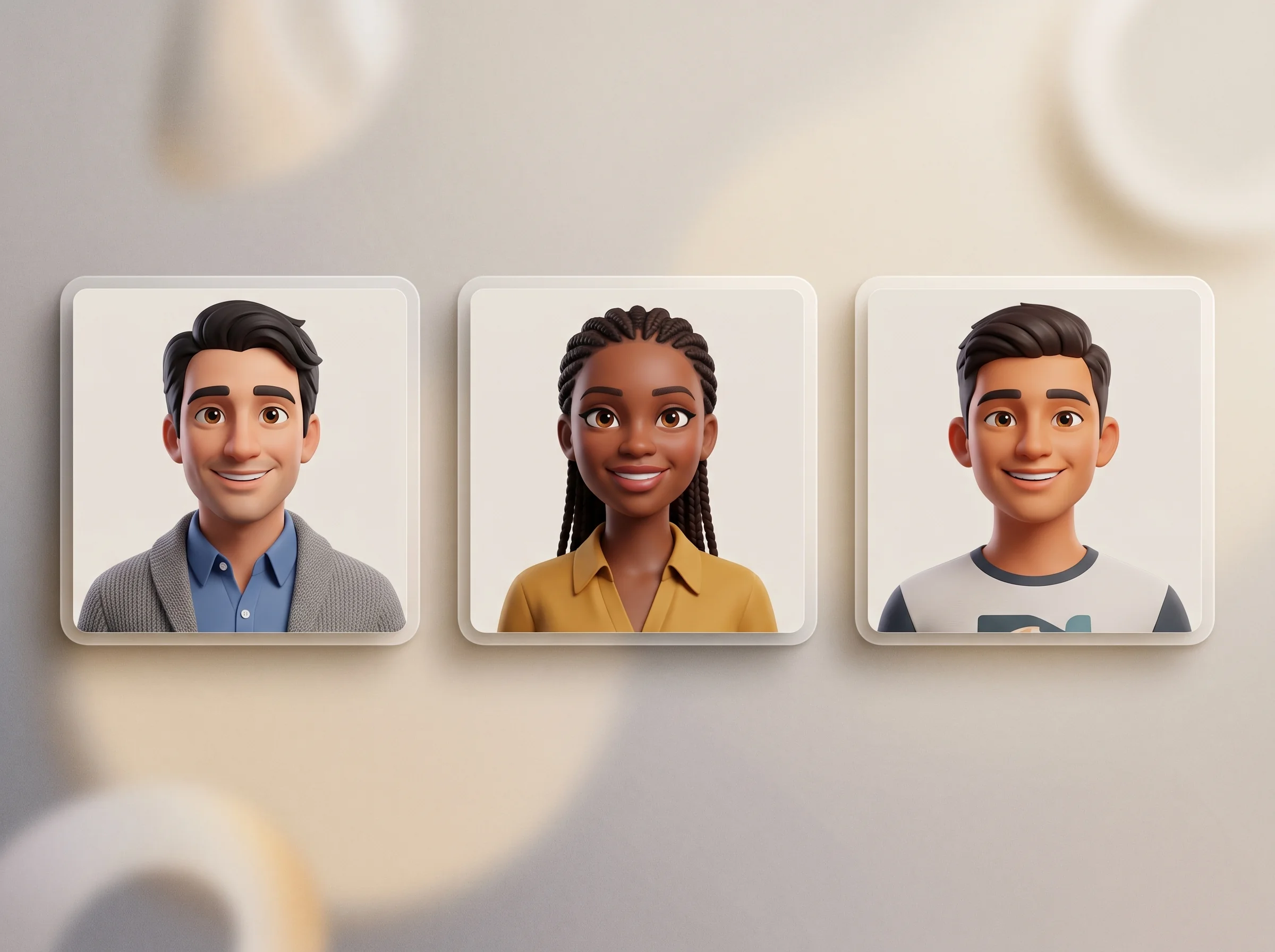
Create a recognizable cartoon identity without illustration software, complex prompts, or another app to install.
Create a profile-ready cartoon avatar in four simple steps.
Drag, drop, paste, or browse for a JPG, PNG, or WebP image. A clear portrait with one main face and even lighting gives the strongest avatar reference.
Choose 2D Cartoon, Pixar 3D, Anime, or Sketch. Each style changes the linework, shape language, color, and personality of your profile picture.
The AI analyzes the face, expression, hairstyle, pose, and composition, then redraws the photo as a cartoon while following recognizable details.
Download your high-resolution avatar without a visible watermark, share it, or continue editing with another style or image variation.
One portrait, five ways to express your online identity. Compare the same source photo across different cartoon directions before you generate.
The quality of your source photo has a bigger effect on likeness than a long prompt. Use a photo with enough facial detail for the AI to follow.
Choose even lighting, a visible face, and minimal motion blur. Avoid sunglasses, strong shadows, and objects covering facial features.
Leave a little space around the head and shoulders so your cartoon PFP stays readable after Discord and other platforms display it inside a circular or square frame.
Single-person portraits are the most reliable. For couples or groups, make sure each face is sharp, well-lit, and clearly separated.
Glasses, hairstyle, beard, earrings, and a familiar expression can help the result feel more like you.
A larger, sharper source gives the AI more useful facial detail. Upscaling a tiny screenshot cannot restore missing information.
Choose a related tool for your next image, avatar, portrait, or illustration. Each option opens a focused workflow with real examples to try.

Create cute and stylish anime avatars from your photos with AI. Make custom anime PFPs for Discord, gaming, and social media with 1:1 square crop and HD export.
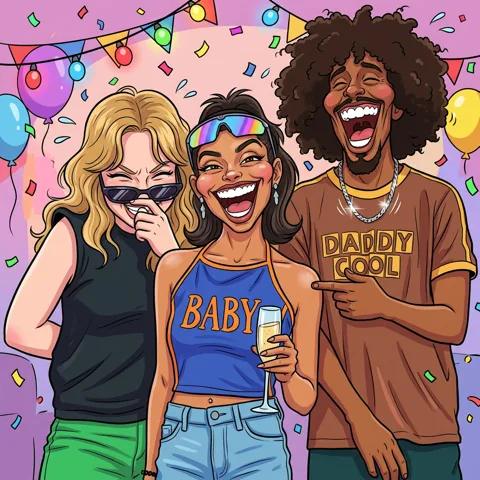
Turn your photos into funny, expressive caricature art online. Free caricature maker for social avatars, personalized gifts, weddings, and couples.

Turn your photo into a cartoon online with AI. Choose a style, preserve recognizable details, and download a high-quality, watermark-free result. Try it free.
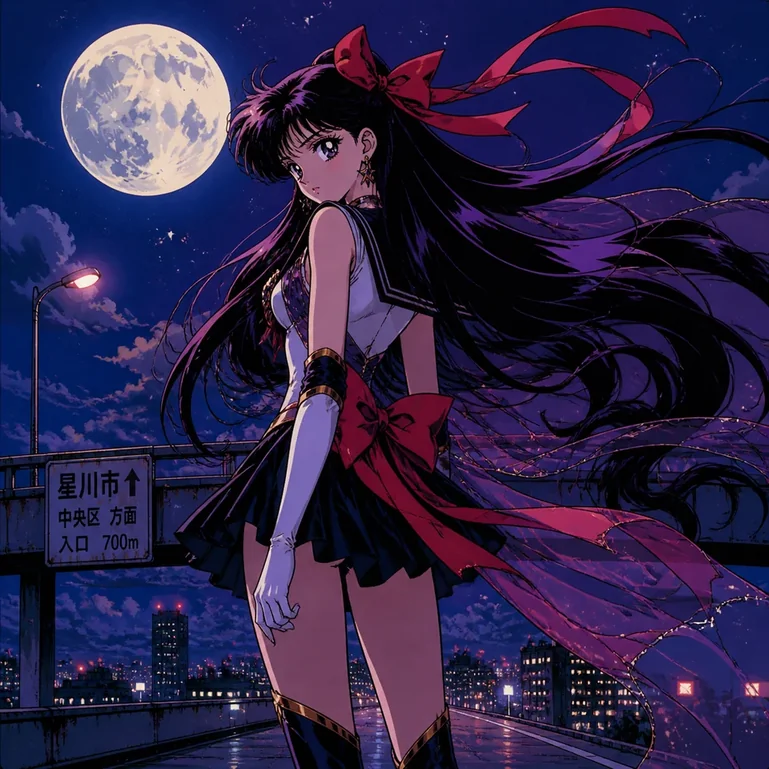
Turn portraits, pets, and travel photos into anime art with AI. Choose a preset style, preserve key features, and download HD results without a watermark.
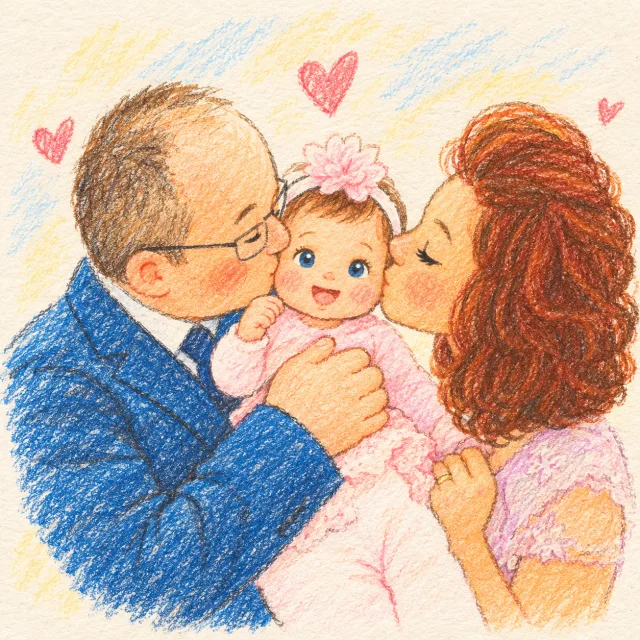
Create a family photo cartoon from one clear picture. Compare styles, keep relatives and pets recognizable, and make downloadable artwork for gifts or memories.
Compare a purpose-built AI avatar workflow with hand-drawn commissions, mobile filters, and general-purpose image generators.
| Dimension | AI Cartoon Generator | Traditional Hand Drawing | Mobile Apps | ChatGPT / DALL·E |
|---|---|---|---|---|
| Face likeness | Reference-aware generation designed to retain recognizable details. | Can be highly accurate, but depends on the artist and revisions. | Often applies a fixed effect to the original photo. | Results vary and may require repeated prompting. |
| Avatar styles | 2D, Pixar 3D, Anime, Sketch, Caricature, and more. | Depends on the artist’s style and availability. | Usually limited to preset filters. | Broad range, but consistency depends on prompts. |
| Free and watermark-free | Free starter credits with no visible platform watermark. | Usually paid; terms depend on the artist. | Free exports may include watermarks or paywalls. | Depends on the current product plan and export rules. |
| Photo handling | Processed according to the current Privacy Policy. | Depends on the artist’s storage and delivery process. | Depends on the app and its privacy policy. | Depends on provider settings and policy. |
| Turnaround | Usually ready in about 30–60 seconds. | Hours to days, plus revision time. | Usually seconds. | Usually seconds to minutes. |
| App download | No. Works directly in a browser. | No app, but commissioning an artist is required. | Often required. | Usually available on the web. |
Uploaded photos may be processed by third-party AI and storage providers. Review the Privacy Policy for current handling and retention details.
Create still images, characters, videos, and illustrated stories with the same AI cartoon toolkit.
Answers about avatar styles, likeness, exports, supported photos, and profile-picture use.
It turns a portrait photo into a stylized square avatar for social profiles, gaming communities, creator pages, and other online identities.

Upload one clear portrait, choose your favorite style, and create a cartoon avatar or PFP that feels unmistakably yours.