AI GIF Generator

AI GIF Generator

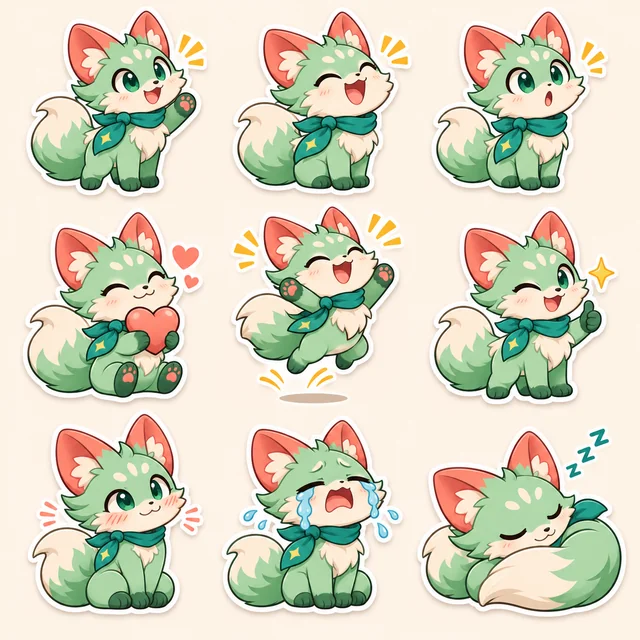
Looping AI-generated GIF of a cartoon fox pup bouncing in a sunny meadow
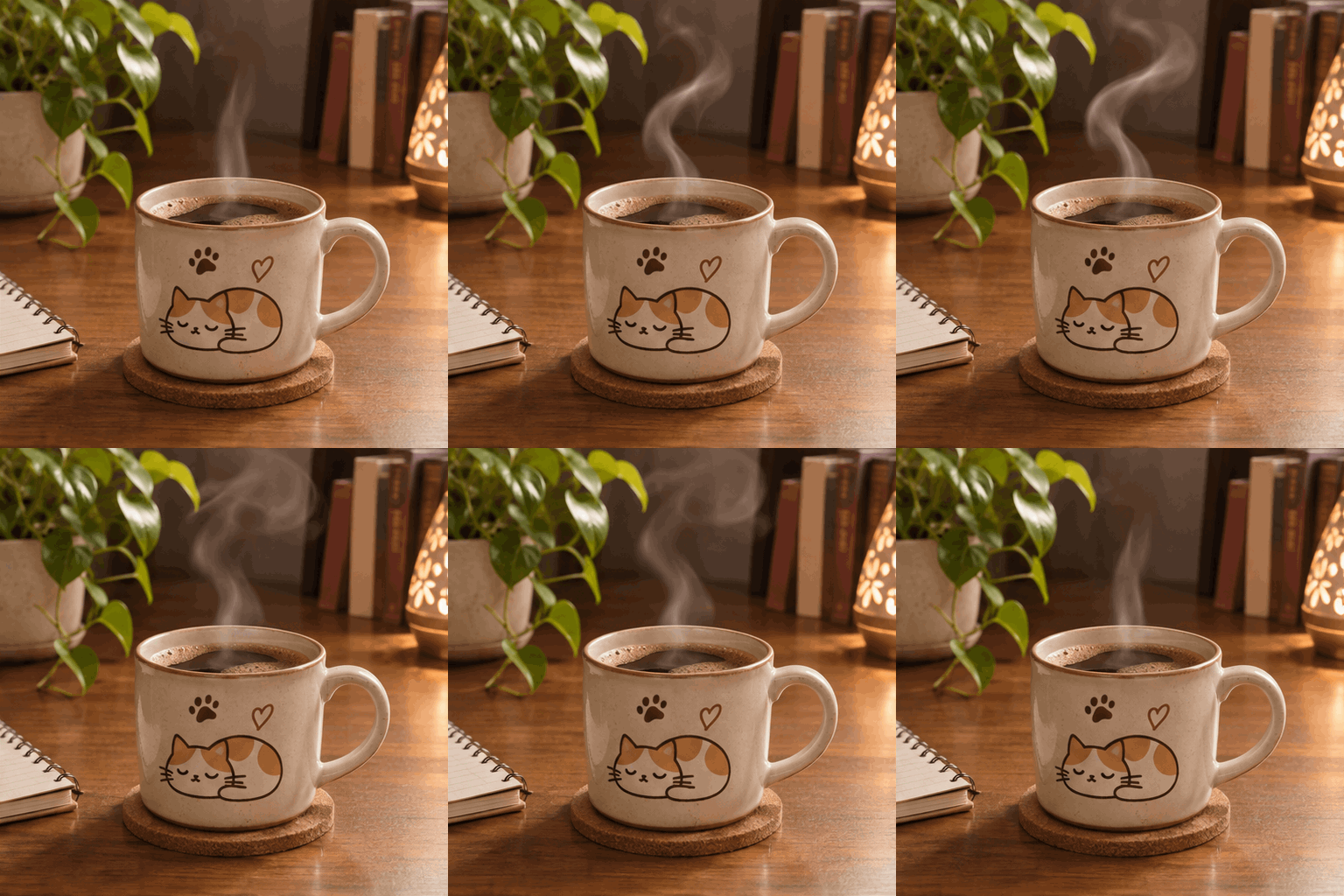
Looping AI-generated GIF of steam curling up from a coffee cup on a wooden desk
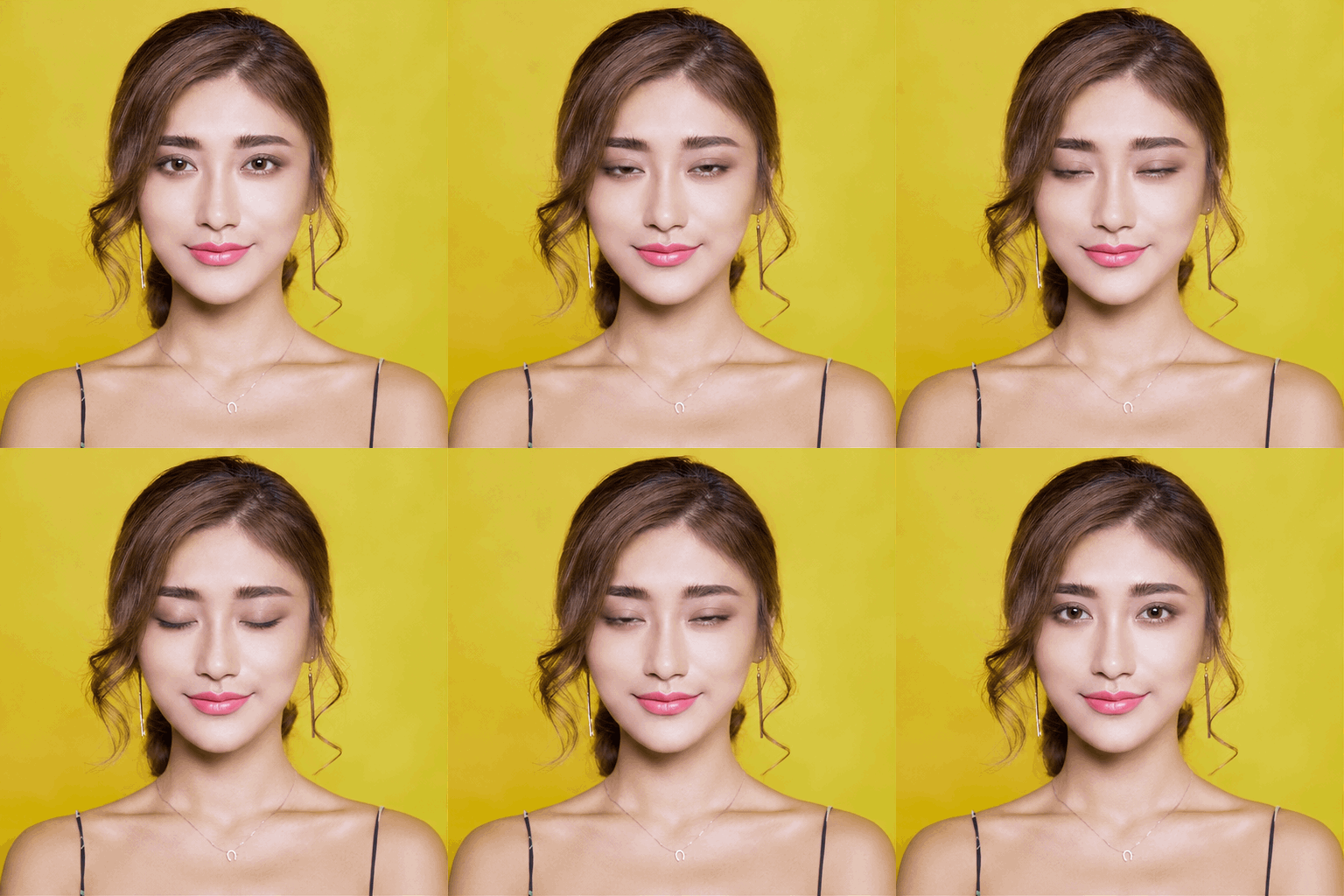
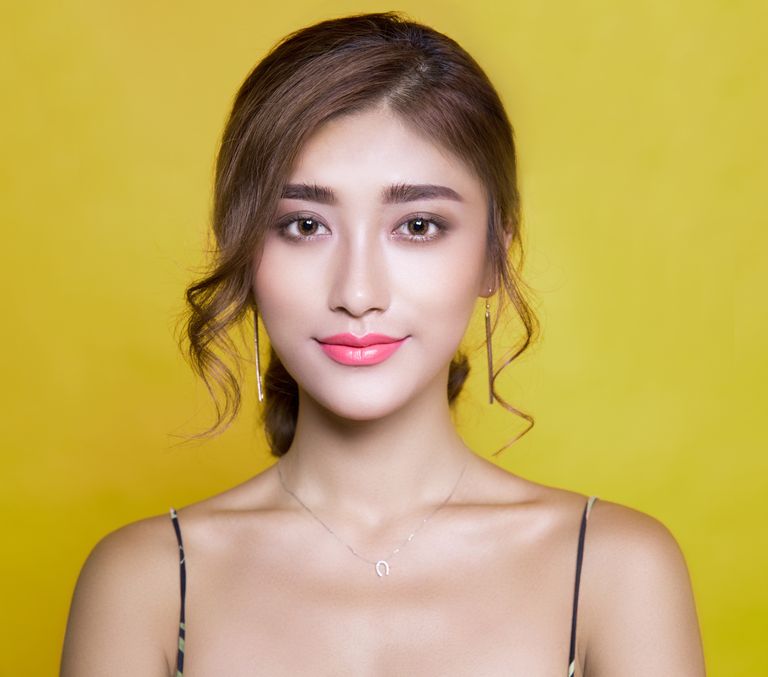
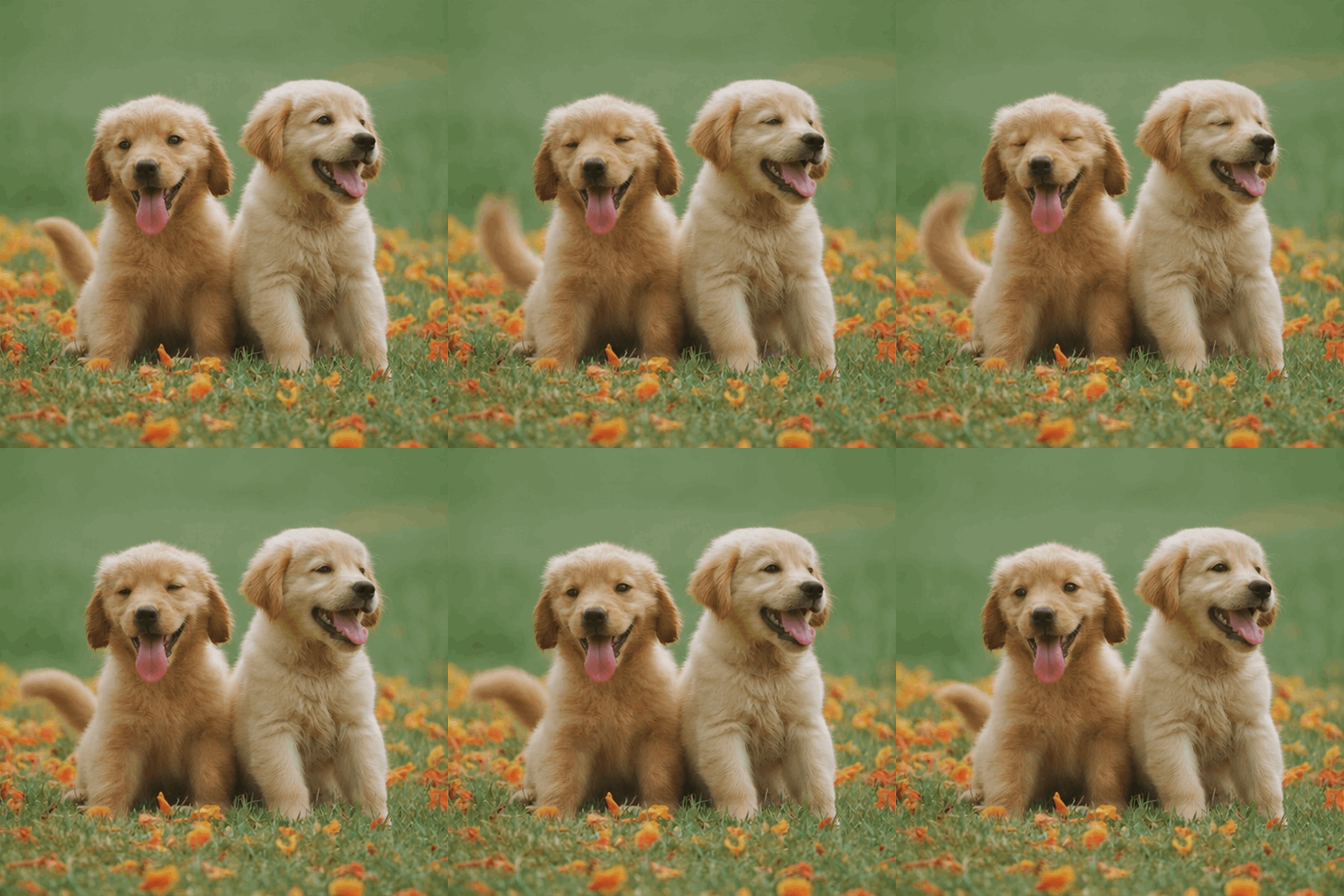
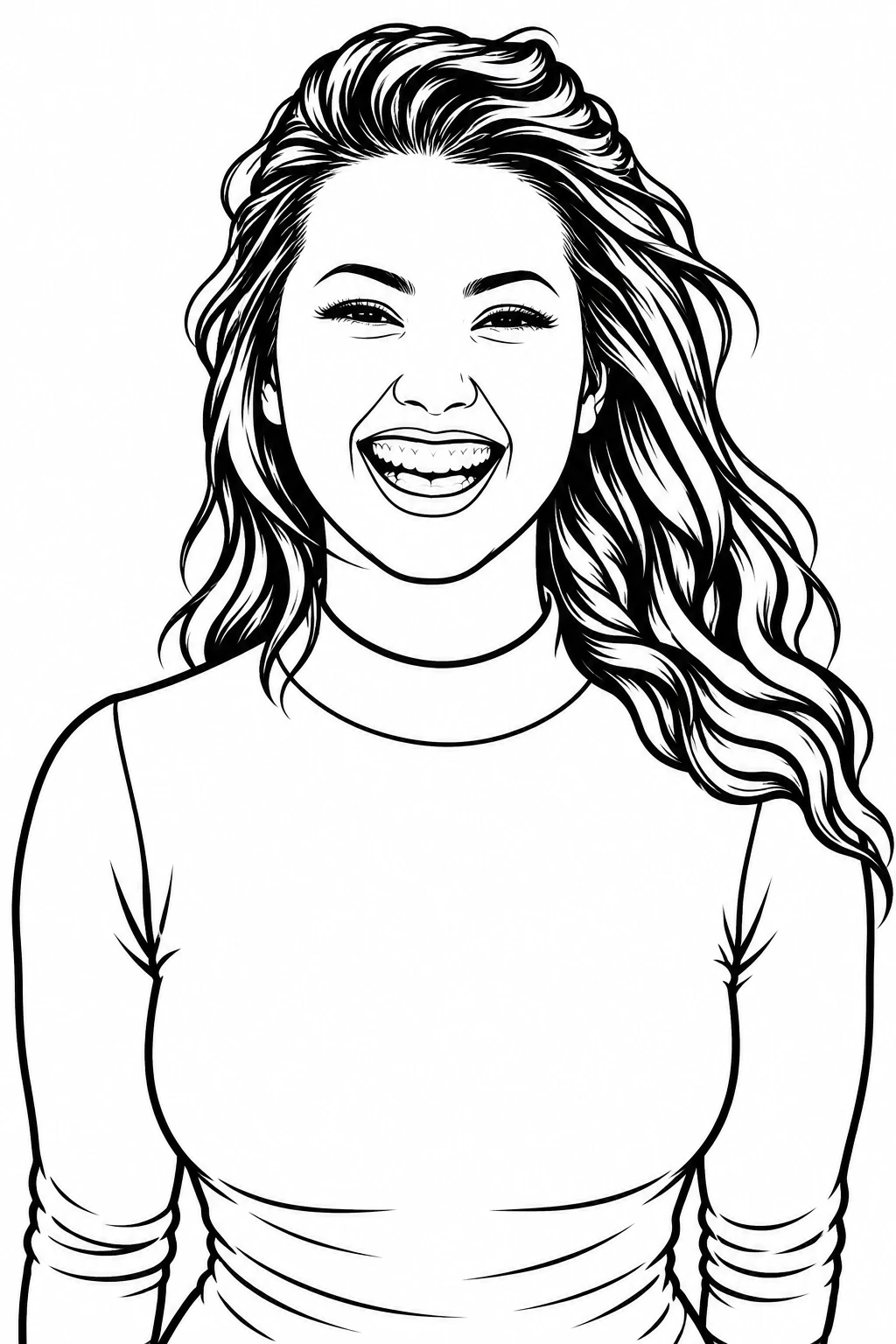
AI-generated looping GIF of the person from the portrait blinking and smilingOriginal portrait photo used as the reference
Try an idea
0/20000

An AI GIF Generator for Instant Looping Reactions

Toonderly's AI GIF generator turns a sentence or a photo into a ready-to-share looping GIF. Describe one subject, one scene, and one motion, or upload a photo and say how it should move — the GIF is generated, previewed, and downloaded in one place. It runs on GPT Image 2.6, the image model family behind ChatGPT's new GIF feature, and starts free with welcome credits after a quick Google sign-in.

Text to GIF

Type a subject, a scene, and one motion. The AI GIF generator renders a seamless loop you can post anywhere.

Image to GIF

Upload a photo, tell the GIF maker what should move, and watch the same subject come alive as an animated GIF.

Frame-rate control

Three speed presets — Fast, Standard, Chill — tune how your loops play inside the GIF generator, no complex settings.

Free to start

Google sign-in includes welcome credits, so you can generate your first AI GIF before paying anything.
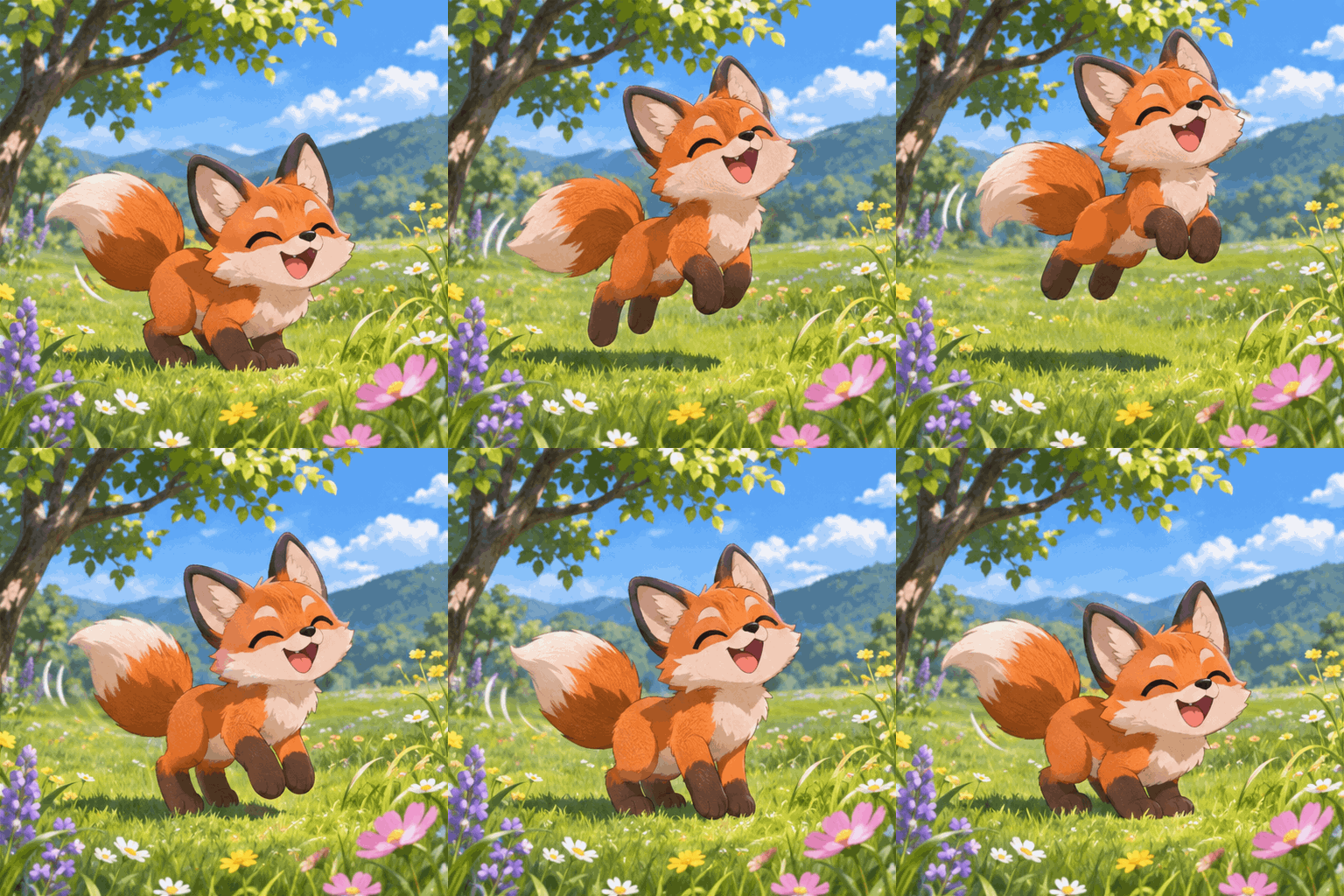
AI GIF generator turning a text prompt into a looping cartoon fox GIF
How to use

How to Use the AI GIF Generator

Two paths into the GIF generator, three steps each. Pick text to GIF when you have an idea, or image to GIF when you have a photo.

Text to GIF

  1. 01

    Describe subject, scene, motion

    One clear action works best — e.g. “a cartoon fox pup bouncing in a sunny meadow, tail wagging”.

  2. 02

    Pick quality and speed

    Choose a quality tier (4, 7, or 12 credits) and a frame-rate preset. Higher tiers sharpen detail; speed changes playback only.

  3. 03

    Preview and download

    The loop plays right in the result panel. Download the .gif file and drop it into Discord, iMessage, or any chat.

Image to GIF

  1. 01

    Upload or pick a photo

    Add a reference from your device, your phone, or a creation already in your gallery.

  2. 02

    Say what should move

    Describe one motion for the subject — “the same dog wagging its tail and blinking, keeping the photo's look”.

  3. 03

    Generate and share

    The GIF keeps the reference subject's look while the described motion loops seamlessly.

Try the GIF generator
Two modes

Text to GIF or Image to GIF — Two Ways In

The same GIF generator covers both entry points: start from words when you're imagining, start from a photo when you already have the subject.

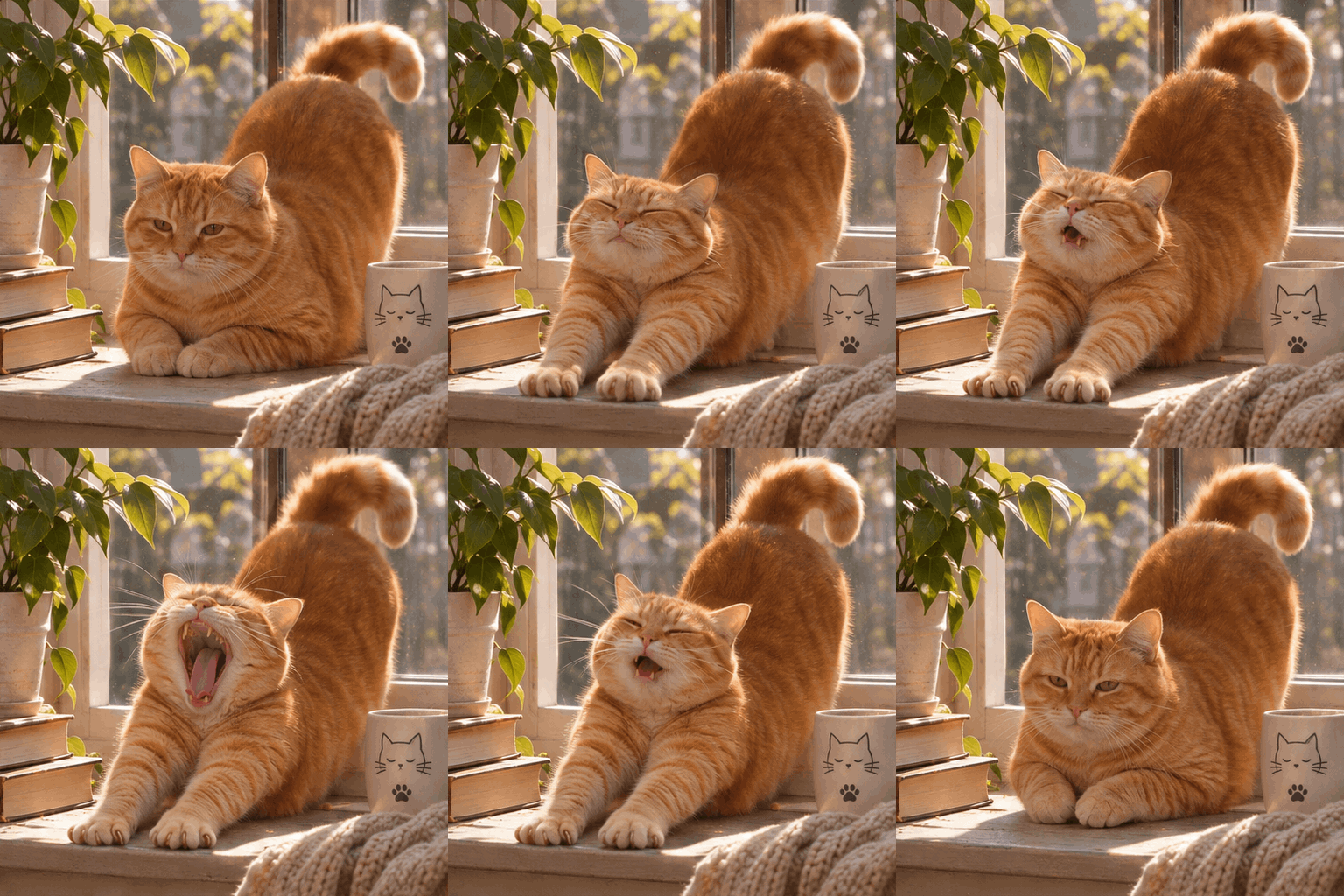
Text-to-GIF example: a chubby orange cat stretching in warm sunlight
Text to GIF

AI GIF generator from text

Write the scene and the motion, and the generator animates it from scratch. This is the fastest path from idea to reaction GIF, meme loop, or social snippet — no source material needed.

  • •Best for imagined scenes: cartoon animals, mascots, product loops
  • •Motion-first prompts give the cleanest loops
  • •Covers “text to gif” and “ai gif generator from text” searches
Write a prompt
Image-to-GIF example: a dog photo animated into a tail-wagging loop
Image to GIF

Image to GIF AI

Upload a photo, keep the subject, and describe how it should move. The image-to-GIF mode animates the reference while holding the subject's look — a photo to GIF path that ends in a true generated loop, not a slideshow.

  • •Works with portraits, pets, products, and drawings
  • •Keeps the reference subject's identity across the loop
  • •Covers “image to gif ai”, “image to animated gif”, and “photo to gif” needs
Upload a photo
Decision table

Frame Rate × Quality: Pick the Right Combo

Three frame-rate presets set playback speed; three quality tiers set detail and credits (4 / 7 / 12). Frame rate is free to switch — it never changes the price. Whichever row you pick, the GIF generator prices every loop the same way. Match the combo to where the GIF will live.

Use it for
Quick reactions in chat
Fast · 12 fps
Low · 4 credits
Snappy loops read instantly at chat sizes, and low quality keeps files light for Discord and WhatsApp.
Social posts and profiles
Standard · 10 fps
Medium · 7 credits
The default pairing: natural pacing with enough detail to survive feeds and profile pages.
Hero loops and showcases
Chill · 7 fps
High · 12 credits
Slower, dreamier motion plus top detail for large embeds, landing pages, and portfolios.
Memes with big text energy
Fast · 12 fps
Medium · 7 credits
Memes get shared and re-saved; medium quality survives recompression on X and Reddit.
Product or mascot loops
Chill · 7 fps
Medium · 7 credits
Gentle pacing suits ambient loops on product pages without paying high-tier credits.
Photo keepsakes (image to GIF)
Standard · 10 fps
High · 12 credits
Faces deserve the sharpest render; standard pacing keeps the motion believable.
Test a combo now
Engine timeline

Built on GPT Image 2.6, the Engine Behind ChatGPT's GIFs

AI GIF generation changed in November 2026. This timeline tracks how image-native GIFs arrived and where this tool sits.

  1. Nov 4, 2026

    OpenAI ships GIF output in Images 2.6

    OpenAI's GPT Image 2.6 introduced native multi-frame GIF generation, bringing looping images to ChatGPT and kicking off the “ChatGPT GIF” wave.

  2. Same week

    ChatGPT GIF generators appear — and hit limits

    ChatGPT's own GIF ability needs a subscription, frame rate is adjusted after the fact, and files live inside conversations. Independent “chatgpt gif generator” sites mostly wrap video models, so frames jitter.

  3. Nov 8, 2026

    This AI GIF generator launches on the same model family

    Toonderly wires GPT Image 2.6 (via fal) directly into a purpose-built GIF generator: text or photo input, frame-rate presets, transparent credit pricing, and one-click downloads.

  4. Why it matters

    Image-native beats video-converted

    Video-to-GIF tools resample video frames, so subjects drift between frames. An image model that generates frames natively keeps the subject, palette, and lighting coherent across the whole loop.

See the full GPT Image 2.6 capabilitiesGenerate a GIF on this engine
Use cases

What People Make with This AI GIF Maker

From chat reactions to brand loops, the AI GIF generator covers the places looping images actually get used — and every example below starts in the GIF generator in under a minute.

Reactions

Turn “a cat doing a dramatic gasp” into a loop that says what words can't. The GIF generator's Fast preset keeps the punchline instant.

Memes

Generate the loop, add your caption in your editor of choice. Square output drops straight into meme templates.

Discord & chat stickers-plus

The GIF generator outputs standard .gif files that work in every server and chat app accepting animated images — bigger than a sticker, faster than a clip.

Social short loops

Profile decorations, post embellishments, and ambient loops for feeds — generated in seconds, downloaded in one click.

Make your first loop
Comparison

AI GIF Generator vs. Traditional GIF Maker vs. Video to GIF

Three tools, three jobs. This is where an AI GIF generator earns its place — and where it honestly doesn't.

AI GIF generator
Traditional GIF maker
Video to GIF
Input
A text prompt or a single photo
Existing images or frames you supply
An existing video clip
Creates new visuals
Yes — generates subject and motion from scratch
No — arranges what you already have
No — re-encodes existing footage
Understands “make it do this”
Yes — motion follows your description
No
Limited to trimming the clip you shot
Frame-rate control
Presets at generation time
Manual per-frame timing
Fixed by source frame rate
Best for
Reactions, memes, and loops from ideas or photos
Assembling screenshots and existing art into slideshows
Cropping a moment from footage you already filmed
Skip the assembly line

AI GIF Generator FAQ