


Anime Avatars
Turn a clear portrait into an anime avatar for social profiles, communities, and games.
From selfies and pets to travel shots, use preset anime styles to produce avatars and illustrations ready to share.
Turn a clear portrait into an anime avatar for social profiles, communities, and games.
Keep the eyes, ears, and coat colors while turning a pet photo into a charming anime piece.
Convert landscape photos into anime-style backdrops and postcards with a storybook feel.
Upgrade everyday snapshots into polished anime illustrations while keeping faces easy to recognize.
Turn couple photos into warm anime scenes for anniversaries, invitations, or matching avatars.
Redraw food or product photos as eye-catching anime material for menus, social posts, and posters.
AI photo to anime uses your uploaded image as a visual reference and repaints the subject in the selected anime style. Unlike a fixed filter, it rebuilds lines, colors, lighting, and texture while preserving the recognizable people, pets, or scenery in the original photo.
When you want to keep a face, pet markings, a pose, or the composition, upload one clear original photo.
Switch between presets such as Anime, Retro 90s, Ghibli, Chibi, and Cel Shaded.
No complex prompts needed; add a short note only when you want a specific detail kept or changed.
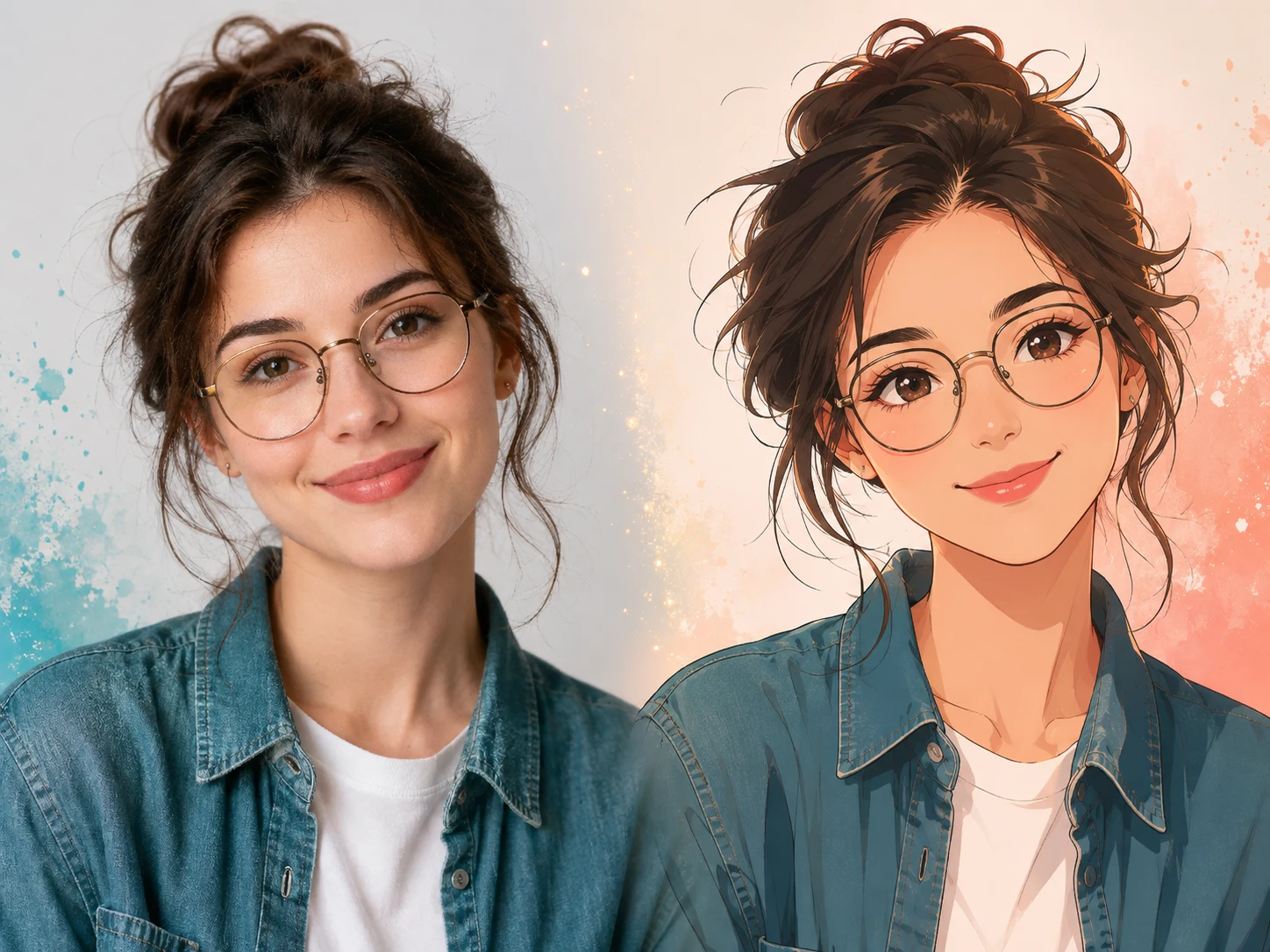
Start from an everyday photo — no drawing software or model tuning required.
Follow these four steps to convert an original photo into a downloadable anime avatar or illustration.
Upload a portrait, selfie, or pet image by simply dragging it into the generator area.
Keep the default anime preset or pick another anime direction in the creative studio panel.
Run the AI photo to anime tool. The AI references the subject, face, pose, and composition while repainting the image in your chosen style.
Download your HD anime artwork, save it as an avatar, or refine it further with additional prompts.
Compare different anime directions side by side using the same photo.
Sharp, well-lit photos with a clear subject usually produce steadier face and composition preservation.
A JPG, PNG, or WebP of at least 500 × 500 pixels and under 30 MB works best.
Front-facing or three-quarter portraits with clear eyes and hair help preserve personal features.
Pick a style first, then add a short note about details to keep or change.
Higher-resolution photos carry more facial, hairstyle, and composition detail. Avoid blurry screenshots.
Choose a related tool for your next image, avatar, portrait, or illustration. Each option opens a focused workflow with real examples to try.
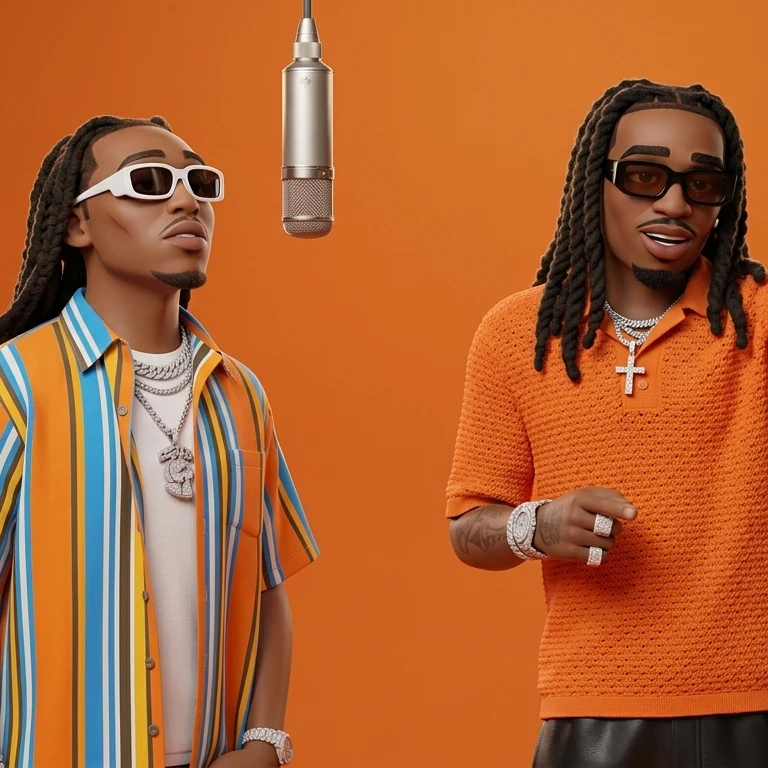
Create a Hotel Lobby AI duo video from two photos or saved cartoon and anime characters. Choose a video model, preview the template, and download your result.

Create cute and stylish anime avatars from your photos with AI. Make custom anime PFPs for Discord, gaming, and social media with 1:1 square crop and HD export.
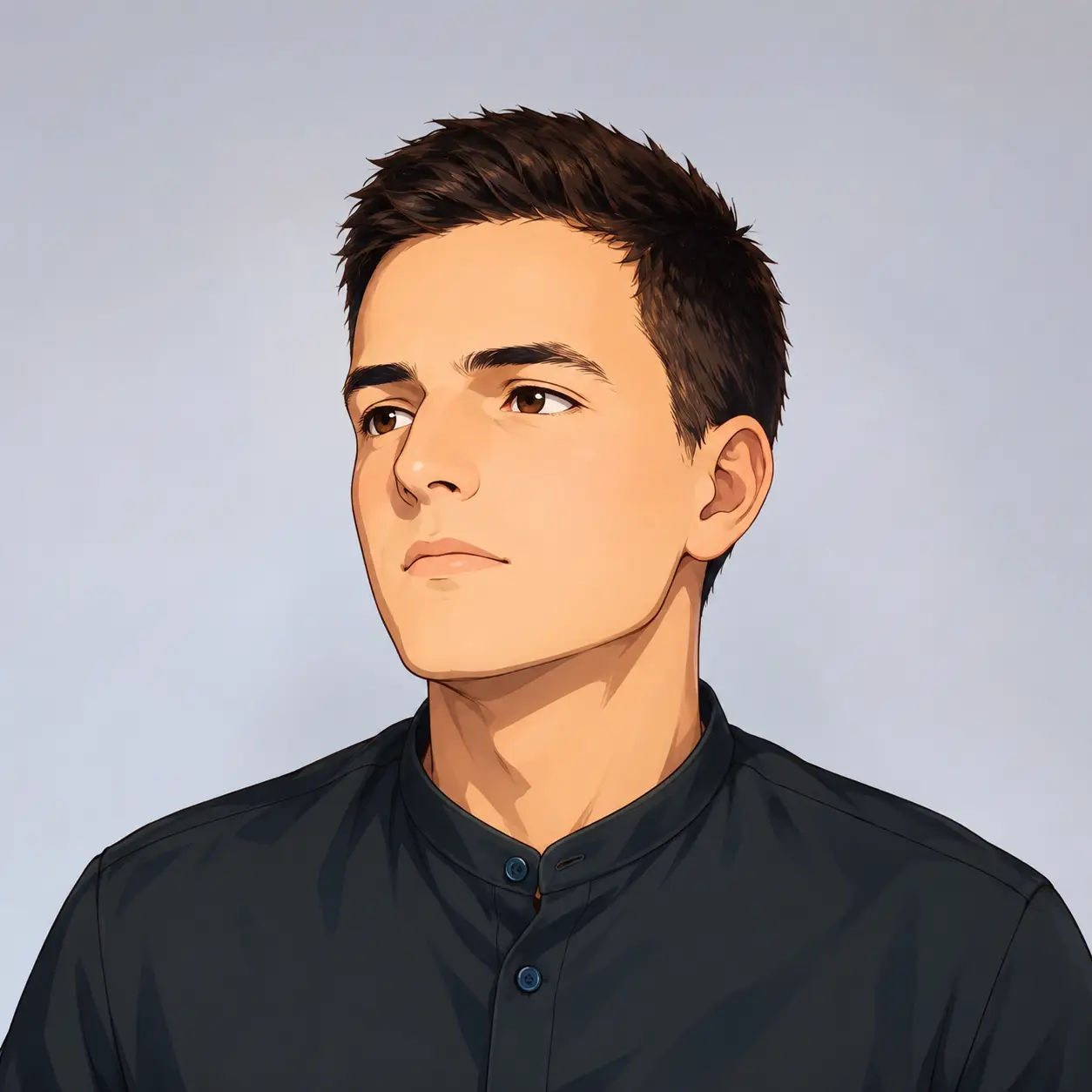
Turn your photo into a cartoon profile picture with AI. Pick 2D, 3D, anime, or sketch styles, keep your look recognizable, and download a high-quality avatar.

Turn your photo into a cartoon online with AI. Choose a style, preserve recognizable details, and download a high-quality, watermark-free result. Try it free.
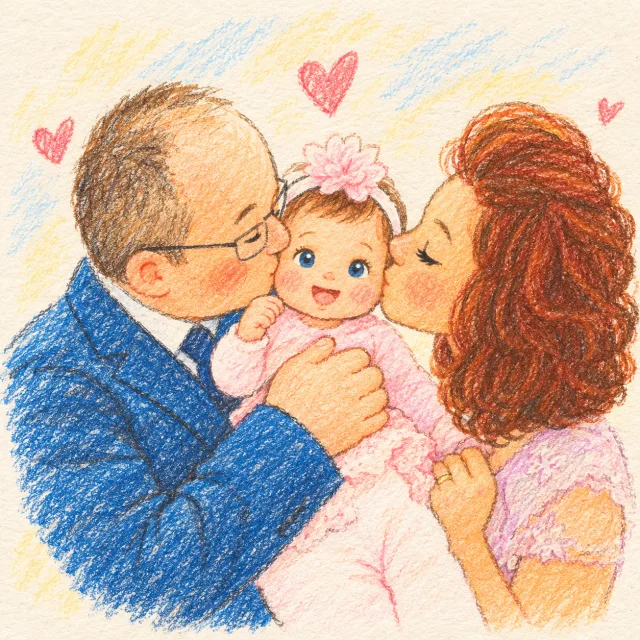
Create a family photo cartoon from one clear picture. Compare styles, keep relatives and pets recognizable, and make downloadable artwork for gifts or memories.
Compare ways to turn a photo into anime by likeness, style control, and convenience.
| Criteria | AI Photo to Anime | Hand-drawn Artist | Mobile App Filters | General AI Tools |
|---|---|---|---|---|
| Likeness to the subject | Generates from your reference image, focused on keeping recognizable faces and composition. | Can be highly accurate, but depends on the artist's skill and revision rounds. | Usually keeps the photo structure, but applies mostly fixed filter effects. | Depends on the model and prompt skills; often needs several attempts. |
| Anime style selection | Switch between presets such as Anime, Retro 90s, Ghibli, Chibi, and Cel Shaded. | Limited to the artist's specialties and availability. | Usually restricted to the app's built-in filters. | Broad range, but style consistency depends on your prompts. |
| Speed | Most images finish in about 30 to 60 seconds. | Usually takes hours to days. | Usually a few seconds per image. | Anywhere from seconds to minutes. |
| Installation required | No — runs directly in your browser. | No software needed, but you must brief the artist. | Most require downloading an app. | Web tools usually need no installation. |
| Cost and watermarks | Free credits after sign-in; results carry no visible platform watermark. | Usually paid; watermarking depends on the artist. | Free exports may add watermarks or require watching ads. | Depends on platform quotas and subscription plans. |
| How photos are handled | Uses third-party AI and storage services; see the privacy policy for details. | Depends on the artist's storage and delivery workflow. | Governed by the app's terms of service. | Depends on each provider's privacy terms. |
Uploaded photos may be processed by third-party AI and storage providers. See the privacy policy for details.
Answers about how photo to anime works, style choices, likeness, formats, privacy, and downloads.
Upload a clear portrait, pet, or everyday photo and start generating with an anime preset. The system references the subject, composition, and key features of the original image while repainting it.

Upload a clear photo, pick your favorite anime style, and generate your own anime avatar or illustration.