

Couple Keepsakes
Turn a favorite photo together into a warm 3D cartoon portrait for anniversaries, gifts, invitations, or shared profiles.
Every before-and-after below comes from the same family photo cartoon workflow on this page. Compare how real couples, parents, children, babies, and pets translate into different illustrated styles.
Turn a favorite photo together into a warm 3D cartoon portrait for anniversaries, gifts, invitations, or shared profiles.


Turn a relaxed outdoor family photo into a soft watercolor keepsake while preserving the original group and setting.
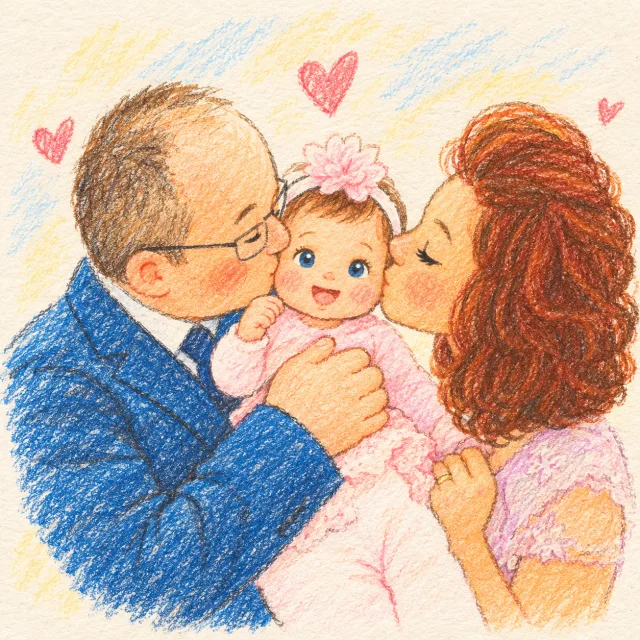

Reimagine a close parent-and-baby moment as a warm hand-drawn storybook portrait for announcements or keepsakes.
Keep familiar markings, expressions, and personality in a playful pet portrait made for sharing or gifting.
Transform a real family group into polished anime artwork while keeping each person and the shared moment recognizable.


Turn a clear baby photo into expressive anime artwork that keeps the child’s smile, clothing, and pose easy to recognize.
A family photo cartoon is newly generated artwork, not a fixed filter placed over the original pixels. The generator reads faces, poses, clothing colors, pets, and the group composition, then redraws the scene in the style you choose. Couples and small family groups work best when every face has enough clear detail to follow.
Use a photo where faces, eyes, and important details such as glasses, clothing, or pet markings are easy to see. A sharp source gives the model more useful information than a long prompt can recover from a blurred image.
For couples and small groups, separated, well-lit faces are more reliable than crowded photos with heavy overlap. If someone is very small in the frame, crop the source before uploading while keeping the whole family visible.
Try 3D Toon for dimensional character art, Anime for expressive linework, Watercolor for a softer keepsake, or Storybook Crayon for a handmade family-album feel. The same photo can produce visibly different results, so compare more than one style when the occasion matters.
Choose a related tool for your next image, avatar, portrait, or illustration. Each option opens a focused workflow with real examples to try.

Turn your photo into a cartoon online with AI. Choose a style, preserve recognizable details, and download a high-quality, watermark-free result. Try it free.
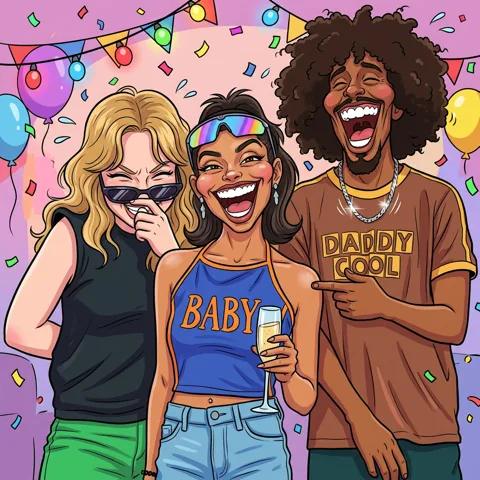
Turn your photos into funny, expressive caricature art online. Free caricature maker for social avatars, personalized gifts, weddings, and couples.
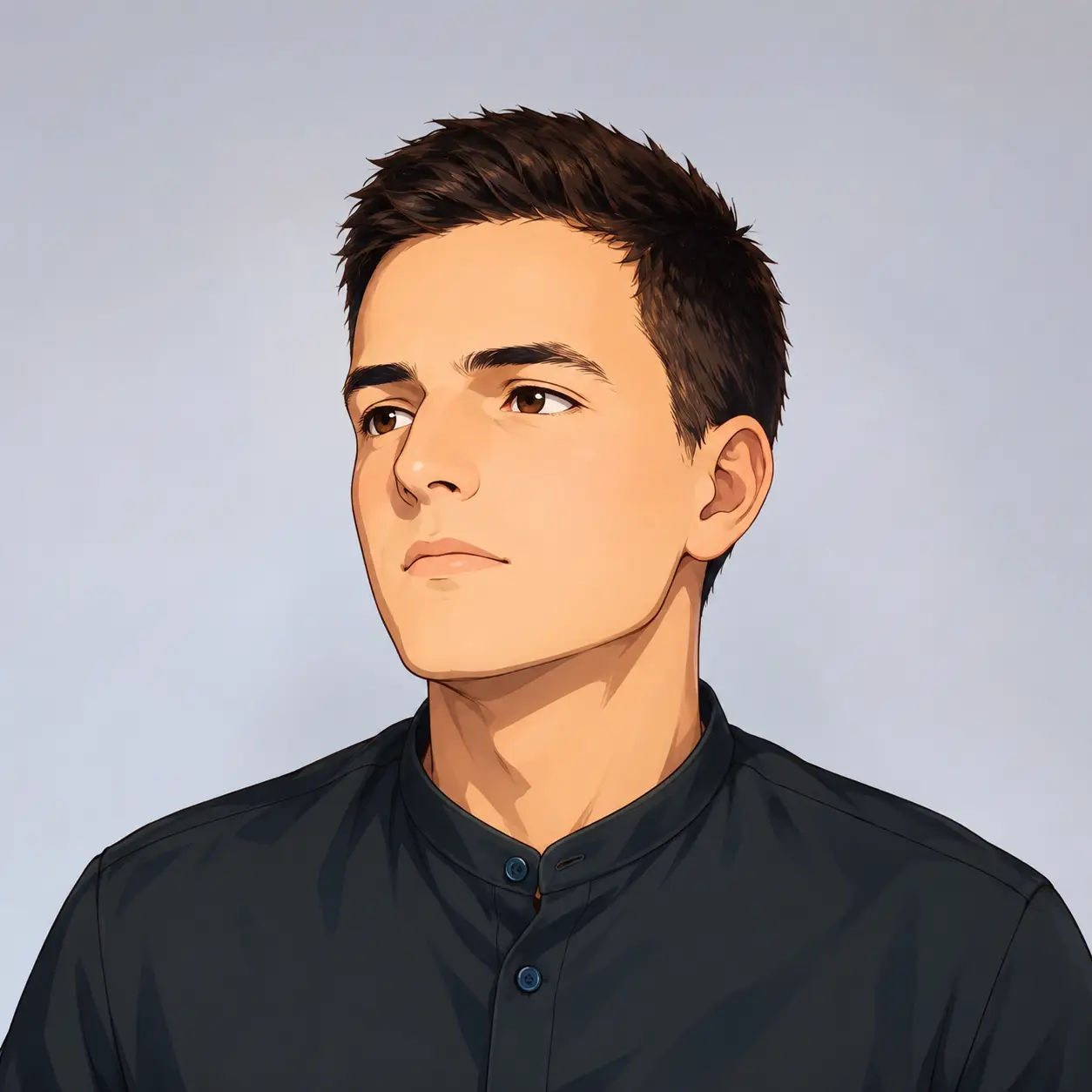
Turn your photo into a cartoon profile picture with AI. Pick 2D, 3D, anime, or sketch styles, keep your look recognizable, and download a high-quality avatar.
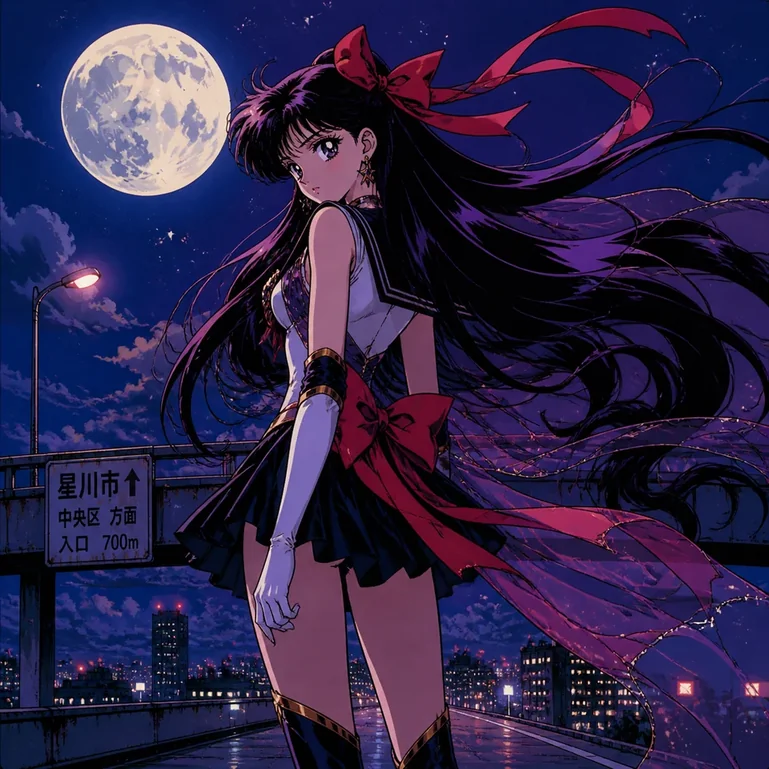
Turn portraits, pets, and travel photos into anime art with AI. Choose a preset style, preserve key features, and download HD results without a watermark.

Create cute and stylish anime avatars from your photos with AI. Make custom anime PFPs for Discord, gaming, and social media with 1:1 square crop and HD export.
The workflow is built around a real family picture: upload once, choose a style visually, and generate without learning illustration software or writing a long technical prompt.
Use the original family composition as the reference instead of describing every person from scratch. The model can follow visible faces, poses, clothing colors, and where relatives or pets appear in the frame.
Move between 3D Toon, Anime, Watercolor, Storybook Crayon, comic, sketch, and other presets. Generate another version when a different finish suits the memory or recipient better.
Add a short note such as “keep the glasses and red sweater” when one feature matters. The selected style and product constraints are handled by the existing generation workflow.
Download the generated family photo cartoon at the default 1K resolution, or choose 2K or 4K when those options are available with your current plan. Use it in your own gift, card, invitation, profile, or family project; printing and physical delivery are not included.
Upload, generate, compare, and download on the web without installing a dedicated filter app. Free starter credits are available after Google sign-in, and the generation cost is shown before you run it.
Create artwork for couples, parents and children, new babies, pets, anniversaries, holiday photos, and everyday moments while keeping the source image at the center of the process.
Go from one clear photo to a downloadable family photo cartoon in four focused steps. No drawing software or detailed style prompt is required.
Choose a JPG, PNG, or WebP under 30 MB with visible, well-lit faces.
Select a visual direction, then add an optional note about details you want to preserve.
Review the new cartoon result beside the source photo. Complex groups, blur, and heavy overlap can reduce recognizable detail, so try a clearer crop or another style when needed.
Download the result or make another version with a different style or clearer reference photo.
The right option depends on whether you value style variety, speed, hands-on revisions, or a simple fixed effect. This comparison makes those tradeoffs explicit before you upload.
| What to compare | Family Photo Cartoon AI | Filter Apps | Artist Commission |
|---|---|---|---|
| How it transforms the photo | Generates a new image while using the visible family, pose, clothing, pets, and composition as references. | Usually applies a preset effect to the existing pixels and structure. | An artist interprets the photo and your written brief by hand. |
| Style choice | Switch between 3D, anime, watercolor, storybook, comic, sketch, and other visual directions. | Typically limited to the effects included in the app. | Depends on the chosen artist’s portfolio and agreed scope. |
| Group-photo control | A short note can emphasize visible details, but clear and separated faces still matter. | Little control beyond filter strength or preset selection. | Detailed feedback and manual revisions may be available. |
| Typical turnaround | Most generations take about 30–60 seconds. | Usually seconds after the photo is selected. | Often days or longer, depending on the artist and revisions. |
| Cost model | Free starter credits after Google sign-in; the credit cost appears before generation. | May use ads, subscriptions, export limits, or paid filters. | Quoted and paid per artist, portrait, or revision scope. |
| Best fit | Trying several family photo cartoon ideas quickly and downloading a digital keepsake. | Applying a fast, consistent effect with minimal change to the source. | A bespoke piece with human interpretation and an agreed revision process. |
AI output can vary, especially when faces are small, blurred, or overlapping. For current photo handling and retention details, review the Privacy Policy.
Answers about creating a family photo cartoon, choosing a style, handling group photos and pets, costs, output, and photo quality.
Yes. Upload a clear picture to the family photo cartoon maker and choose a style. Couples and small groups are generally more reliable when every face is visible, well lit, and separated.

Upload one clear family picture, choose a style, and create an original digital cartoon portrait for a shared memory, gift, or celebration.