

Photo to Cartoon AI - Free Online Cartoon Maker
Turn your photo into a cartoon online with AI. Choose a style, preserve recognizable details, and download a high-quality, watermark-free result. Try it free.
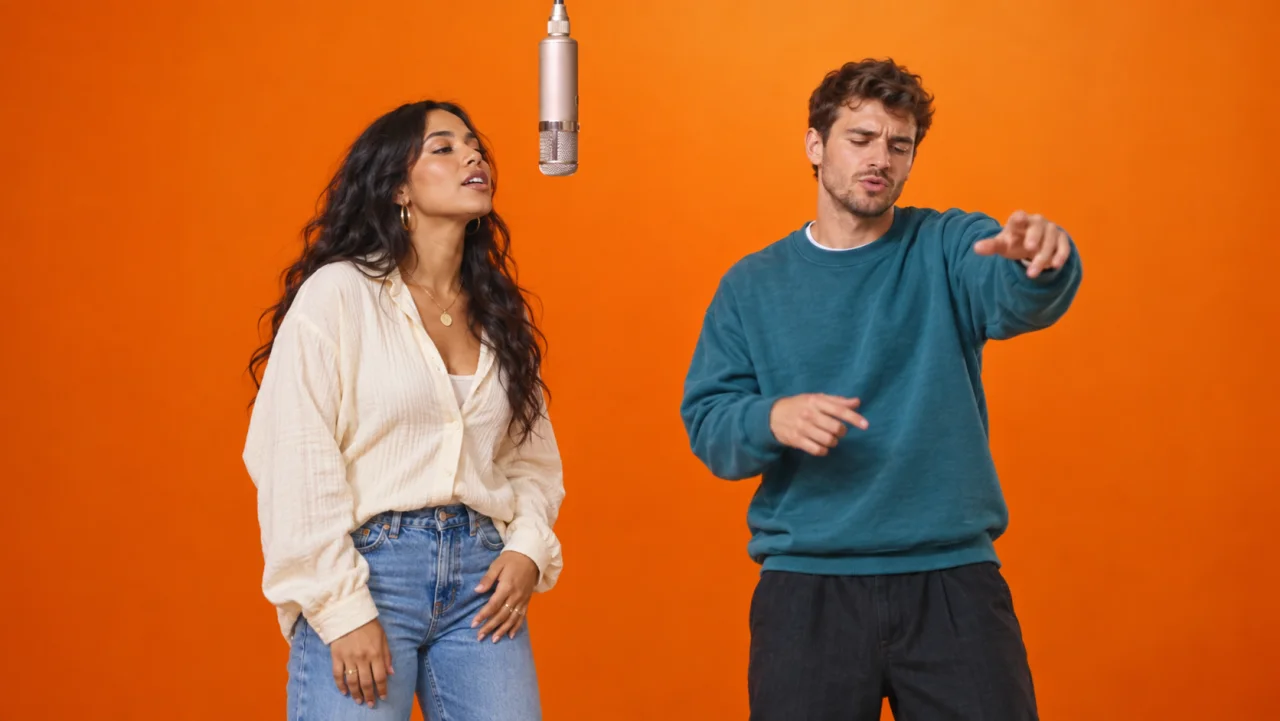
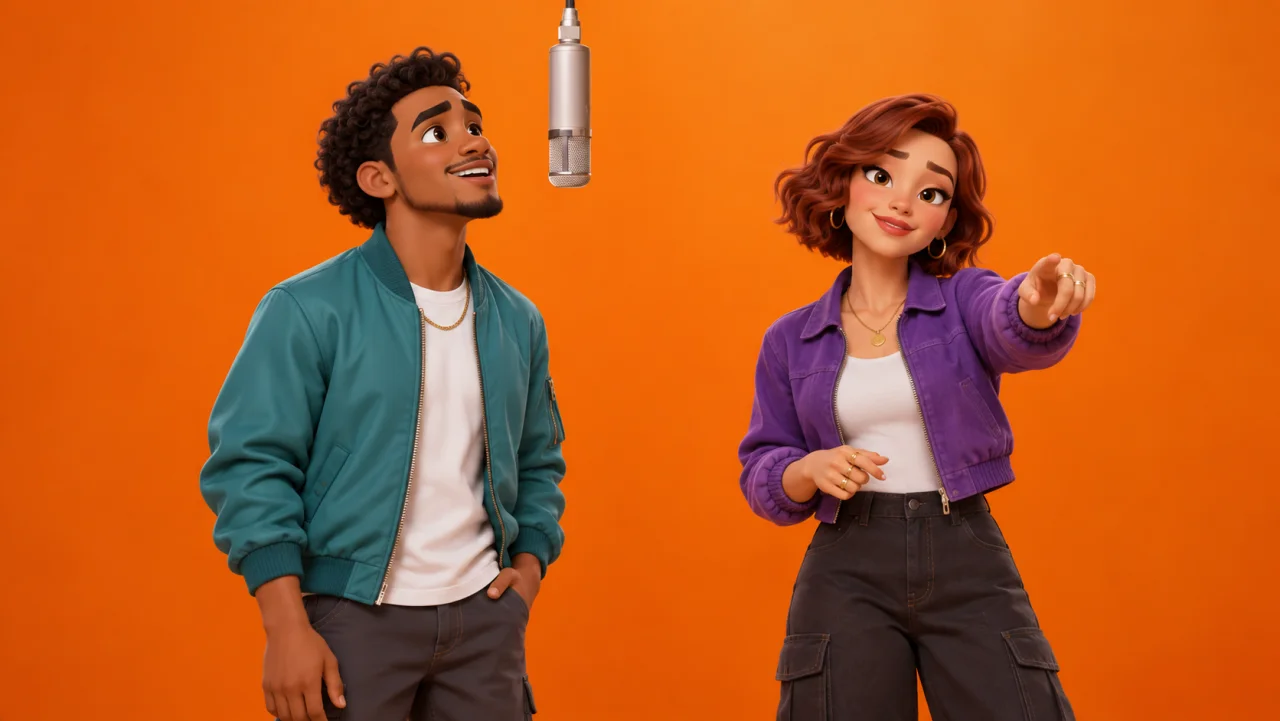
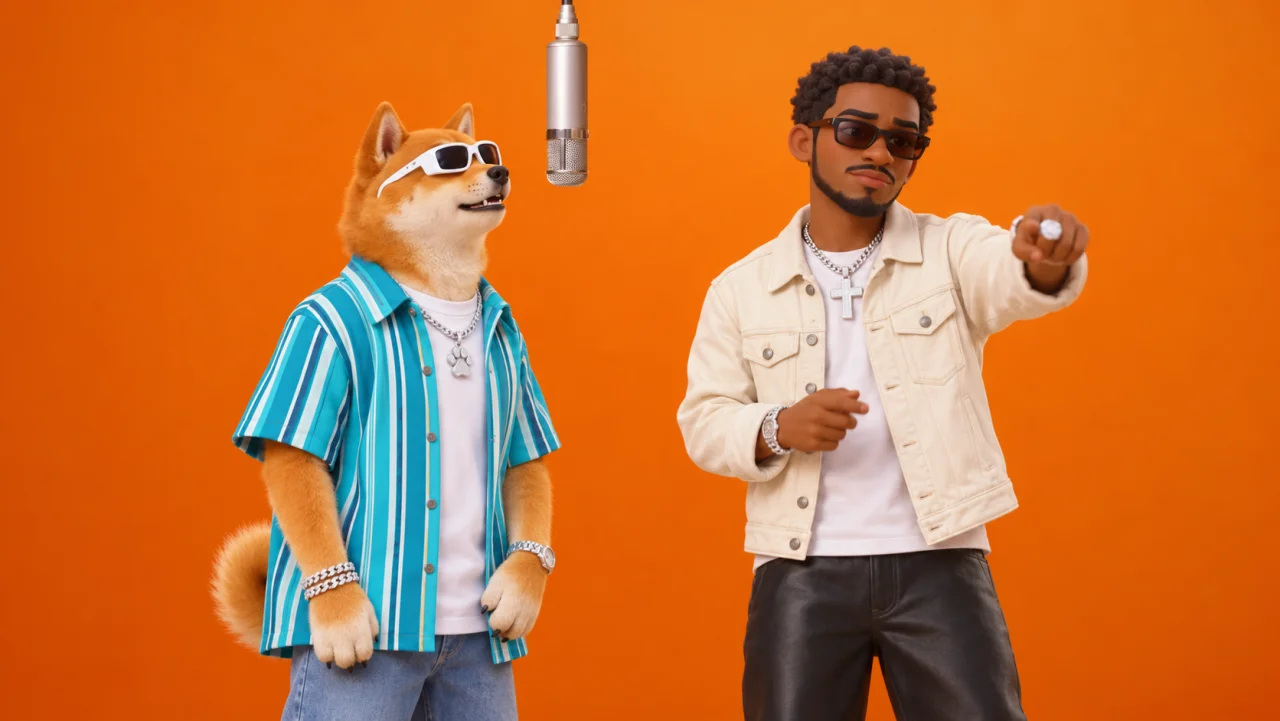
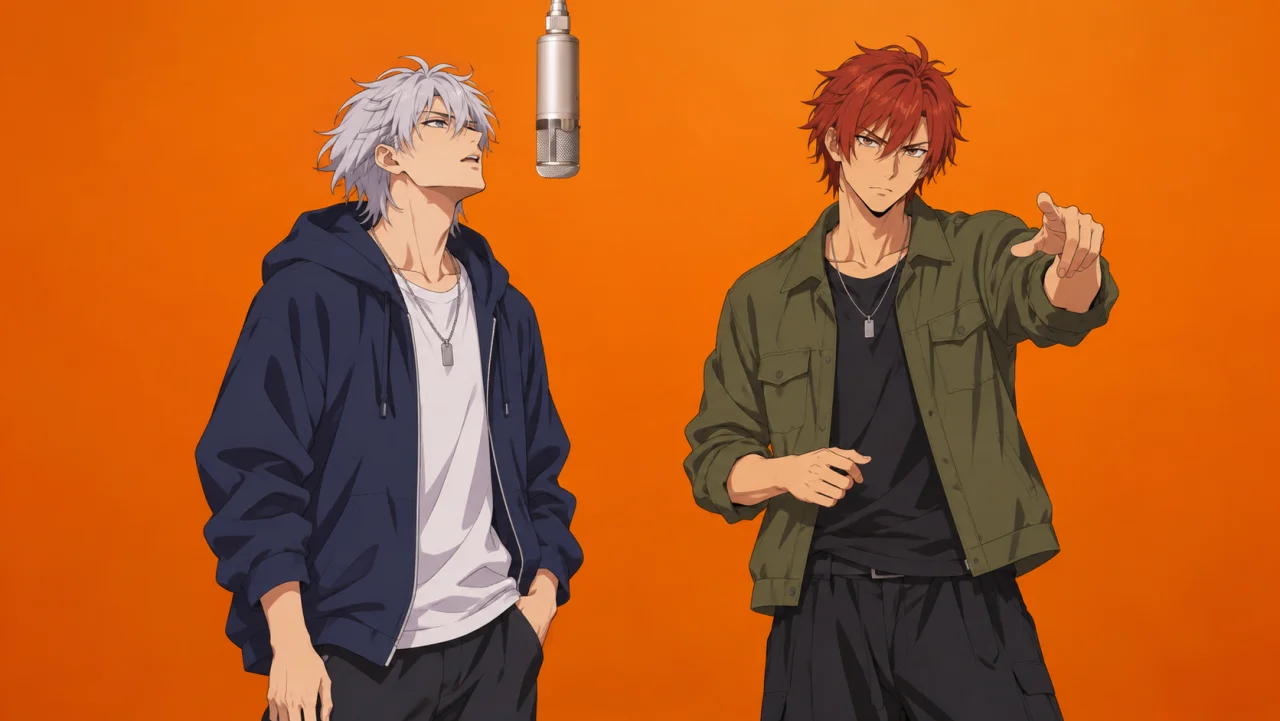
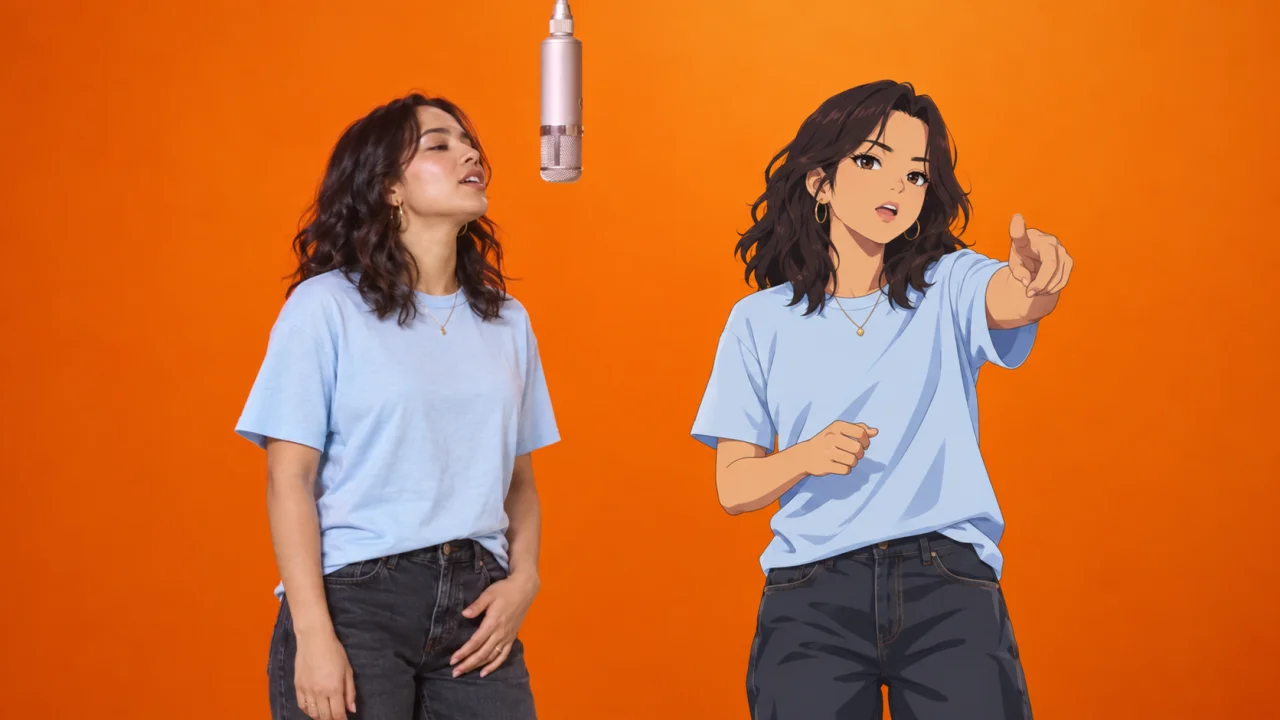
Create the Hotel Lobby AI effect: two performers in an orange studio booth, sharing a hanging microphone. Upload two photos or select saved cartoon or anime Characters, assign the left and right performers, and generate a video using the reference template.
 DUO EXAMPLES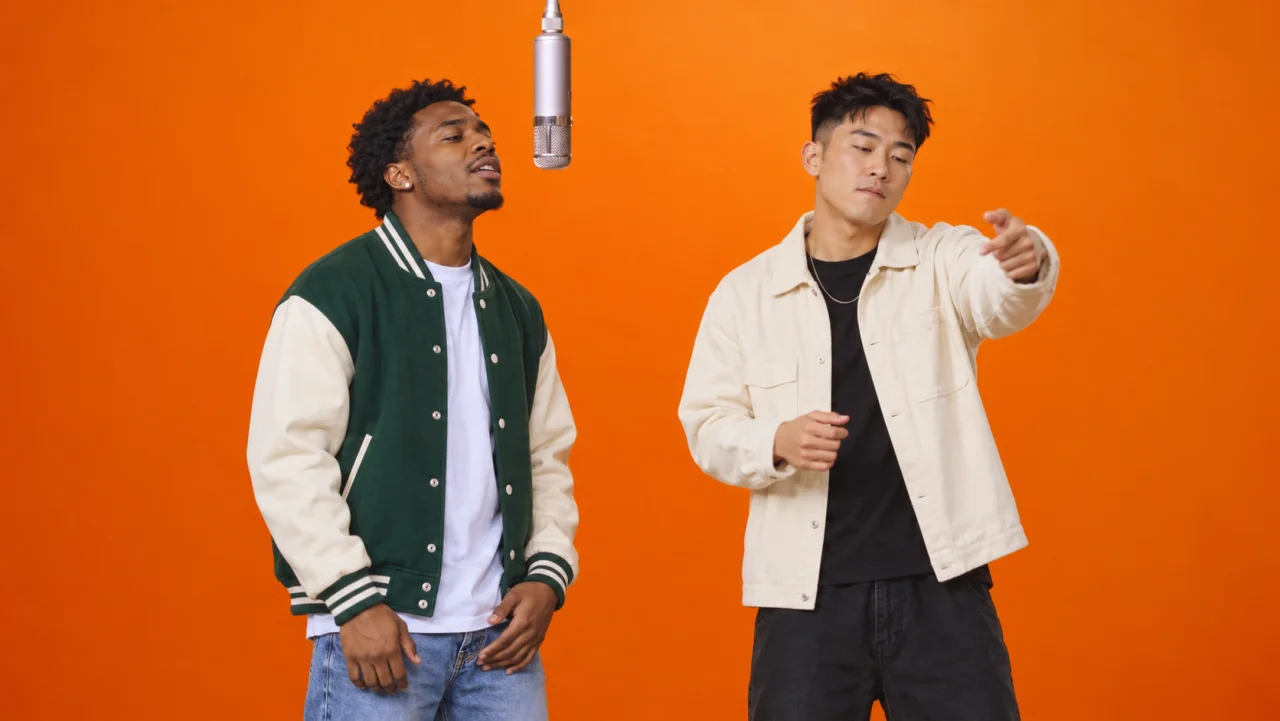
 CULTURE & TECHNOLOGY
A video template for the orange-booth duet
The viral trend originated from the 2022 live performance of 'Hotel Lobby' by rap duo Quavo and Takeoff (Unc & Phew) on A COLORS SHOW. Set in a monochromatic matte orange studio booth with a single vintage microphone suspended from the ceiling, the two performers traded verses with infectious energy, synchronized hand gestures, and rhythmic bounce.
The Hotel Lobby AI video template uses a reference performance to guide the scene and motion, while your images provide the two performers' appearances. Often called the Hotel Lobby AI filter, this effect is generated as a video rather than applied to a live camera feed. Review both performers in your result, as faces, hands, and movement can vary.
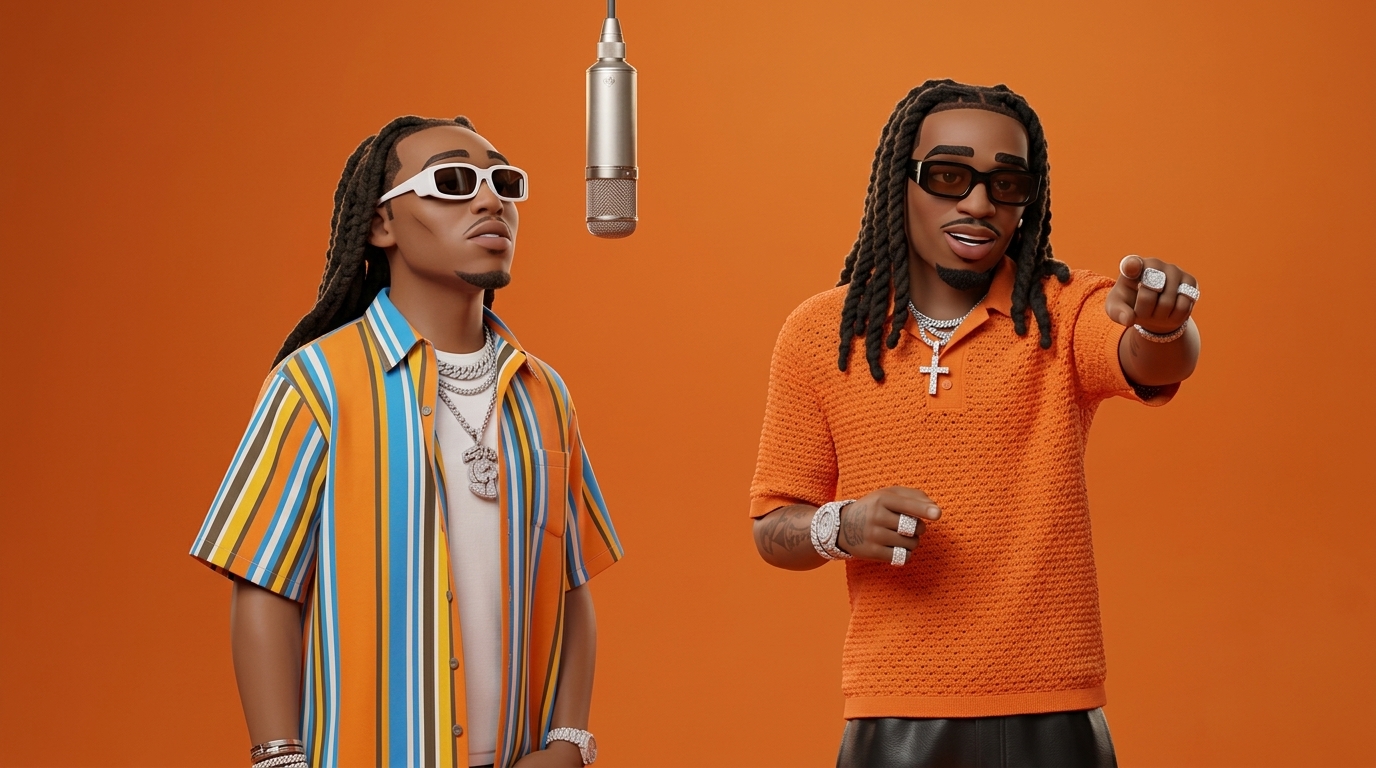
Choose who shares the microphone. Your two images provide the cast; the built-in performance supplies the orange-booth setup, movement, and original “Hotel Lobby” music by Quavo & Takeoff.
Choose the workflow that fits your idea: put two characters into the Hotel Lobby performance, edit your own clips with a ready-made template, or direct a new scene with a prompt.
Use this generator for the recognizable Hotel Lobby duet, an editing template to assemble your media, or prompt-based video for a new scene. The comparison covers these workflows, rather than every feature of the named tools.
Workflow references: CapCut template guide · Runway video prompting guide
MiniMax H3 offers 768P or 2K with account credits or pay-as-you-go packs, while an active subscription also unlocks Seedance 2.5 at 480P/720P/1080P and Wan 2.7 at 720P/1080P.
Upload one photo for the left performer and one for the right performer, or choose existing characters from Character Studio. Use the Swap button to reverse positions before generating.
Choose your model and output resolution, then check the credit quote before submitting.
Generate and follow the task status. Review both performers and download your 10-second 16:9 MP4 with the original “Hotel Lobby” music.
 QUALITY GUIDELINES
Clear faces and visible shoulders give the model more useful references. These tips can help you prepare photos, but do not guarantee consistent faces or hands.
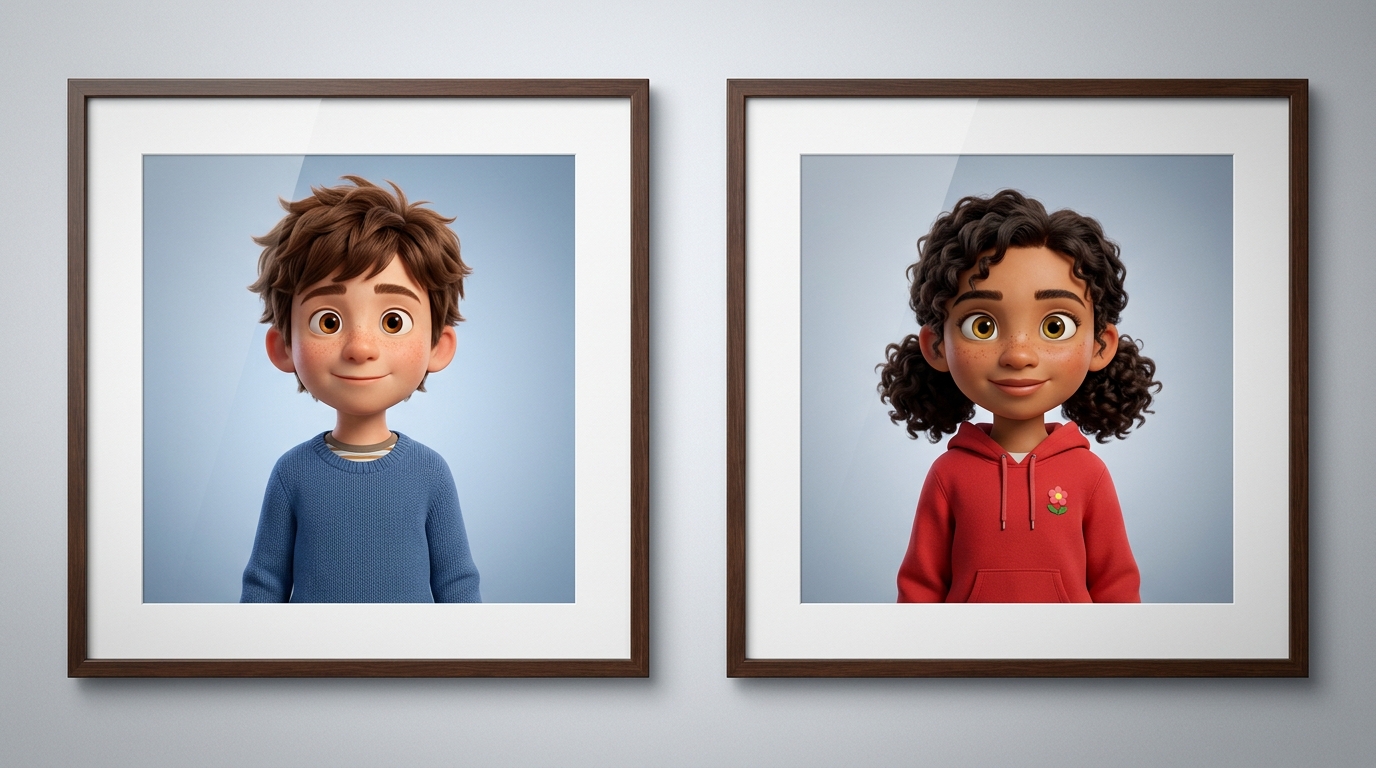
Choose a related tool for your next image, avatar, portrait, or illustration. Each option opens a focused workflow with real examples to try.
Turn your photo into a cartoon online with AI. Choose a style, preserve recognizable details, and download a high-quality, watermark-free result. Try it free.
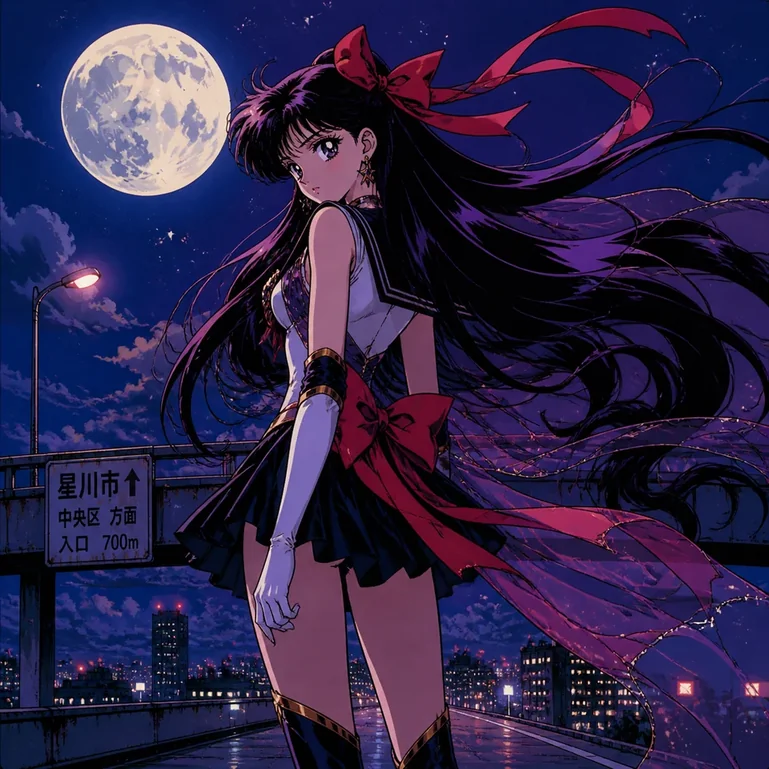
Turn portraits, pets, and travel photos into anime art with AI. Choose a preset style, preserve key features, and download HD results without a watermark.
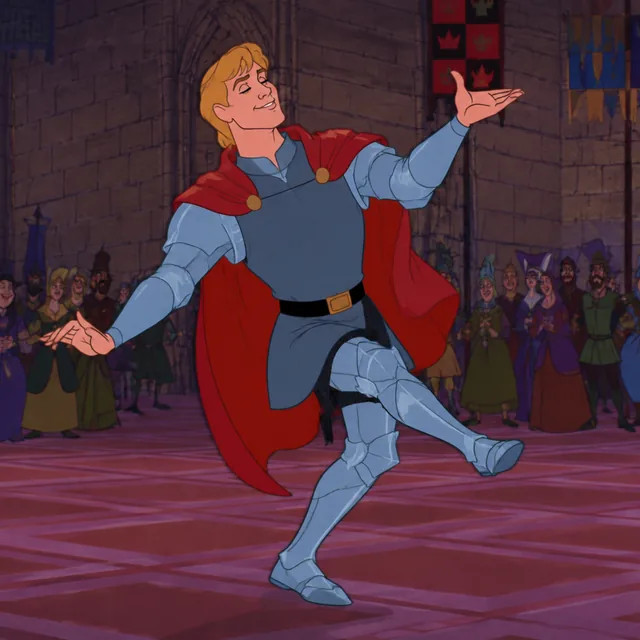
Create original cartoon characters and scenes from any text prompt with flexible styles, sizes, and variations. Start free and download your favorite results.

Create cute and stylish anime avatars from your photos with AI. Make custom anime PFPs for Discord, gaming, and social media with 1:1 square crop and HD export.
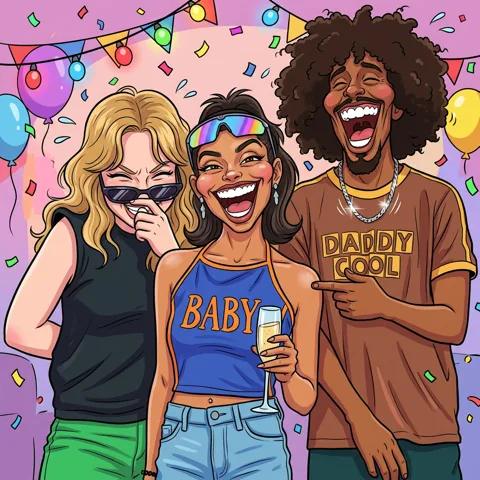
Turn your photos into funny, expressive caricature art online. Free caricature maker for social avatars, personalized gifts, weddings, and couples.