
Pixar Style AI Generator


Create More in Pixar Style
Use the same expressive 3D art direction for a single image, an animated shot, a multi-scene animated story, or a complete narrated storybook.
Lila Moreno
A warm, imaginative young storyteller who collects everyday moments and turns them into cheerful adventures.
Pixar Style Animated Stories
Plan a multi-scene story and preview it as a storyboard before animating.
Create a Pixar-style animated storyNarrated Pixar Style Storybooks
Build a connected illustrated story around your cast, then add page narration and a captioned story video.
Create a narrated storyWhat Is Pixar Style?
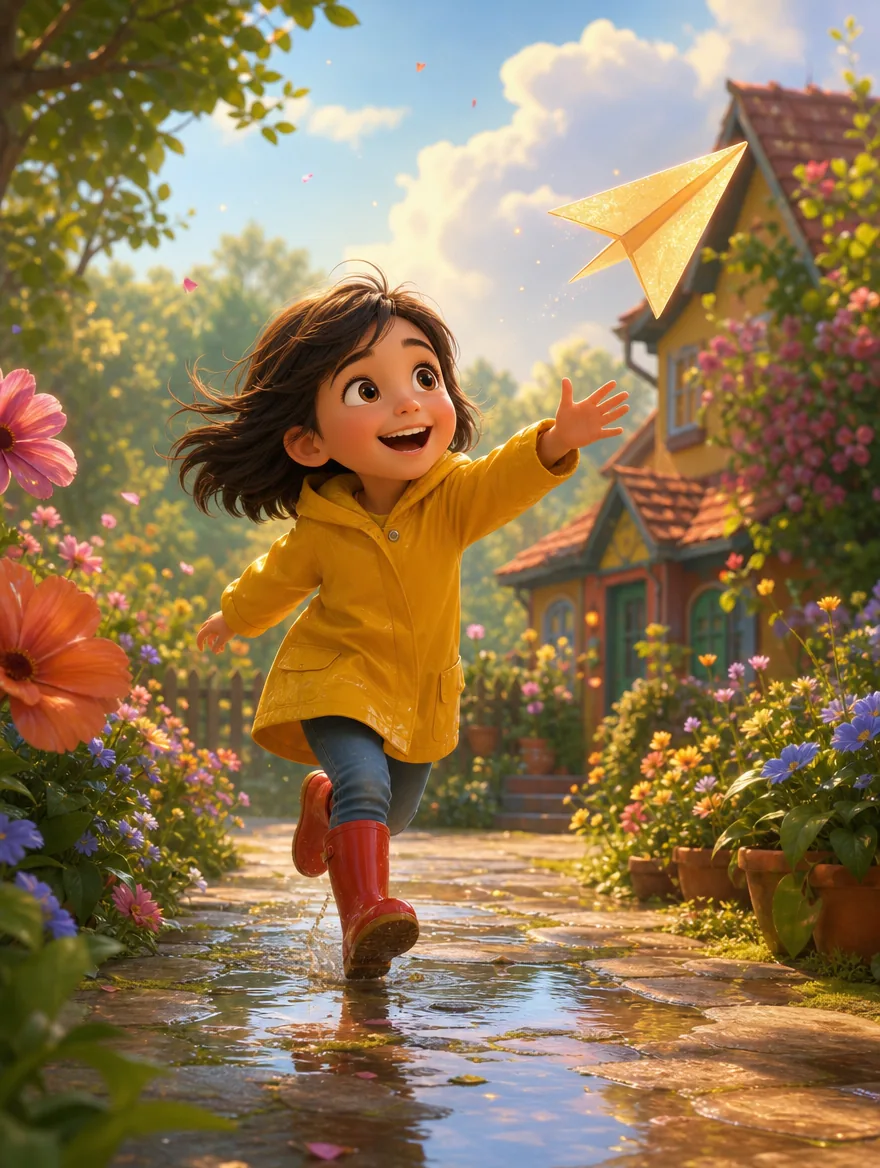
Pixar style commonly refers to polished 3D animation art built around simple, rounded silhouettes, expressive facial acting, appealing proportions, rich color, tactile materials, and carefully staged cinematic lighting. The exact look changes from film to film, but the strongest Pixar style characteristics make a character readable at a glance while giving the scene warmth, depth, and a clear emotional focus.
People love this visual language because it can make a portrait feel playful without losing personality and turn an ordinary idea into a scene that suggests a larger story. Our AI recreates those qualities by interpreting the subject, pose, expression, setting, light, and material cues together instead of placing a flat effect over the source image.
The result is original 3D cartoon artwork inspired by animated-film craft, not an official Pixar production or an exact copy of a protected character.
Readable shapes
Rounded forms and a strong silhouette keep the character friendly, clear, and recognizable at small sizes.
Expressive acting
Eyes, brows, mouth, pose, and gesture work together to communicate personality and emotion.
Cinematic finish
Soft shadows, motivated light, dimensional materials, and controlled color give the image an animated-film feel.
Join Thousands of Cartoon Art Lovers
Explore a complete path from one Pixar-style idea to reusable visual content without learning 3D modeling or animation software.
- Free credits to start
- No visible watermark
- High-quality output
- Images, video, animation, and books
How to Turn a Photo into Pixar Style
Use a photo when likeness matters, or switch to text when you want to invent a character or scene from scratch.
Upload a Photo or Describe an Idea
Drag, drop, paste, or browse for a JPG, PNG, or WebP image up to 30 MB. For text creation, describe the subject, action, setting, and mood.
Choose the Output Settings
Keep Pixar 3D selected, choose an aspect ratio for the destination, and set how many variations you want to compare.
Generate the Pixar-Style Art
For photos, the AI reads faces and recognizable features before rebuilding the image in 3D cartoon form. For text, it composes a new scene from your description.
Download or Continue Creating
Download the high-quality result with no visible watermark, share it, edit it further, save the character, or use the image as the starting frame for a video.
Tips for Creating Pixar Style Art
Choose the style in the picker, then use the prompt only for the subject, action, setting, composition, and mood.
Be Specific About the Character
Name a few identity-defining details instead of relying on a generic subject label.
A girl
A young girl with curly red hair and freckles, wearing a yellow raincoat, bright curious expression
Describe the Lighting and Mood
Lighting controls the emotional read. Add a motivated light source, shadow quality, color direction, and mood.
A boy in a room
A thoughtful boy in a cozy attic, warm cinematic window light, soft shadows, vibrant teal and amber accents, hopeful mood
Add a Background or Scene
Give the character somewhere to act so the result feels like a story moment rather than a floating model sheet.
A smiling chef
A smiling young chef presenting a tiny cake in a bustling miniature bakery, flour in the air, warm oven glow, playful depth of field
Keep One Clear Focal Action
Choose one readable action instead of combining several unrelated moments in the same scene.
A girl running, cooking, reading, and dancing in a busy city
A girl opening a tiny glowing parcel beneath a streetlamp, surprised expression, evening rain
Build a Pixar-Style World, Not Just One Image
The most useful workflow turns one approved character into a growing set of connected assets.
1. Create and save the character
Generate a clean full-body or three-quarter character view, then save the best result to My Characters.
Start with a character2. Place the character in new images
Reuse the saved reference to explore settings, expressions, outfits, poses, and key story beats.
Create scenes3. Animate a selected image
Choose the frame with the clearest silhouette and describe one action over a short, stable shot.
Animate an image4. Storyboard an animated story
Break the idea into connected scenes and review the whole story as a storyboard before any animation is rendered.
Plan an animated story5. Expand the character into a storybook
Use the character in a planned narrative where the cast, narration, visual briefs, and illustrations stay connected.
Build a storybookExplore More Cartoon Styles
Compare five related looks, then open the style page that best fits your next image.

Disney Style
Turn a photo or a written idea into original 2D animation art with expressive acting, graceful shapes, and warm story-focused staging.
Ghibli Style
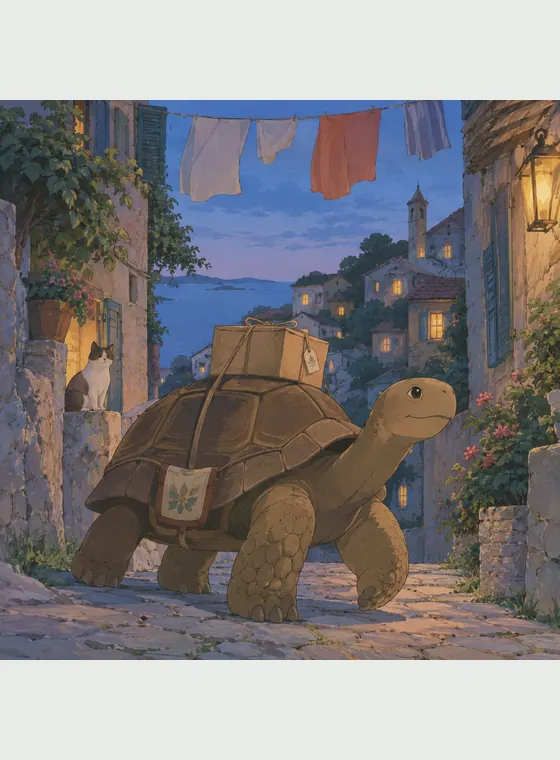
Turn a photo or an original prompt into a hand-painted anime scene with soft color, observed detail, and a grounded sense of place.

Claymation Style
Turn a photo into a handcrafted clay figure, or describe an original scene and watch it take shape as a tactile miniature world.
LEGO style
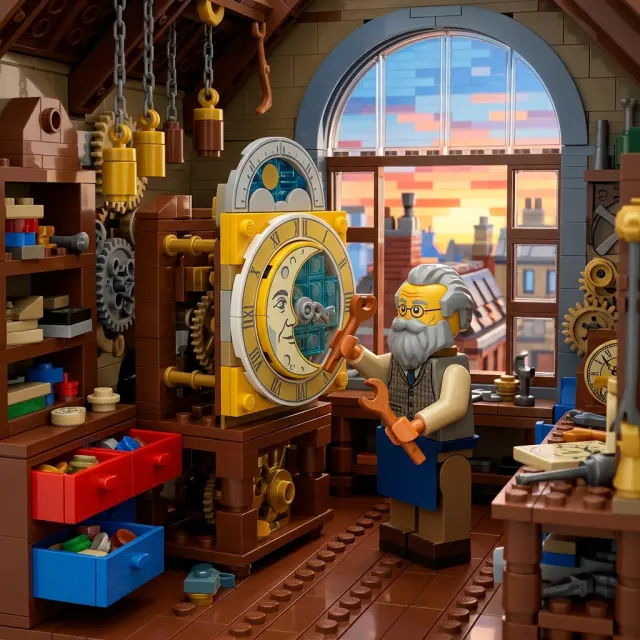
Turn a photo or written idea into an original LEGO-style character or scene, then continue with images, video, and storybooks.

Cel-shaded art
Turn text or photos into cel-shaded art with crisp outlines and hard-edged shadows, then continue into characters, videos, and storybooks.
Why Choose Our Pixar Style AI Generator
Pixar-style AI art combines the accessibility of a cartoon with the dimension and emotional clarity of animated-film imagery. It is especially effective for profile pictures, family keepsakes, pet portraits, social posts, children's story concepts, character pitches, thumbnails, and short-form video. Compared with flat cartoon styles, it emphasizes volume, materials, and cinematic light; compared with photorealism, it gives you more freedom to exaggerate expression, shape, and color while keeping the subject easy to recognize.
Photo and text input
Transform a recognizable source or invent an original Pixar-style character and scene from a written idea.
Made for emotional clarity
Rounded forms, readable poses, and expressive faces help the result communicate quickly on social and story surfaces.
A path beyond one image
Continue from a still into character assets, variations, short video, animated stories, and illustrated storybook workflows.
Practical exports
Start with free credits and download generated images without a visible platform watermark.
Pixar Style AI Generator FAQ
Answers about photo conversion, prompts, formats, consistency, exports, and responsible use.
A Pixar style AI generator turns a photo or text description into original 3D cartoon artwork with rounded forms, expressive features, rich color, tactile surfaces, and cinematic lighting. It is an independent creative tool and is not affiliated with, endorsed by, or operated by Pixar or Disney.

Start Creating Pixar Art for Free
Turn a favorite photo or a new idea into expressive 3D cartoon art, then keep building with the character you create.