


Pixel Art Images
Place the saved character in a connected scene without rebuilding the identity.
Create a pixel imageCreate characters, images, videos, animated story storyboards, and narrated storybooks with one Pixel preset. Save a reusable lead when you want the same identity across a connected series.
Elian Ward, an original young knight in his early twenties with short chestnut hair, a focused kind expression, silver-gray brigandine armor, a deep navy cloak, an amber scarf, dark leather boots, a plain round shield, and a collapsible lantern spear, standing in a confident full-body three-quarter pose
Place the saved character in a connected scene without rebuilding the identity.
Create a pixel imageAnimate one readable action while keeping the character and setting recognizable.
Create a pixel videoPlan a multi-scene story and preview it as a storyboard before animating.
Create a pixel animated storyBuild a page-by-page quest around the same character, then add narration and a captioned story video.
Create a narrated storyPixel art builds an image from deliberately visible square pixels, stepped silhouettes, hard-edged color clusters, selective dithering, and a controlled palette. These choices make the shape and lighting readable without the smooth curves or gradients used in conventional digital illustration.
An AI pixel art generator reconstructs the subject and scene in that visual language. It does more than lower a photo's resolution or place a filter over it: the model interprets faces, clothing, props, depth, and lighting as new pixel-based forms.
The format works well for avatars, pet portraits, social graphics, story illustrations, concept art, and game-inspired ideas. Generated images can support creative planning, but they are not guaranteed to be production-ready sprite sheets or engine-ready assets.
Deliberate square pixels and stepped edges give every silhouette a clear low-resolution rhythm.
Compact palettes and hard-edged clusters separate light, shadow, material, and depth.
Strong poses and simple staging help portraits, pets, and environments hold up at thumbnail size.

Start with a written idea or a reference photo, then choose the supported format that fits the project, from a still image to a short video or illustrated book.
Start from a recognizable photo or create a new scene from text. The generator rebuilds the composition instead of merely shrinking the source image.
Choose a JPG, PNG, or WebP reference, or write a prompt with the subject, action, setting, and useful props.
Keep Pixel selected, choose an aspect ratio that fits the subject, and decide how many results to compare.
The AI reconstructs the scene with visible pixels, stepped contours, compact colors, and selective dithering.
Download the image, save a reusable character, animate a short scene, or plan an illustrated storybook.
Choose the Pixel preset first. Use the prompt to control the subject, action, props, environment, and composition rather than repeating style or quality terms.
A role, outfit, and signature object create a silhouette the model can stage clearly.
A person
A night-market noodle chef in a dark apron holding a wok and long wooden chopsticks
One decisive action is easier to read than several competing events.
A scientist underwater
A marine biologist sorting coral samples into color-coded trays beside an observation window
Name a few foreground and background elements so the scene gains depth and context.
An old station
An elderly pianist at a grand piano, travelers with luggage nearby, arched windows behind
A clear focal subject and a short prop list usually outperform a crowded chain of events.
A hero fighting, running, casting spells, and flying
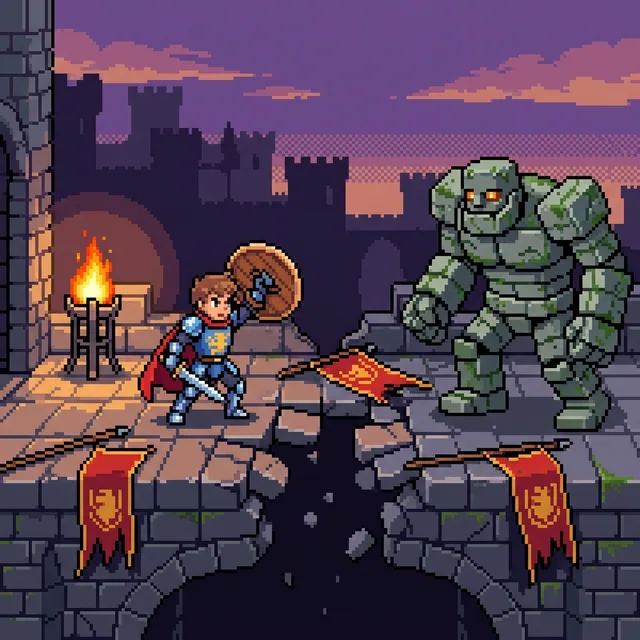
A knight bracing behind a round shield as one stone guardian steps onto a broken bridge
Approve the character first, then reuse the saved identity across a scene, motion, and story pages. The examples follow Elian Ward through the same castle-and-lighthouse quest.
Generate a clear full-body knight or mage and save the approved result to My Characters.
Start with a characterUse the saved reference in a castle, forest, city, or laboratory while preserving recognizable details.
Create a connected imageKeep the motion simple, such as raising a lantern, stepping forward, or turning toward a signal light.
Animate the characterBreak the idea into connected scenes and review the whole story as a storyboard before any animation is rendered.
Plan an animated storyPlan a short beginning, challenge, discovery, and resolution around the same saved cast.
Build a storybookCompare five related looks, then open the style page that best fits your next image.

Upload a photo to rebuild a portrait, pet, building, or landscape as Minecraft-style voxel art, or start with a text prompt to create a new block-world scene. The generator reconstructs the subject, setting, and lighting with cubic forms instead of placing a pixel filter over the original.

Turn text or photos into cel-shaded art with crisp outlines and hard-edged shadows, then continue into characters, videos, and storybooks.

Turn a written idea or a permitted photo into original comic artwork shaped by decisive poses, strong silhouettes, bold ink, and high-stakes visual storytelling.
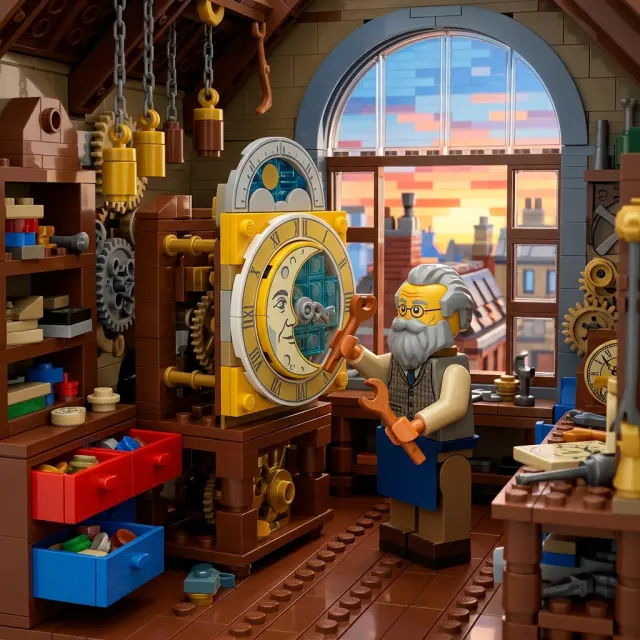
Turn a photo or written idea into an original LEGO-style character or scene, then continue with images, video, and storybooks.
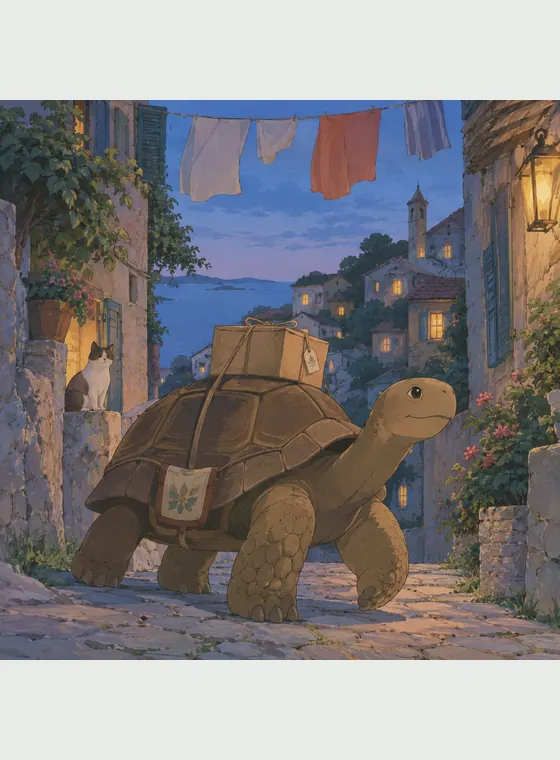
Turn a photo or an original prompt into a hand-painted anime scene with soft color, observed detail, and a grounded sense of place.
Pixel art is compact, expressive, and easy to recognize at small sizes. It can turn a portrait, pet, everyday scene, or original idea into a structured graphic image while leaving a path to characters, motion, and illustrated storytelling.
Invent a scene from a prompt or rebuild the subject and composition of a reference photo.
Visible grids, stepped silhouettes, compact palettes, and dithering separate the result from smooth cartoon art.
Save an approved identity and continue it through variations, images, video, and storybooks.
Start with available free credits and download generated JPG, PNG, or WebP images without a visible platform watermark.
It is an AI image tool that interprets a text prompt or reference photo as artwork built from visible square pixels, stepped edges, hard-edged color clusters, limited palettes, and selective dithering.

Transform a photo or written idea, then save the character when you want to carry the same identity into a larger story.