
Minecraft AI Generator for Photos and Voxel Art


Create More in Minecraft Style
Use the same Minecraft-style direction for voxel images, animated shots, multi-scene story storyboards, and narrated block-world stories.
Minecraft Style Videos
Animate a selected frame with one readable action.
Create a Minecraft-style videoMinecraft Style Animated Stories
Plan a multi-scene story and preview it as a storyboard before animating.
Create a Minecraft-style animated storyNarrated Minecraft Style Storybooks
Build a connected illustrated adventure around your cast, then add narration and a captioned story video.
Create a narrated storyWhat Is Minecraft Style?
Minecraft style is a form of voxel art built from hard-edged cubes, square grids, layered terrain, chunky low-poly materials, and crisp game-like lighting. Unlike flat pixel art, voxel art uses block-shaped volume and depth. A strong result rebuilds the subject, background, props, and light as one coherent scene instead of placing a pixel filter over a photo.
People use this visual language for blocky portraits and avatars, pet transformations, building concepts, village scenes, adventure maps, thumbnails, classroom projects, and social posts. A clear reference photo helps preserve the composition, while a focused text prompt gives the generator room to invent a new world.
The result is original Minecraft-inspired voxel artwork, not an official Mojang or Minecraft production and not an exact copy of a protected character, logo, or in-game asset.
Cubic silhouettes
Hard-edged geometry keeps characters, tools, and landmarks readable at thumbnail size.
Layered terrain
Blocks, stairs, rails, water, and foliage create depth without smooth painted curves.
Game-like lighting
Crisp shadows, lantern glow, and ambient occlusion clarify the scene's grid-built structure.
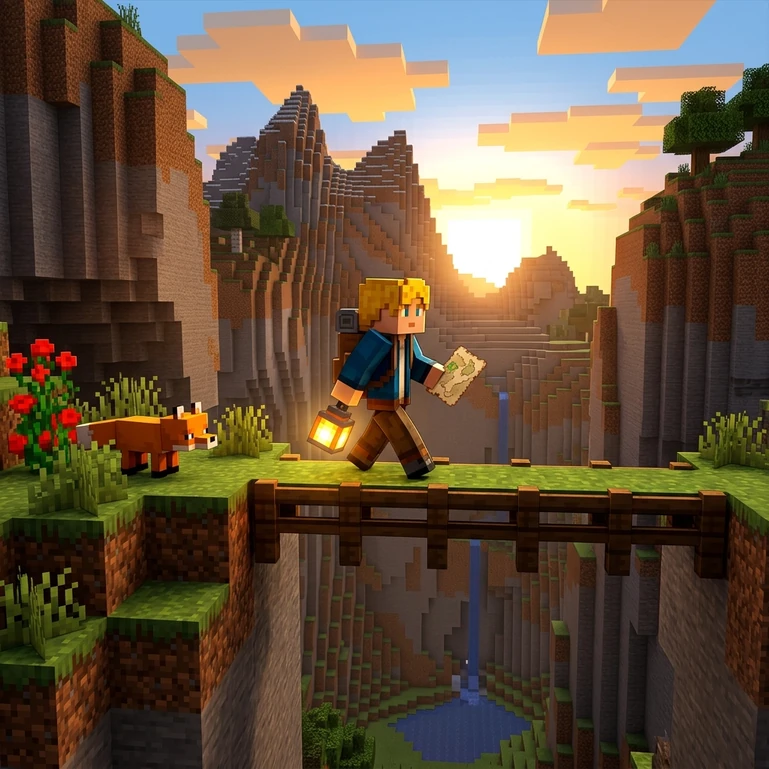
Create a Block World from a Photo or Prompt
Use the same selected preset across images and connected creation tools so your visual direction stays easy to reuse.
- Free credits to start
- No visible watermark
- Photo and text input
- Images, video, characters, and books
How to Turn a Photo into Minecraft Style
Use a photo for a recognizable starting point, or use text when you want to invent a block-world scene from scratch.
Upload a Photo or Describe an Idea
Choose a JPG, PNG, or WebP image, or describe the subject, action, setting, and props for a new scene.
Choose the Output Settings
Keep Minecraft selected, choose an aspect ratio, and set how many variations you want to compare.
Generate the Voxel Art
The AI rebuilds the subject and scene with cubic geometry, layered terrain, and block-friendly lighting.
Download or Continue Creating
Download the result, save a character, create a video, or expand the idea into a storybook.
Minecraft AI Prompts for Clearer Voxel Art
Choose the Minecraft preset first, then use your prompt for the subject, action, setting, props, and mood.
Name the Block-World Subject
Give the character a role and recognizable gear.
A miner
A young redstone engineer carrying a torch, copper wrench, and canvas tool satchel
Describe One Action
A single visible action gives the scene a readable game moment.
An adventurer in a village
An adventurer placing a lantern beside a village bridge at dusk
Add Concrete Terrain
Mention blocks, paths, rails, water, or landmarks that establish depth.
A mountain scene
A snowy mountain outpost with spruce steps, stacked crates, a beacon, and a winding rail line
Keep the Composition Simple
One focal subject and a few props work better than a crowded list of unrelated events.
A hero fighting, farming, mining, and flying
A farmer harvesting wheat beside a small irrigation canal, village rooftops behind
Build a Minecraft-Style World, Not Just One Image
Approve one character first, then reuse that identity across scenes, motion, and story pages.
1. Create and save the character
Generate a clear full-body block-world character and save it to My Characters.
Start with a character2. Place the character in new images
Reuse the saved reference across villages, caves, farms, oceans, and snow biomes.
Create scenes3. Animate a selected image
Choose one stable action such as walking, mining, rowing, or lighting a beacon.
Animate an image4. Storyboard an animated story
Break the idea into connected scenes and review the whole story as a storyboard before any animation is rendered.
Plan an animated story5. Expand the character into a storybook
Plan a short adventure where the cast and illustrations stay connected.
Build a storybookExplore More Cartoon Styles
Compare five related looks, then open the style page that best fits your next image.
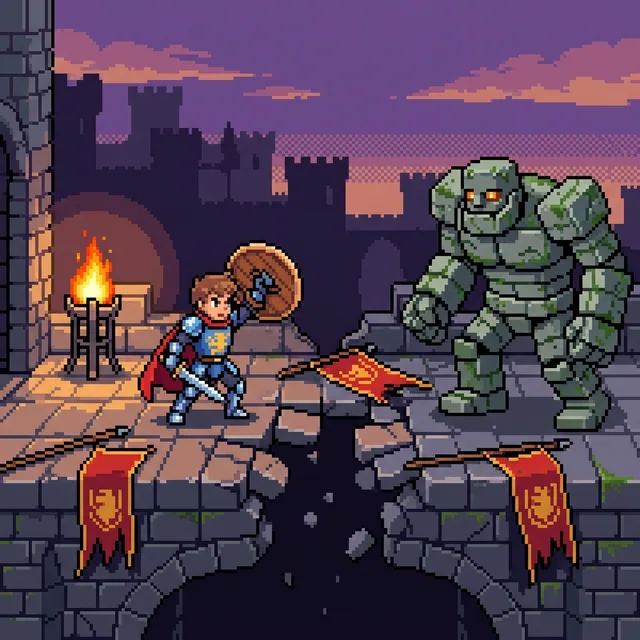
Pixel art
Turn a written idea or favorite photo into crisp pixel art with visible square pixels, hard-edged color clusters, and a focused limited palette. Create portraits, pets, scenes, and original characters, then continue into video or an illustrated story.
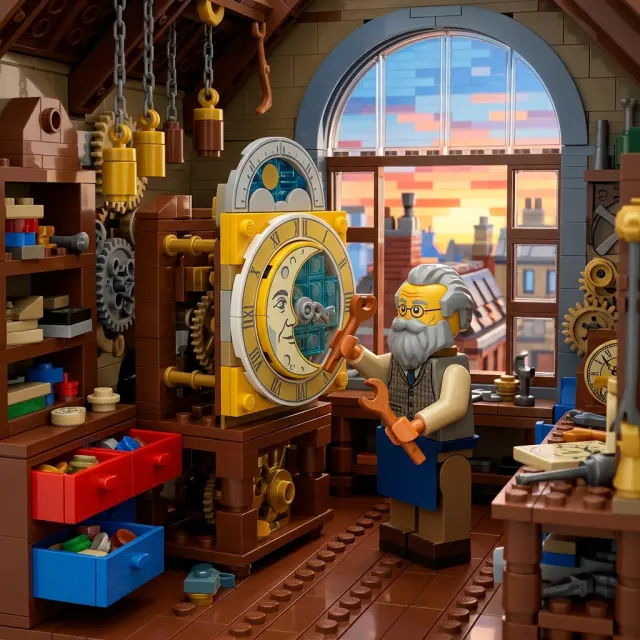
LEGO style
Turn a photo or written idea into an original LEGO-style character or scene, then continue with images, video, and storybooks.

Cel-shaded art
Turn text or photos into cel-shaded art with crisp outlines and hard-edged shadows, then continue into characters, videos, and storybooks.

Marvel Style
Turn a written idea or a permitted photo into original comic artwork shaped by decisive poses, strong silhouettes, bold ink, and high-stakes visual storytelling.

Pixar Style
Create expressive 3D cartoon images from a photo or a written idea, then carry the same visual direction into reusable characters, animated videos, multi-scene animated stories, and illustrated storybooks.
Why Use This Minecraft AI Generator?
Minecraft-inspired voxel art makes structure visible. It is especially useful for game-inspired portraits, build concepts, map thumbnails, adventure prompts, classroom projects, and playful social graphics. Compared with smooth 3D cartoon styles, it favors cubes, grids, and terrain layers; compared with flat pixel art, it gives the scene more spatial depth and block-built volume.
Photo and text input
Transform a recognizable reference or invent an original block-world scene.
Readable game-like staging
Clear silhouettes, props, and landmarks make the action easy to understand.
A path beyond one image
Continue from a still into character assets, variations, video, and storybook workflows.
Practical exports
Start with free credits and download generated images without a visible platform watermark.
Minecraft Style AI Generator FAQ
Yes. Upload a JPG, PNG, or WebP reference in Image to Image, choose Minecraft, and generate a block-built interpretation of the subject and scene.

Turn a Photo into Minecraft-Style Voxel Art
Upload a portrait, pet, building, or landscape, or describe a new scene with text, and create an original block-built image online.