 Pose
AI Consistent Character Generator
Generate new poses, emotions, and scenes for the same character while keeping the face, hairstyle, and outfit consistent in every frame.
Showcase Examples

Consistent character variations start here
Choose a character or photo, pick a pose or emotion, and generate consistent variations.
The Consistent Character Generator Built for Storytellers
A consistent character generator reuses one reference image as a fixed identity anchor, so the same character reappears in new poses, expressions, and scenes with the same face, hairstyle, and outfit. Toonderly applies that anchor automatically: pick a clean reference, choose what should change, and the engine locks everything else. It solves the classic AI headache where a character's face mutates the moment you change their pose or setting — no prompt engineering, no seed hunting, no redrawing.
Precise Pose Control
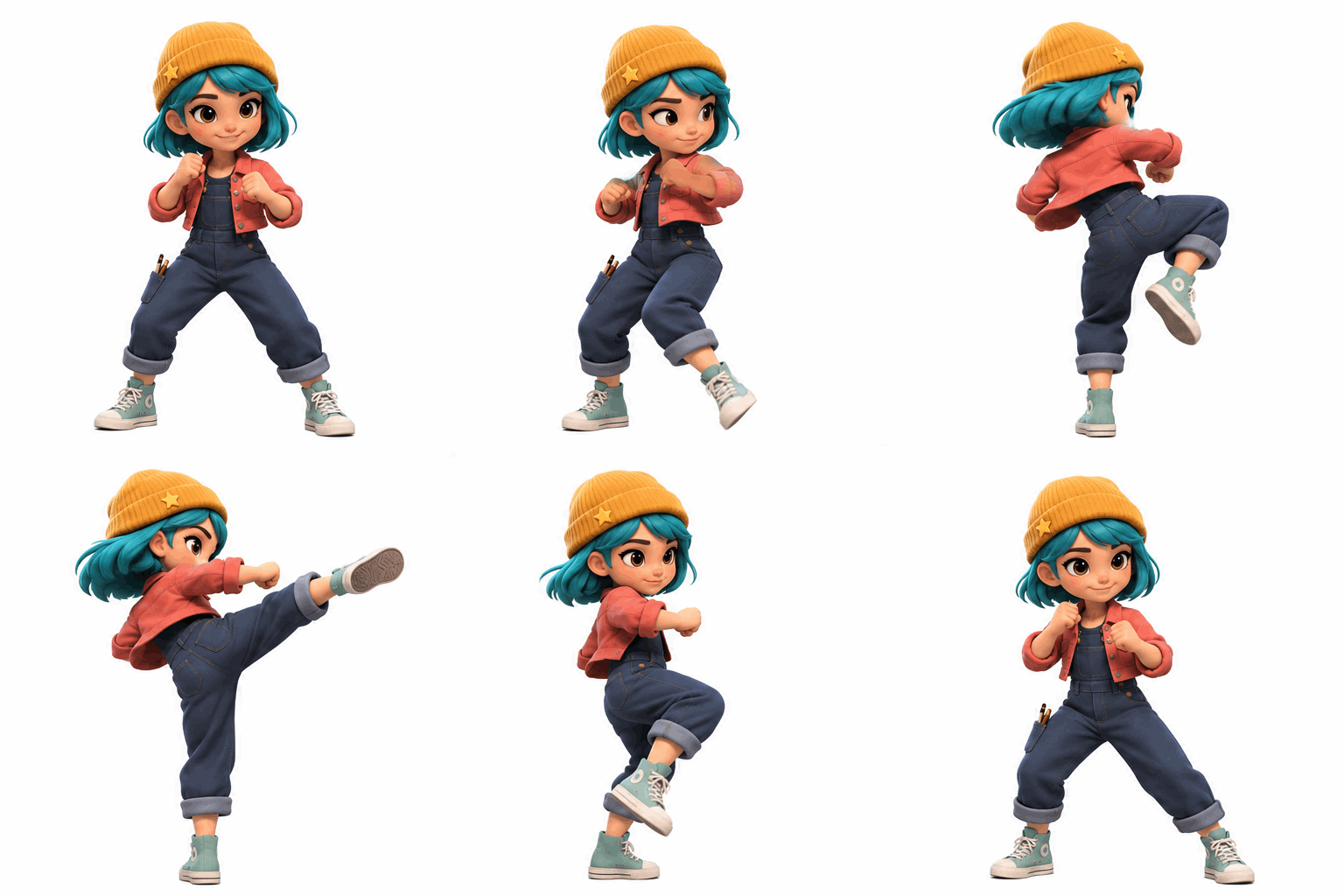
Repose your consistent character standing, walking, running, sitting, waving, or in an action stance without altering identity or clothing.
Authentic Emotion Shifts
Switch between neutral, happy, sad, angry, surprised, and laughing expressions while the face structure and eye design stay locked.
Multi-Environment Scenes
Transport the same character into a studio, city street, classroom, forest, cozy bedroom, or fantasy world with stable colors and scale.
Looping Animation Stickers
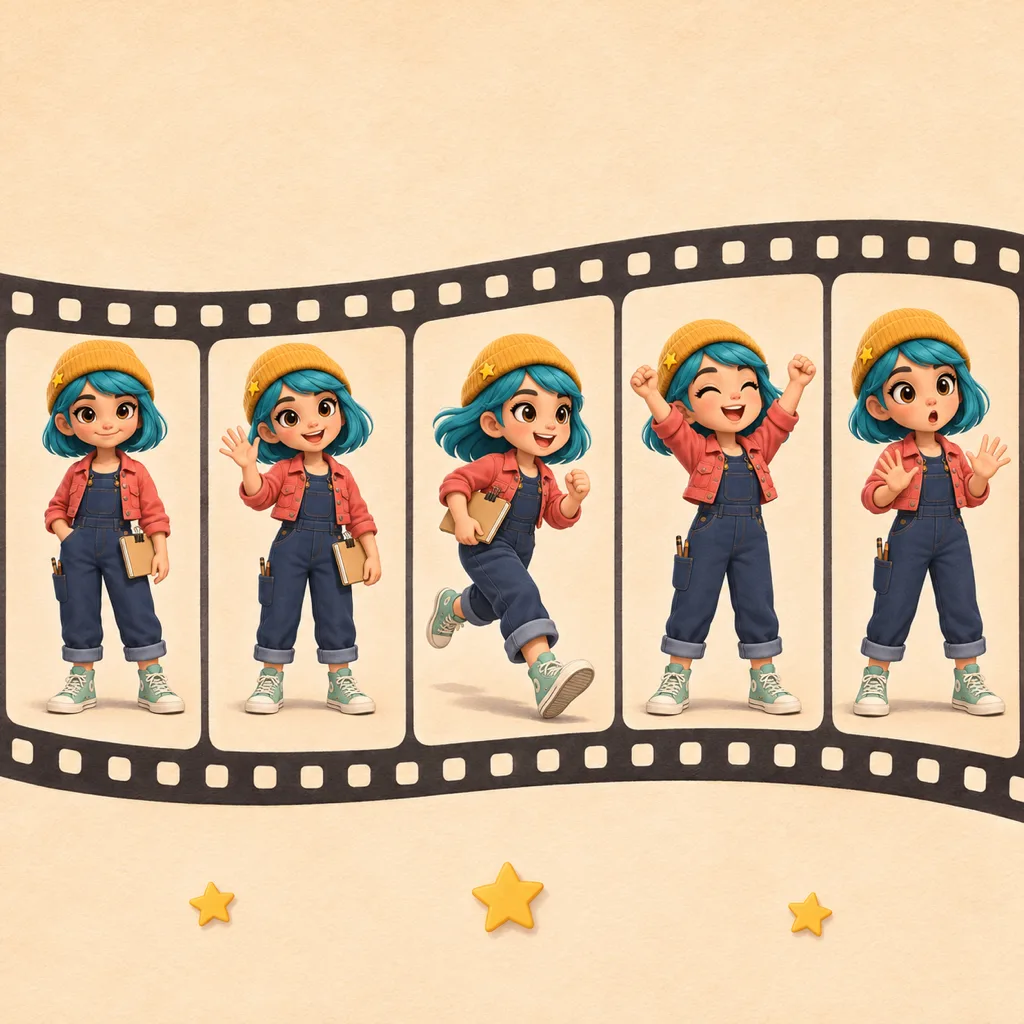
Turn any saved character into a consistent character GIF — waving, laughing, cheering, or dancing — that keeps the identity intact.
Real Consistency Case
Mina: One Character, Infinite Angles
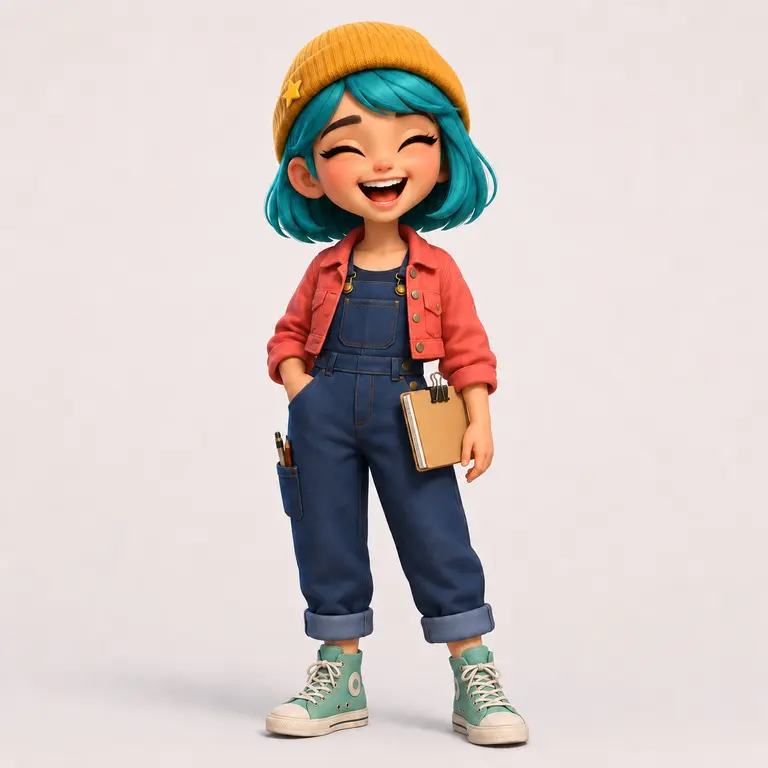
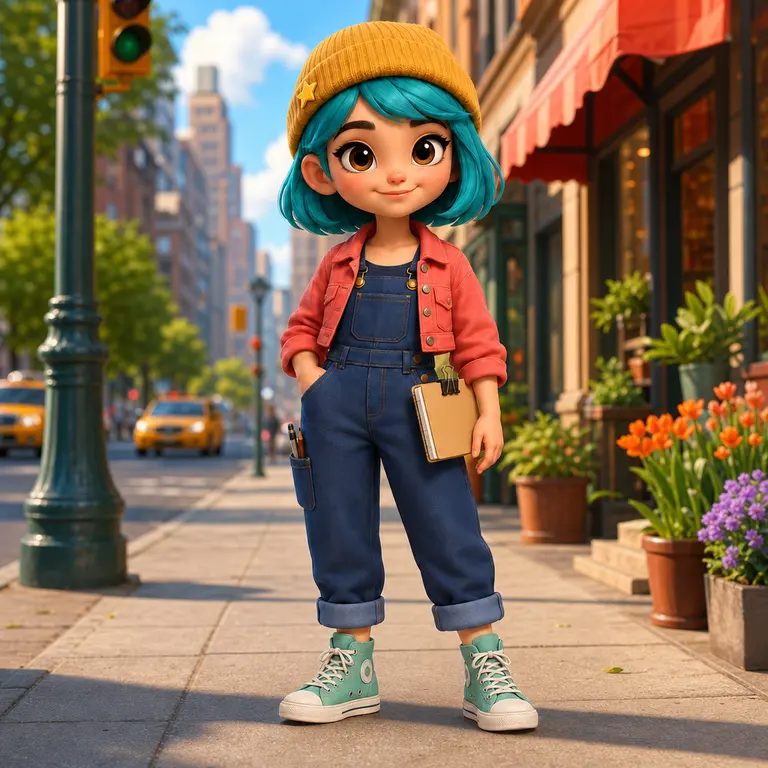
See how the consistency engine anchors Mina's signature hairstyle, eye color, and art style across multiple camera perspectives, facial expressions, and dynamic scenes — every image generated by this tool from a single reference.
Original Character Anchor
Mina
Fixed Reference Anchor
Generated Consistent VariationsPose  Pose
Expression 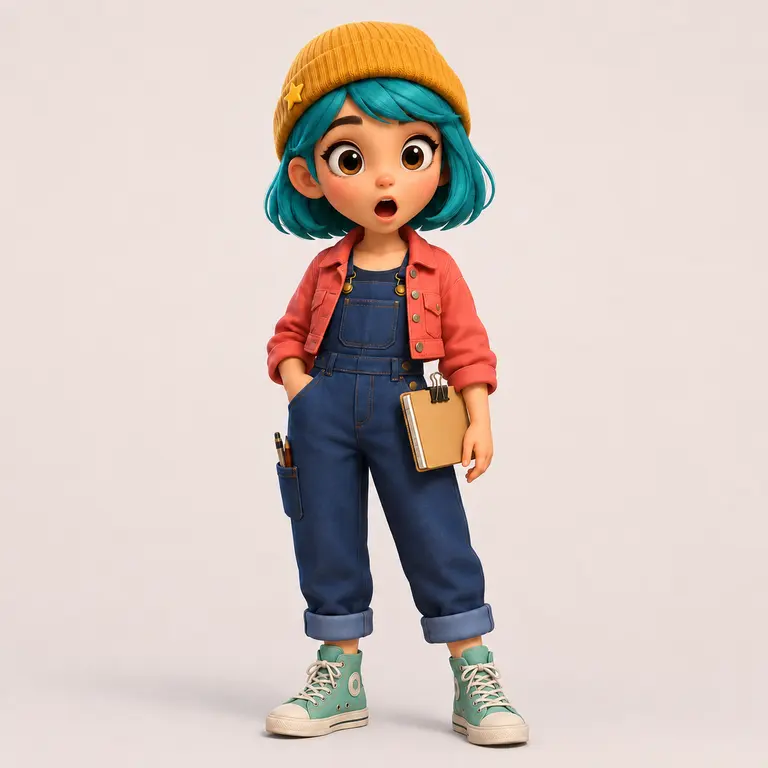 Expression
Scene 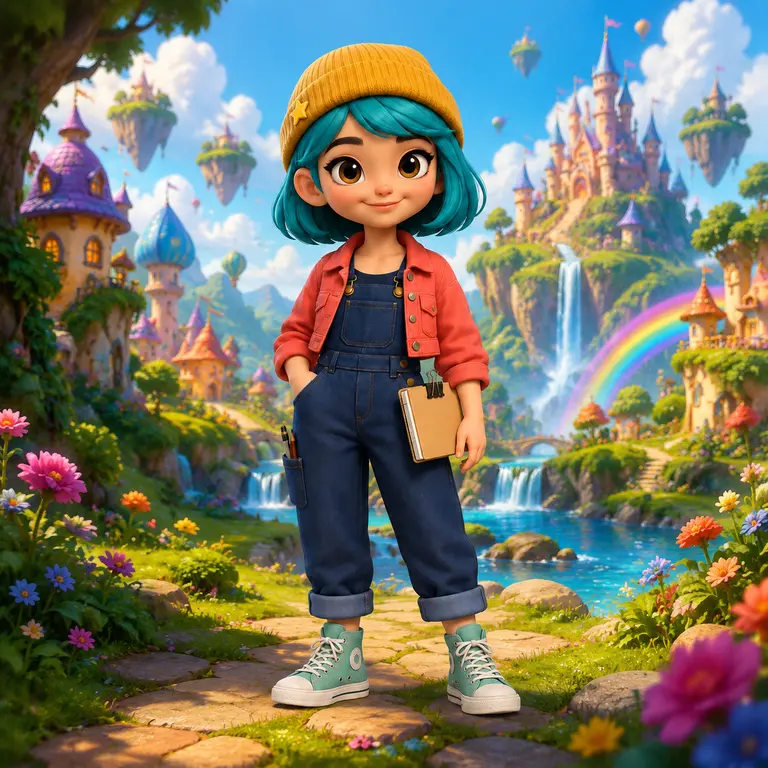 Scene
PosePoseAction Stance
ExpressionJoyful Laugh
ExpressionSurprised Emotion
SceneCity Street Setting
SceneFantasy Realm
What You Can Change
One Consistent Character, Four Types of Variation
Every mode changes exactly one thing — the pose, the expression, the scene, or the motion — while the identity stays anchored to your reference. Each mode ships with studio presets you can click directly, or describe your own in the custom instruction box.
What changes
Built-in presets
Custom input
Pose
Standing, walking, running, sitting, waving, action stance
Yes — type any instruction
Expression
Neutral, happy, sad, angry, surprised, laughing
Yes — type any instruction
Scene
Studio, city street, classroom, forest, bedroom, fantasy world
Yes — type any instruction
Animation
Waving, laughing, crying, cheering, wink, dancing (looping GIF)
Yes — type any instruction
Aspect ratio follows your character's art style — portrait, square, and landscape options up to 4K are available in the workspace, so consistent characters drop straight into comics, storybooks, and social clips.
How It Works
Create Consistent Characters in 3 Steps
01
1. Pick Your Anchor Character
Start with the demo character, or sign in with Google to load your own saved characters and upload a reference. A clean, front-facing image locks facial traits, hairstyle, and outfit.
02
2. Choose What Changes
Select pose, expression, scene, or animation mode, then click a studio preset or type a custom instruction. Only the part you choose moves — everything else stays anchored.
03
3. Generate, Review & Grow Your Library
Variations render in tens of seconds. Review the result, then use Add to References to save it back into the character — future consistent character generations get even more stable.
Pro Tip
How to Pick a Reference That Stays Consistent
Character consistency starts with the anchor image, not the prompt. The engine can only lock what it can clearly see, so a disciplined reference gives visibly tighter results across every pose and scene.
One character, front-facing
A single character with the face toward the camera (or a slight 3/4 turn) gives the engine the cleanest identity lock.
Signature traits fully visible
Hairstyle, outfit, and accessories should be unobstructed — no hands over the face, no cropped hats, no heavy props.
Even lighting, no blur
Soft, uniform lighting with sharp edges beats a dramatic but noisy shot; shadows and blur smear the identity features.
Highest resolution you have
Crop tight instead of upscaling. Fine details in the eyes and hairline are what keep later variations recognizable.
Why It Matters
Generic AI vs Consistent Character Engine
Why comic creators, storybook authors, and game designers choose a dedicated consistent character generator over standard text-to-image tools.
Feature
Standard Text-to-Image
Toonderly Consistent Engine
Facial Consistency
Faces mutate and drift between prompts
Reference-anchored face, eyes, hairstyle, and signature traits
Costume & Color Palette
Outfits and palettes change randomly every generation
Locked outfit textures, accessories, and color scheme
Pose & Emotion Control
Fragile negative-prompt engineering
24 one-click presets for poses, emotions, scenes, and animations
Asset Retention
One-off throwaway images
Character library where every variation feeds back as a reference
Cost per Image
Opaque pricing and subscriptions
1 credit per 1K image, 2 for 2K, 3 for 4K; GIF loops cost 2
Consistent Character Generator FAQ
Explore More AI Cartoon Tools
Choose a related tool for your next image, avatar, portrait, or illustration. Each option opens a focused workflow with real examples to try.
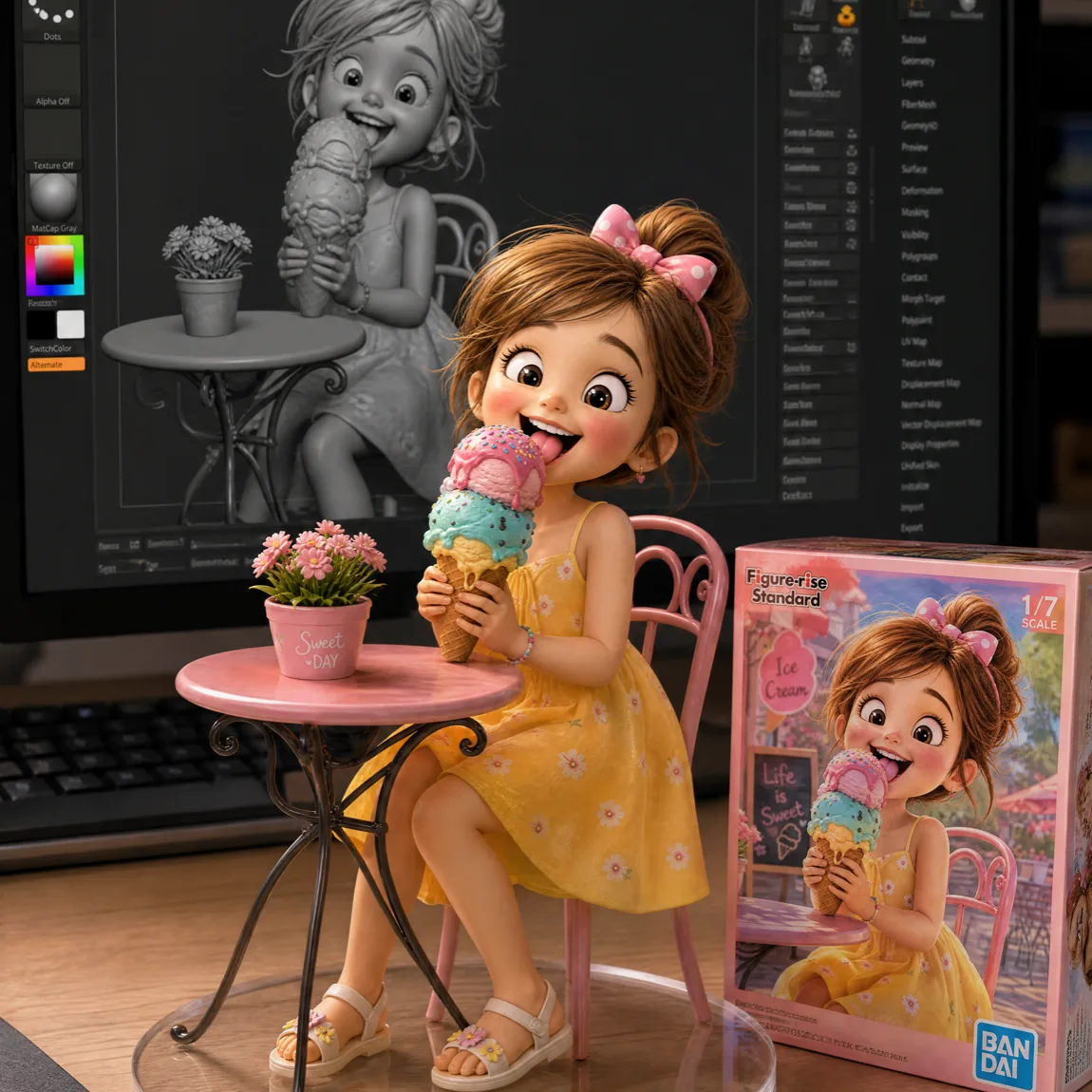
AI Action Figure Generator - Turn Photos Into Figures
Turn a photo into a collectible action figure with AI. Six templates from desk models to LEGO-style minifigures, one reference photo, results in seconds.
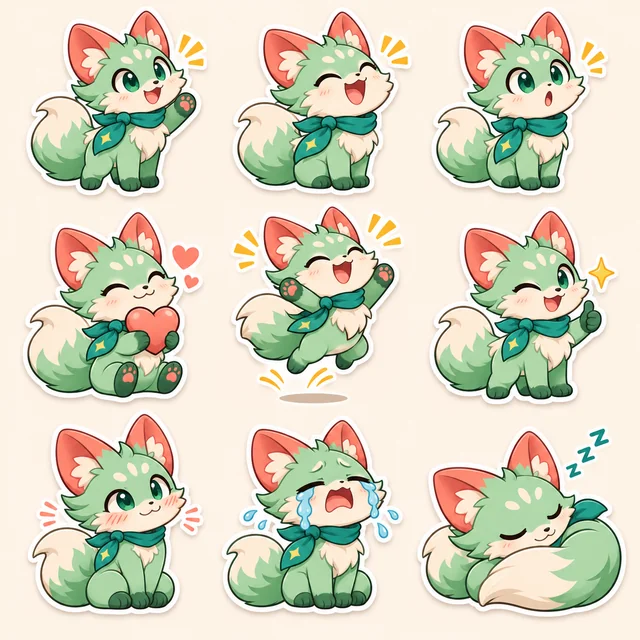
AI Sticker Maker – Create Stickers from Photos or Characters
Try image to sticker generation with AI Sticker Maker. Turn a photo, saved Character, or text prompt into 1–9 custom static stickers or GIFs to download.

Photo to Cartoon AI - Turn Photos into Cartoons Online Free | Toonderly
Turn your photo into a cartoon online with AI. Upload portraits, selfies, or pet photos to apply an expressive cartoon filter in seconds with recognizable details. Free to try.
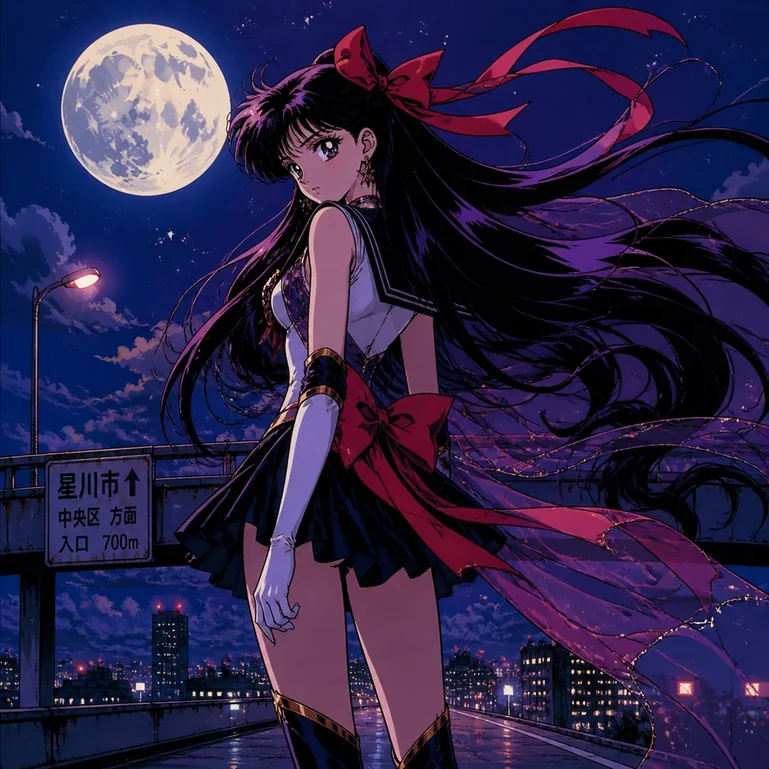
AI Photo to Anime - Free Online Anime Converter
Turn portraits, pets, and travel photos into anime art with AI. Choose a preset style, preserve key features, and download HD results without a watermark.
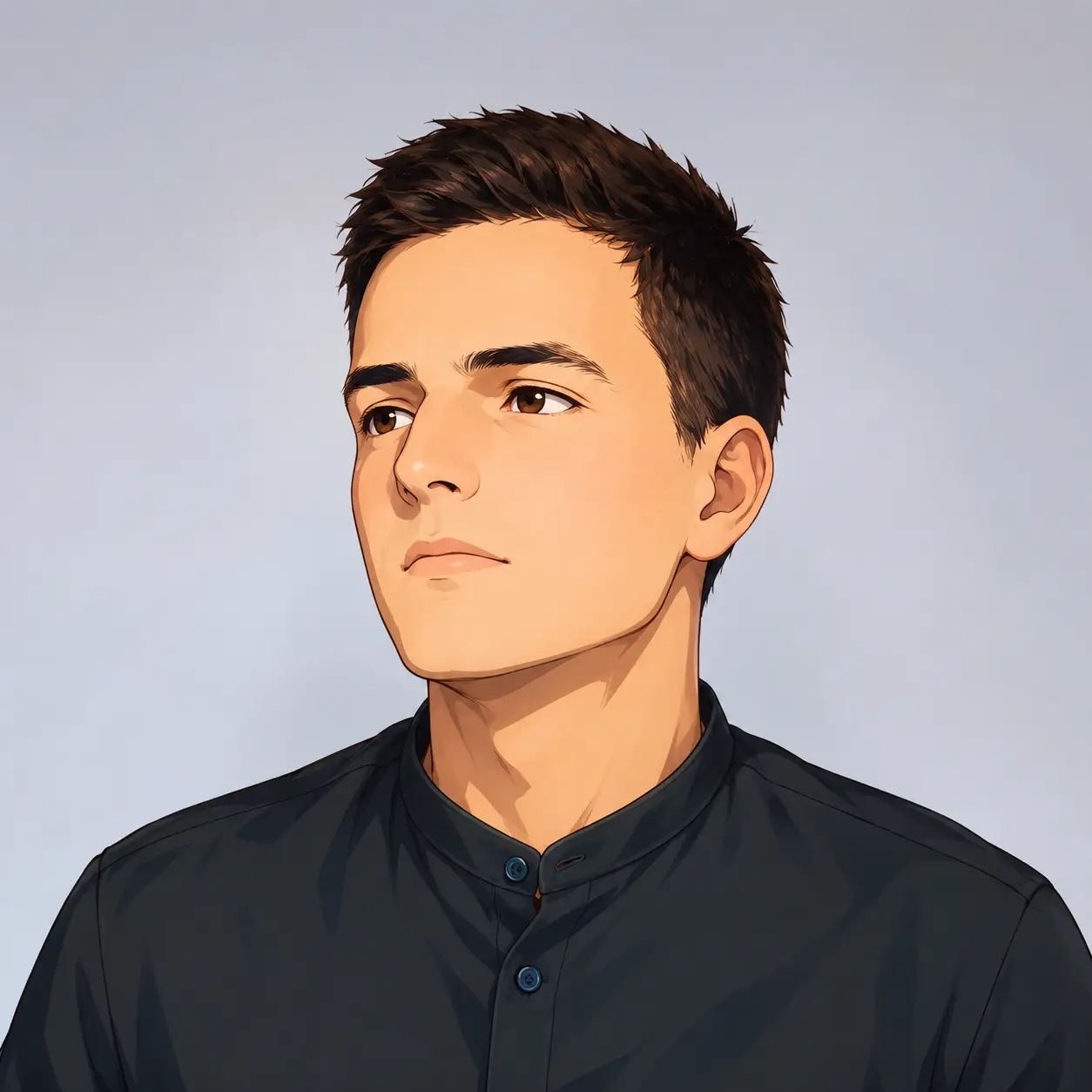
Cartoon Profile Picture Maker - AI Avatar from Photo
Turn your photo into a cartoon profile picture with AI. Pick 2D, 3D, anime, or sketch styles, keep your look recognizable, and download a high-quality avatar.
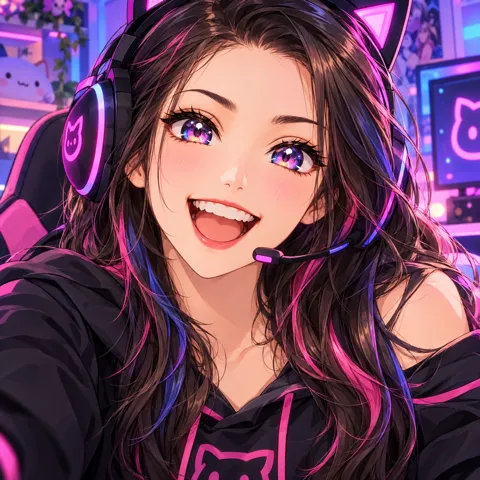
Anime Avatar Maker - Free AI Anime PFP & Character Creator
Create cute and stylish anime avatars from your photos with AI. Make custom anime PFPs for Discord, gaming, and social media with 1:1 square crop and HD export.