


Chibi Style Images
Transform a photo or place the saved lead in a new action and setting.
Create a chibi imageBuild a reusable character, independent scenes, a short video, an animated story storyboard, and an illustrated storybook in the same chibi direction. Save an approved Character Asset when the same lead needs to return.
A young sky courier with an indigo bob, coral flight jacket, teal parcel satchel, navy boots, and a brass compass.
Transform a photo or place the saved lead in a new action and setting.
Create a chibi imageGive the saved lead one readable action with restrained background movement.
Create a chibi videoPlan a multi-scene story and preview it as a storyboard before animating.
Create a chibi animated storyPlan an original story around the saved cast and generate connected illustrated pages.
Create a chibi storybookChibi is a Japanese character-art style built around deliberate exaggeration. The head is unusually large, the body is short and simplified, and the face carries most of the emotion. It is also called super-deformed or SD art in some anime and manga contexts.
The exact ratio is flexible, but a chibi figure often stands about two or three heads tall. Rounded shapes, short limbs, large eyes, and small hands keep the silhouette compact. Hair, clothing, colors, and signature props do more work because fine anatomical detail is reduced.
A chibi generator redraws the subject through those proportions instead of shrinking an ordinary portrait or applying a flat filter. It interprets the face, pose, outfit, and setting as a new composition, so each result can vary and an uploaded person's likeness is never guaranteed to be exact.
A short body and large head make the character readable at a small size without copying realistic anatomy.
Large eyes, a small mouth, and an economical pose keep the emotion easy to recognize.
Distinctive hair, clothing colors, and one or two props carry identity after smaller details are removed.

Begin with a portrait, pet photo, or written scene. Continue with still images, reusable characters, short videos, and illustrated stories when the idea needs more than one result.
Start with a reference when recognizable details matter, or use text to invent a character and scene from scratch.
Add one JPG, PNG, or WebP image up to 30 MB, or describe the subject, visible action, useful props, and setting.
Choose an aspect ratio and the available generation settings for an avatar, full character, scene, or vertical composition.
Photo generation redraws the reference through compact proportions; text generation builds an original subject and scene.
Download the result, save a strong character reference, create another scene, or continue into video and storybook tools.
The selected preset supplies the visual direction. Use the prompt for identity, one visible action, concrete props, and a setting that explains the pose.
Hair, clothing colors, and one signature item make a simplified figure easier to recognize.
A cute traveler
A young sky courier with short indigo hair, a coral flight jacket, cream shorts, a teal satchel, and a brass compass
A single action gives the compact body a clear pose and keeps the scene legible.
A fun adventure
A sky courier crouches on a windmill roof to catch a loose parcel
A short prop list tells the model what belongs near the hands and focal subject.
Lots of fantasy objects
A leather map tube, a folded glider, two parcel tags, and a brass compass beside the courier
Name useful surroundings and one environmental movement instead of filling the prompt with rendering terms.
An epic magical city
A hilltop delivery station with small windmills, tiled roofs, paper gliders, and pennants moving in the breeze
Save an approved Character Asset first, then select that same identity for an independent scene, a short video, and an illustrated storybook.
Generate a clear full-body or three-quarter reference and save the approved result to My Characters.
Create a chibi characterSelect the saved character and give it a different pose, action, setting, and story beat.
Create a chibi imageSelect the same saved character and describe one stable action with subtle environmental movement.
Create a chibi videoBreak the idea into connected scenes and review the whole story as a storyboard before any animation is rendered.
Plan an animated storyAssign the saved lead, review the story plan, and generate connected page illustrations.
Create a chibi storybookCompare five related looks, then open the style page that best fits your next image.
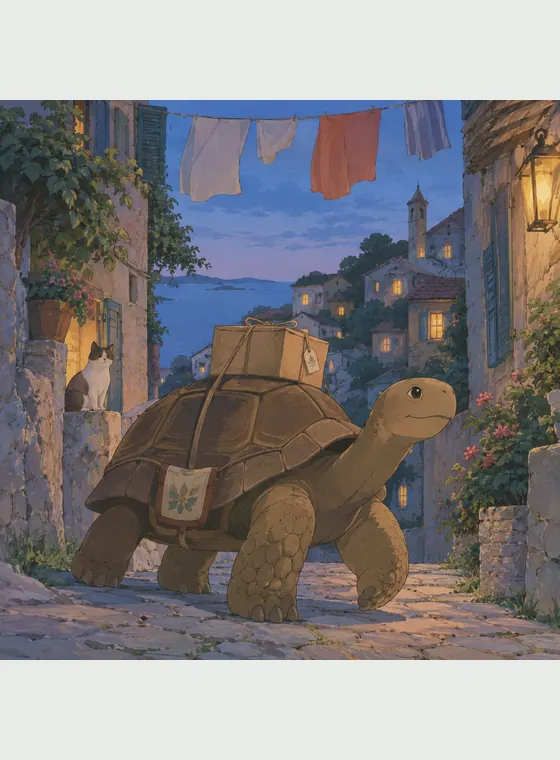
Turn a photo or an original prompt into a hand-painted anime scene with soft color, observed detail, and a grounded sense of place.

Turn a photo or a written idea into original 2D animation art with expressive acting, graceful shapes, and warm story-focused staging.

Create expressive 3D cartoon images from a photo or a written idea, then carry the same visual direction into reusable characters, animated videos, multi-scene animated stories, and illustrated storybooks.

Turn text or photos into cel-shaded art with crisp outlines and hard-edged shadows, then continue into characters, videos, and storybooks.

Use this watercolor AI generator to turn a photo into watercolor art or create an original scene from text, with transparent washes, soft edges, and visible paper texture.
Chibi art works well for avatars, stickers, pet portraits, reaction images, character concepts, gifts, and light story moments because the subject stays readable at a compact size. Compared with standard anime proportions, it pushes the head, eyes, and expression further while simplifying the torso and limbs. Compared with 3D cartoon art, it usually favors a flatter, more graphic silhouette and fewer material details.
Transform a familiar person or pet, or invent an original character and setting from a written idea.
The large head, bold silhouette, and reduced detail suit profile images, stickers, and compact social graphics.
Save an approved identity and reuse it across variations, independent scenes, short videos, and storybook pages.
Change actions, props, expressions, and environments without repeating the original standing composition.
Answers about photos, prompts, proportions, character reuse, formats, and responsible use.
A chibi generator creates character art from a photo or text prompt using an oversized head, compact body, simplified anatomy, and amplified facial expression.

Turn a photo you have permission to use into a compact character, or begin with an original idea and build a reusable cast from the result.