Choose one subject
Use Reference Image for one JPG, PNG, or WebP up to 30 MB, or choose a saved Character. A text-only prompt is also supported.
Use this Discord Sticker Maker to create 1 to 9 server sticker designs from a photo, saved Character, or short prompt. Download PNG or GIF originals, then finish the upload with the right permission, emoji, and description.
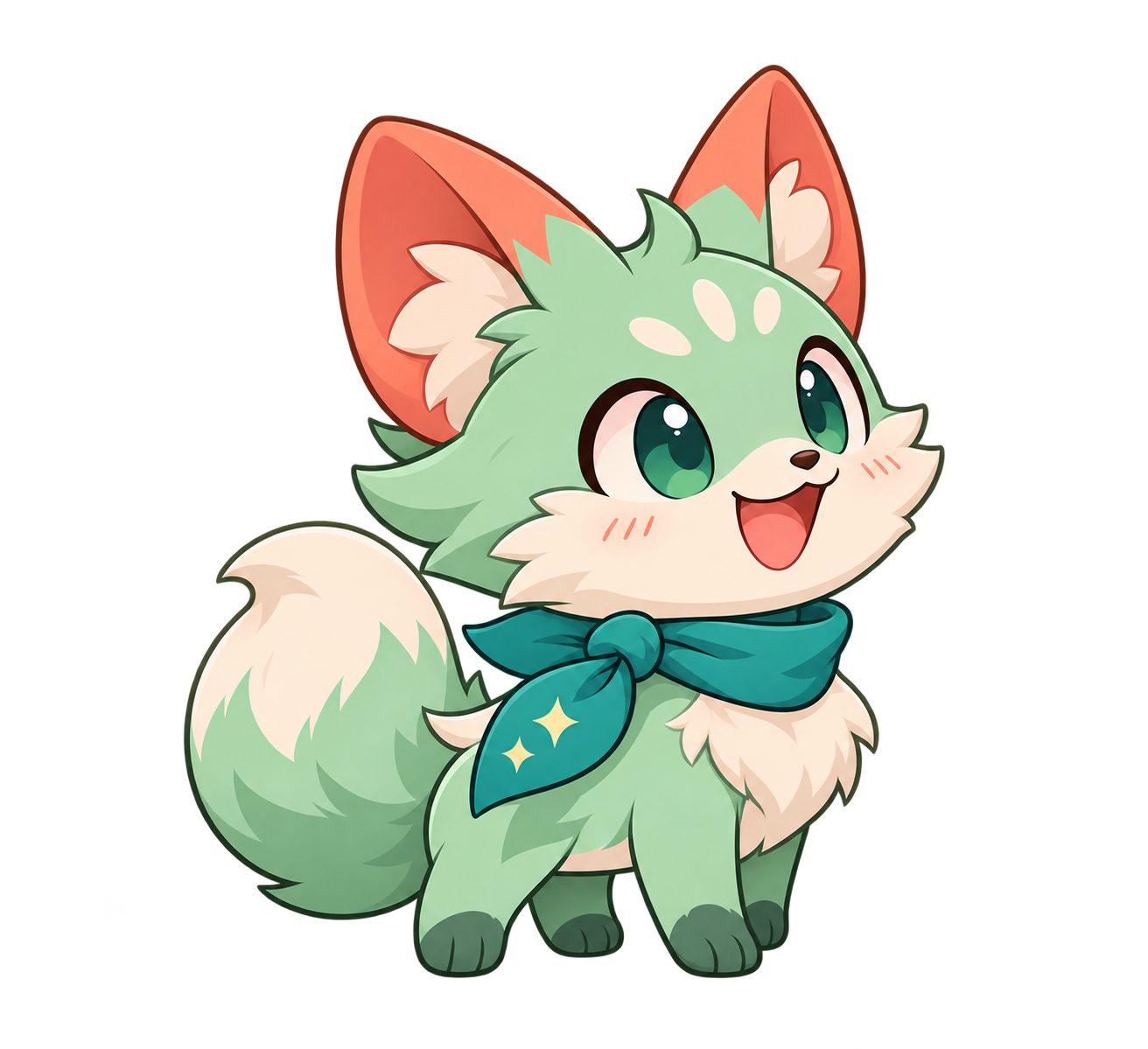
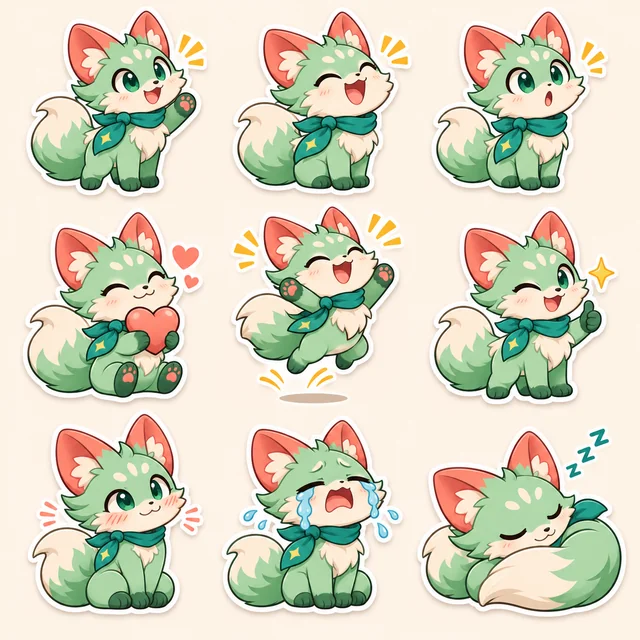
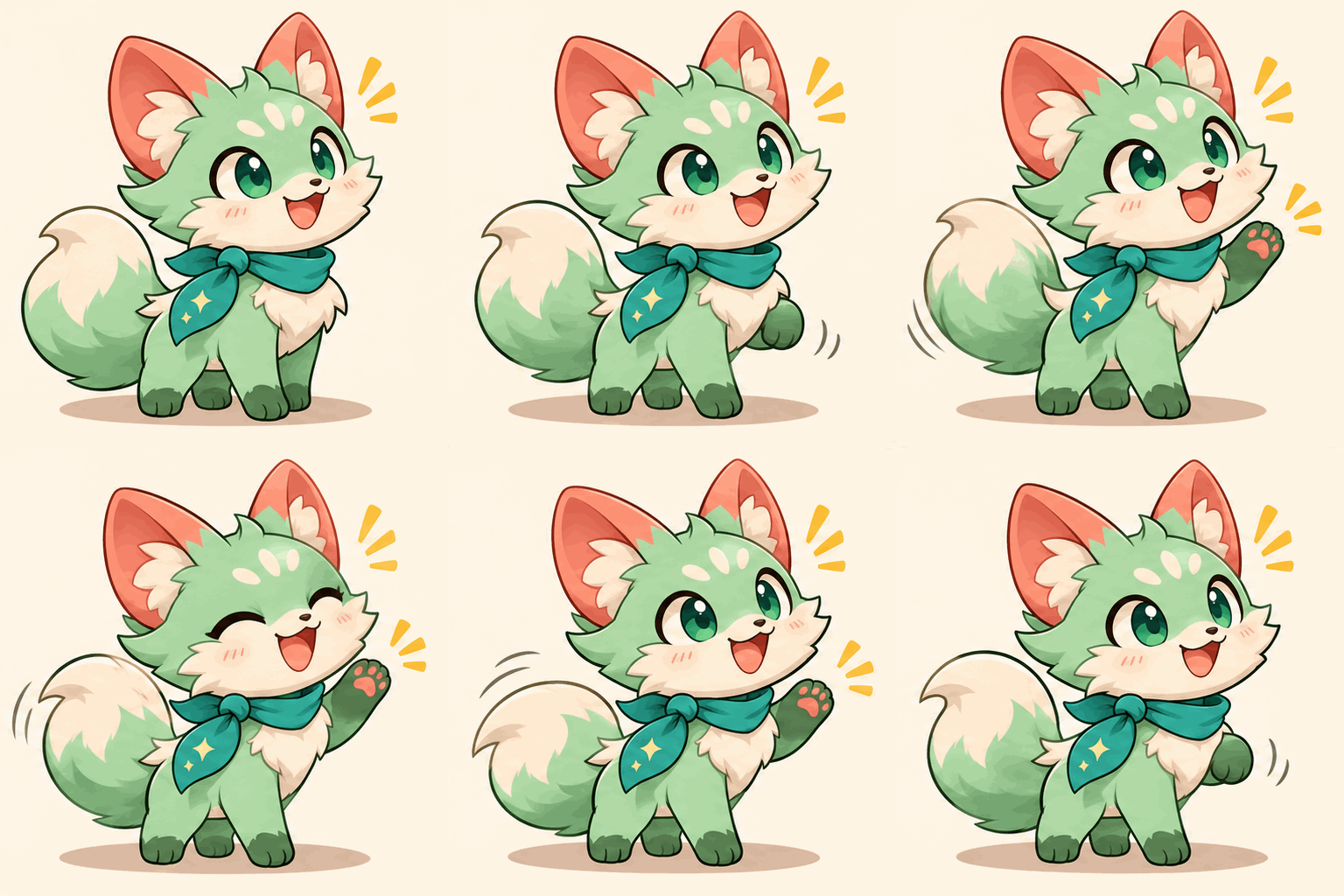
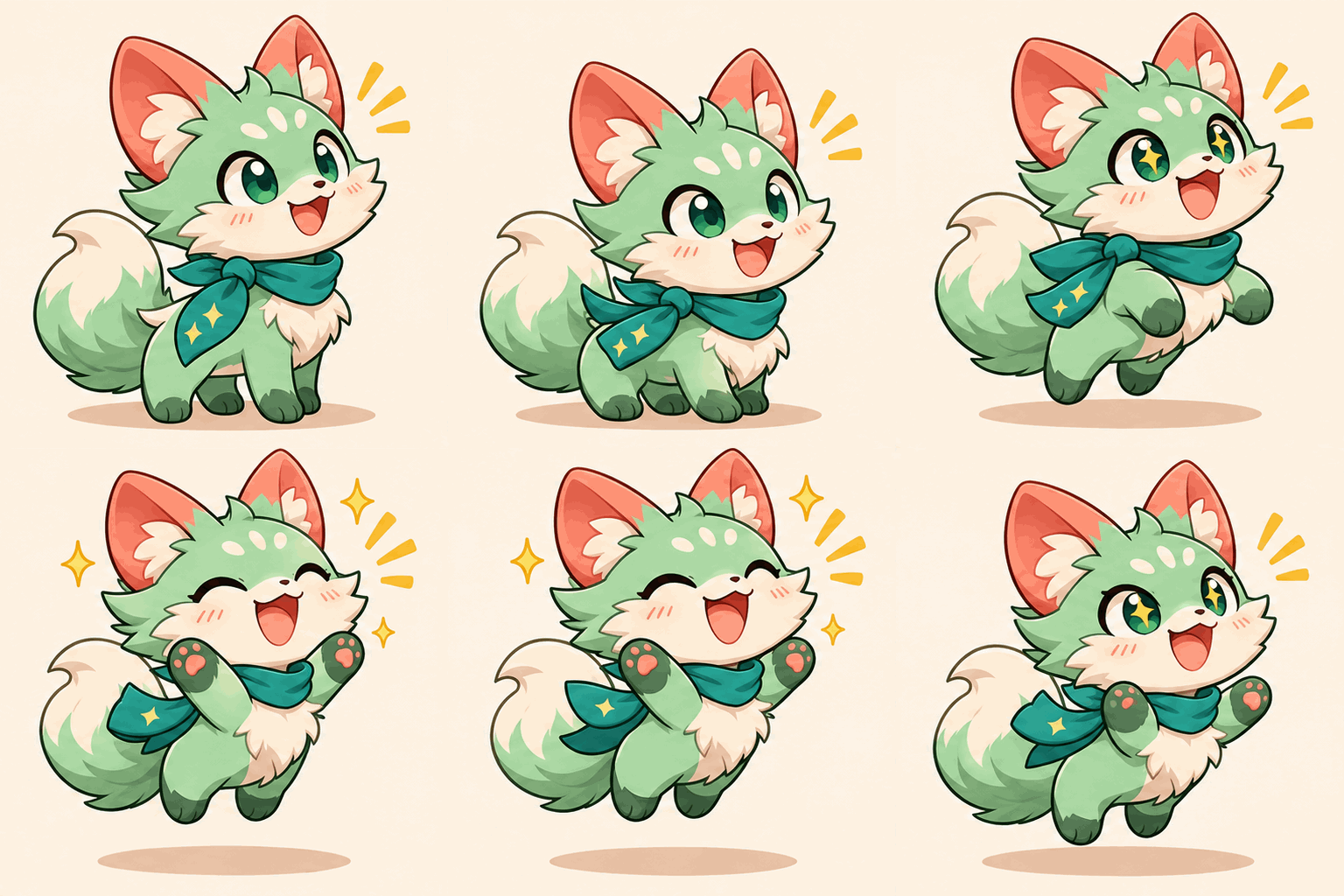
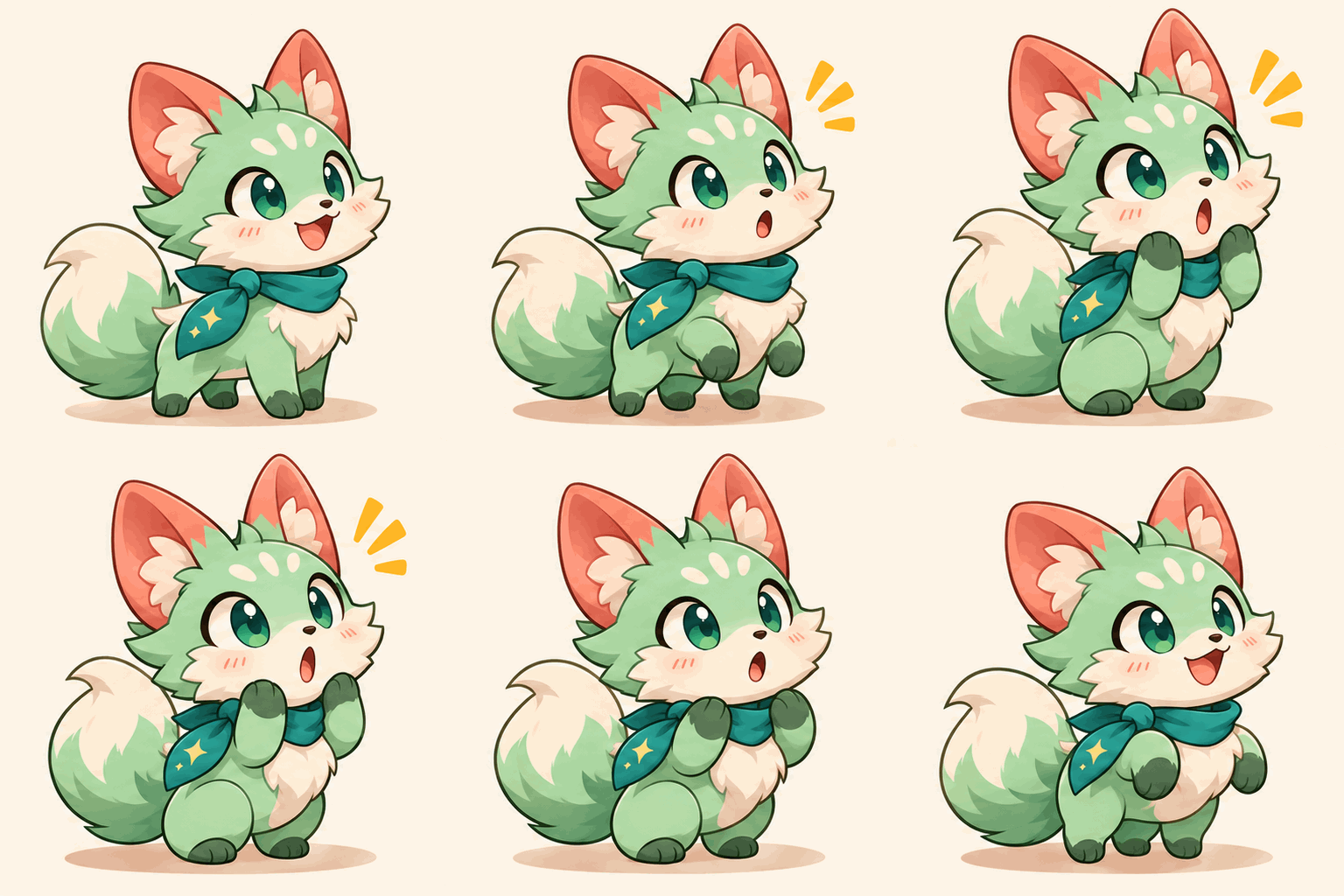
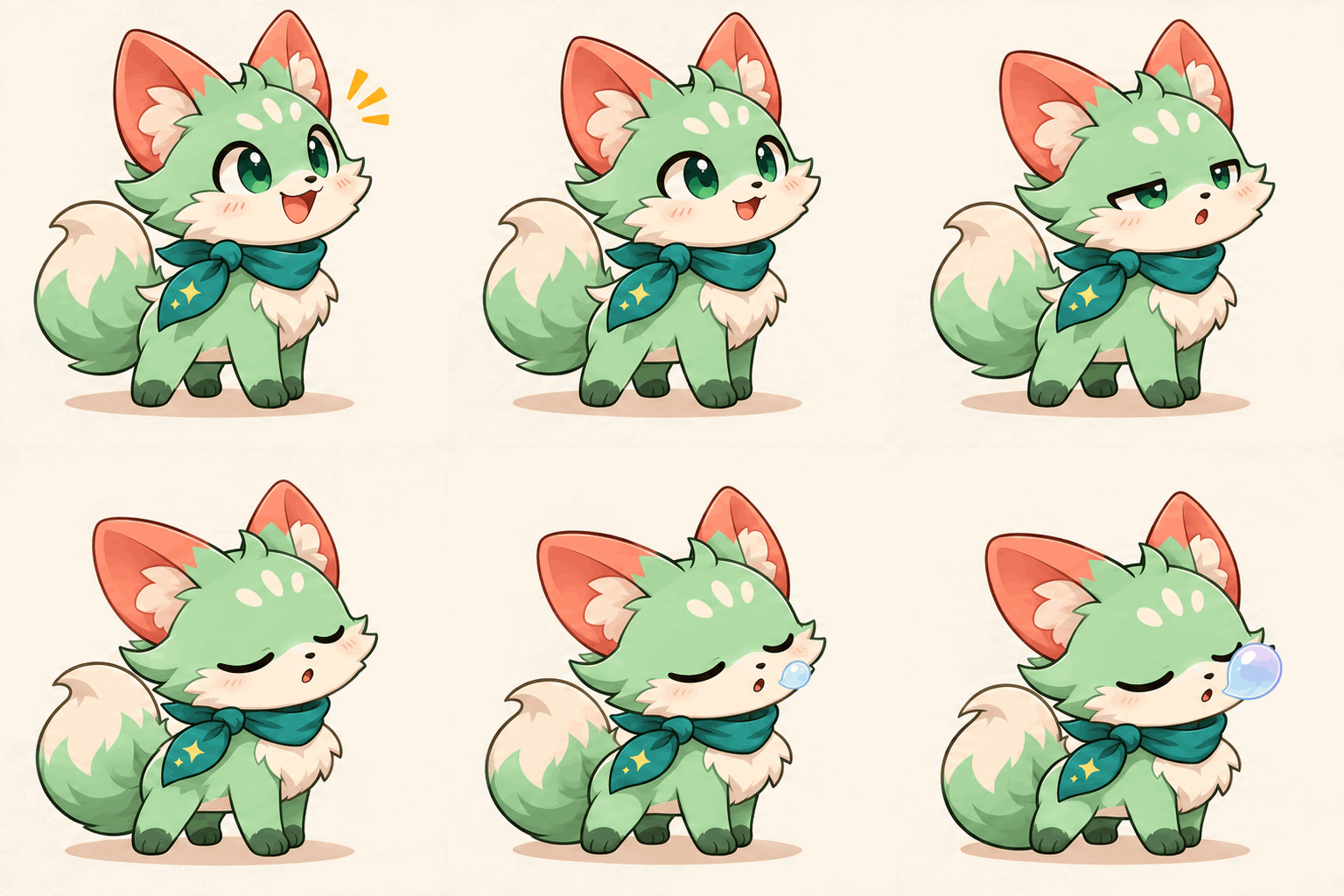
A clean reaction pack starts here
Choose a character or photo, select your sticker count, and describe the reactions you want.
Discord Sticker Maker supplies the artwork and original downloads. Upload from Server Settings on desktop or the web, then choose the server permission, name, related Unicode emoji, and optional alt-text description in Discord.
Use one source for a coherent set, but inspect every result. A GIF preview is not a byte-checked Discord upload.
You need to own the server or have Create Expressions permission. Manage Expressions controls editing and deleting. Mobile apps cannot upload or manage custom stickers.
Give each sticker a short name based on the emotion, choose a related emoji, and add a concise description of what the image shows.
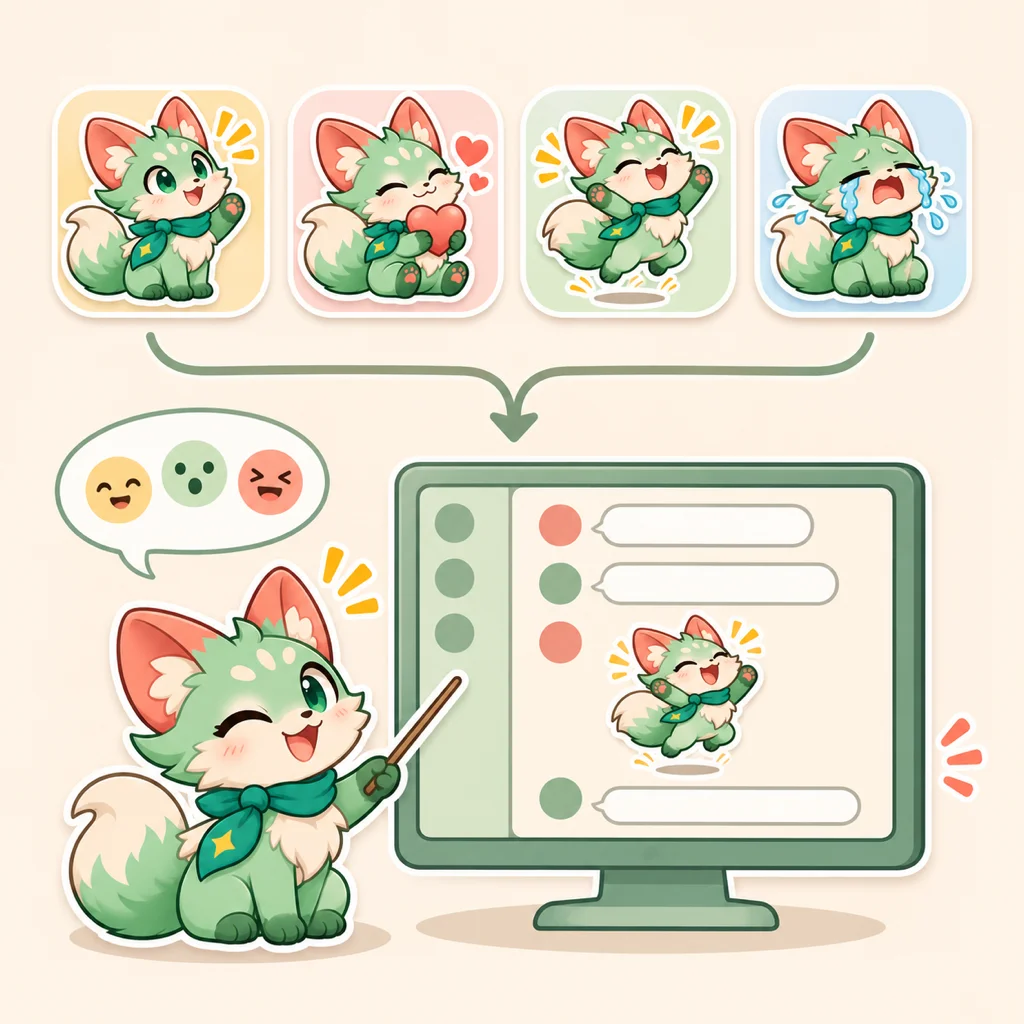
Follow this Discord Sticker Maker workflow: generate a small set, then use Discord's server settings to upload one file at a time.
Use Reference Image for one JPG, PNG, or WebP up to 30 MB, or choose a saved Character. A text-only prompt is also supported.
Select 1 to 9 results and write one action per box. Random fill supplies unique reaction prompts for the chosen count. Check the credit total before you generate.
Check the final 320×320 canvas and file bytes, then open Server Settings > Stickers on desktop or web. Add the name, related emoji, and a short description.
A Discord Sticker Maker result has two parts to prepare: the image file and the server metadata.
Open your server's Settings, then Stickers, from desktop or the web. You need the server owner role or Create Expressions permission.
Use 320×320 PNG for a static sticker or APNG/GIF for an animated one. The current Discord guidance sets a 512 KB maximum; check the final file, not the source GIF.
Discord asks for a sticker name and a related Unicode emoji. A short description is recommended for screen-reader users. Add one sticker at a time.
A compact Discord Sticker Maker set is easier to name, find, and review. These are examples rather than usage statistics.
Create hello, welcome, and goodbye around the same mascot so a new member can recognize the set.
Try hype, confused, facepalm, and applause. Keep the action readable at 320×320.
Describe the subject and emotion in plain language. Do not use emoji as the alt-text description.
Discord's official help pages separate file limits from server permissions and metadata. Use this Discord Sticker Maker checklist before uploading.
A generated file is a concept until dimensions and bytes are measured. See the Discord creator tips for current platform guidance.
Yes. Choose Reference Image, upload a JPG, PNG, or WebP up to 30 MB, and describe the reaction. You can also use a saved Character or a text-only prompt.
Start Discord Sticker Maker with one familiar subject and one readable reaction, then build the rest of the set from there.
Choose a related tool for your next image, avatar, portrait, or illustration. Each option opens a focused workflow with real examples to try.
Try image to sticker generation with AI Sticker Maker. Turn a photo, saved Character, or text prompt into 1–9 custom static stickers or GIFs to download.
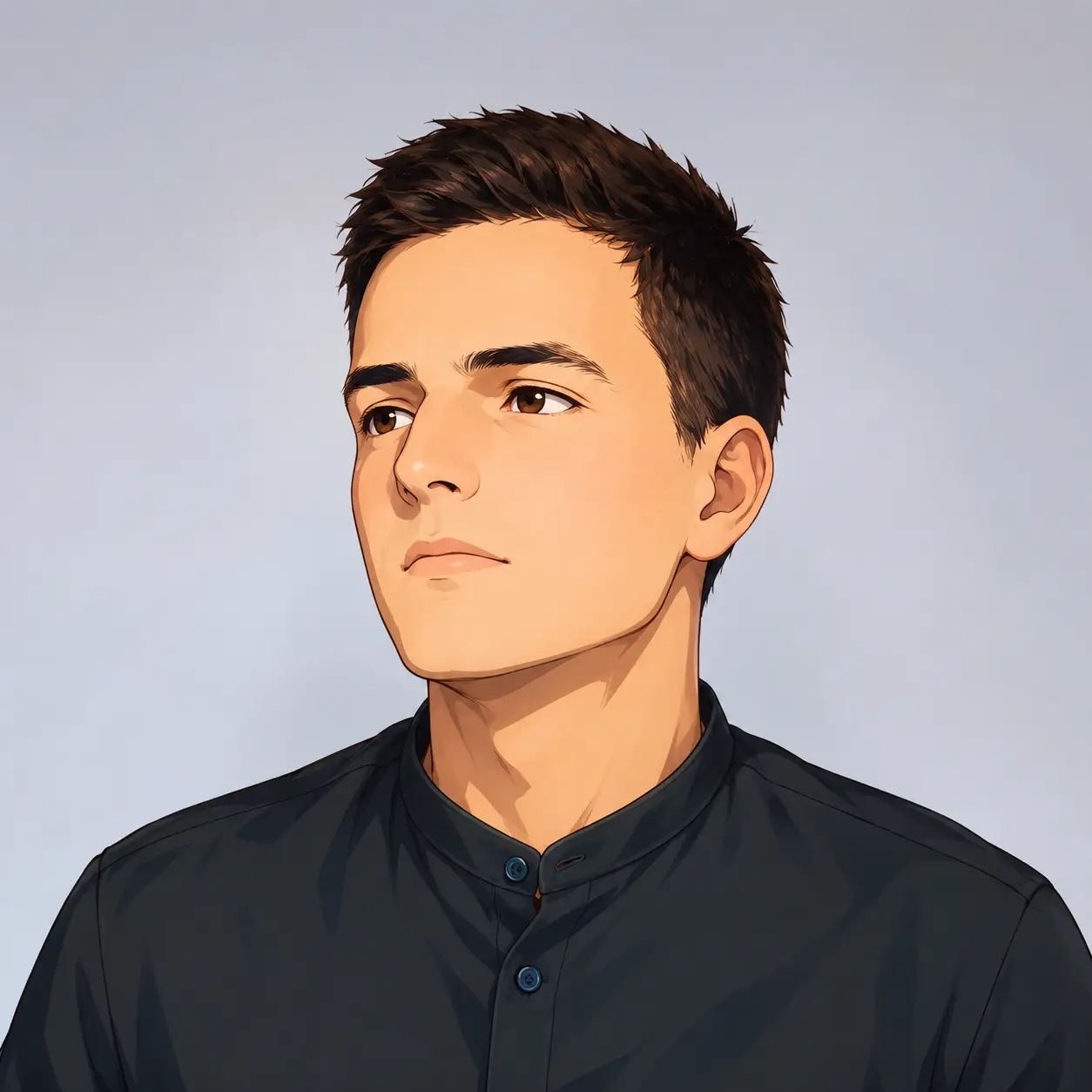
Turn your photo into a cartoon profile picture with AI. Pick 2D, 3D, anime, or sketch styles, keep your look recognizable, and download a high-quality avatar.
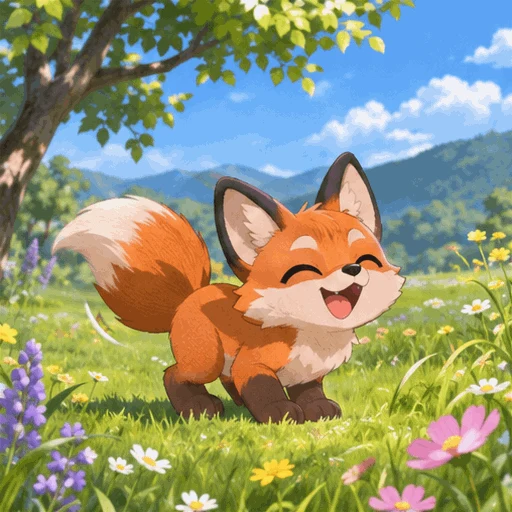
Make looping GIFs from text or a photo with AI. Pick quality and frame rate, preview, and download — powered by GPT Image 2.6. Free credits to start.
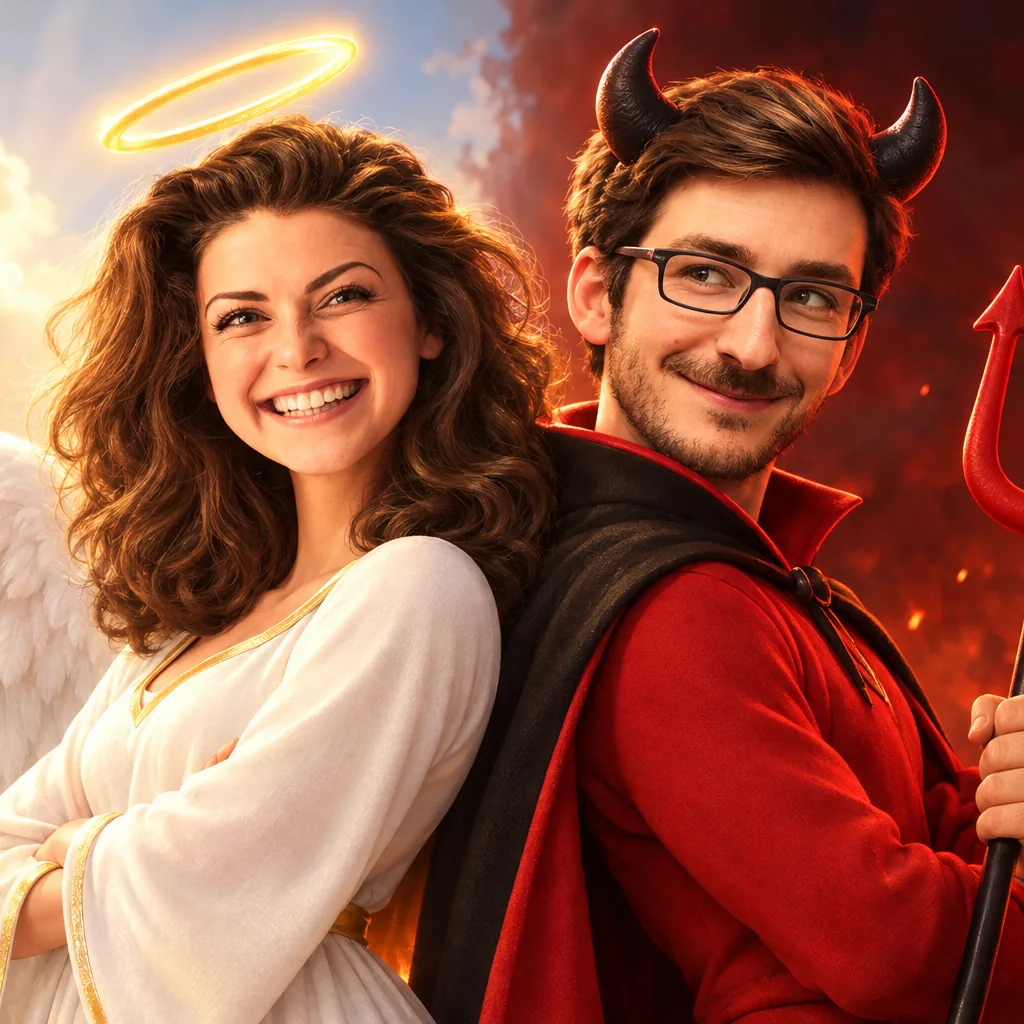
Turn your photo into a 3D cartoon Halloween costume — witch, vampire, skeleton, zombie or angel & devil duo. Six tested costumes, results in seconds.
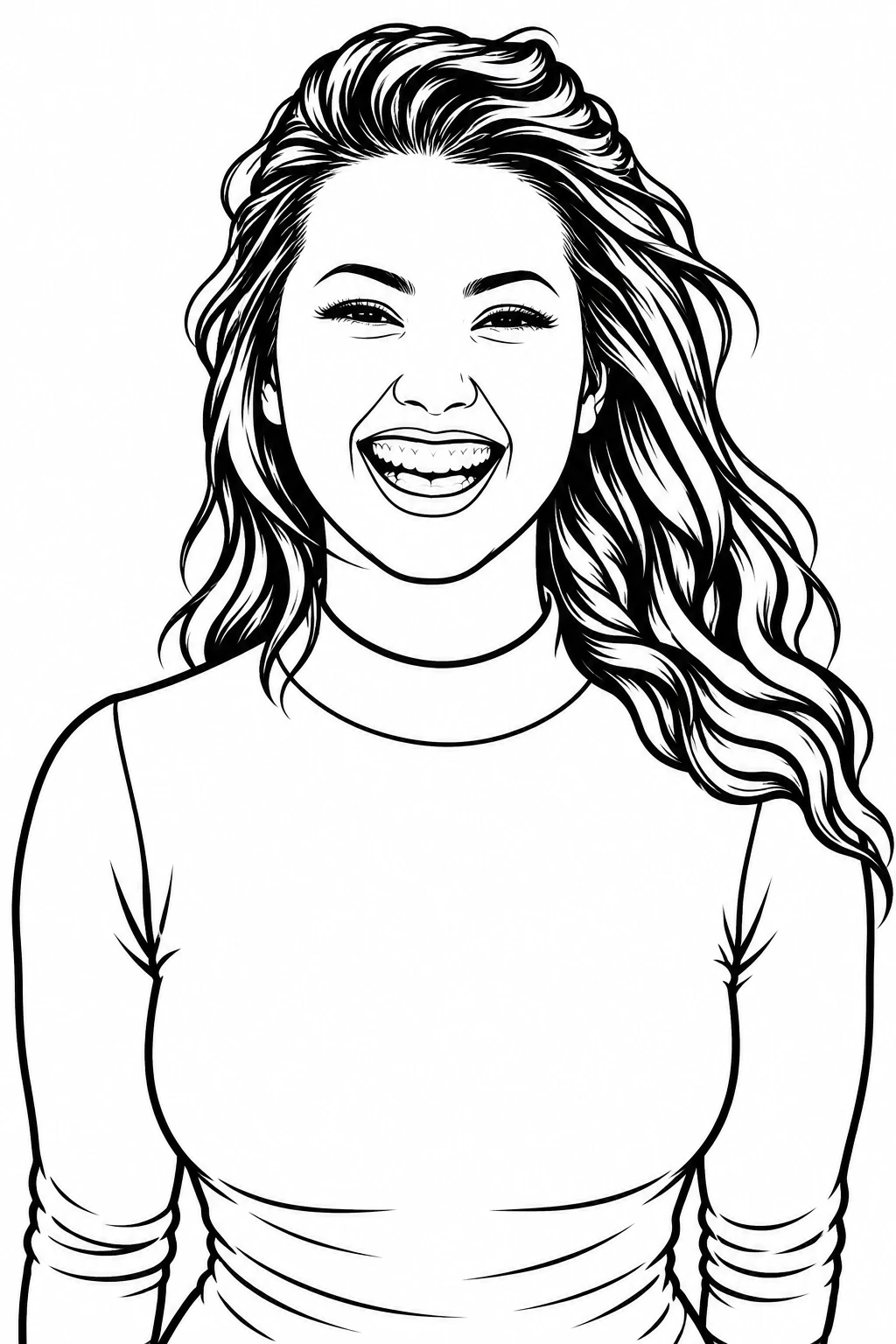
Turn any photo into clean black-and-white line art in one click. Three detail levels, print-ready 4K export, original aspect ratio kept.
Turn a photo into an editable English prompt. Keep the full look or just the subject and scene, then copy, download, or open it in Toonderly's studio.