Choose a source
Use Reference Image for one JPG, PNG, or WebP up to 30 MB, or choose a saved Character. You can also create from a text prompt without a reference.
Turn a photo, saved Character, or short prompt into 1 to 9 WhatsApp sticker designs. Sign in to generate; download PNG or GIF originals and prepare them for WhatsApp.
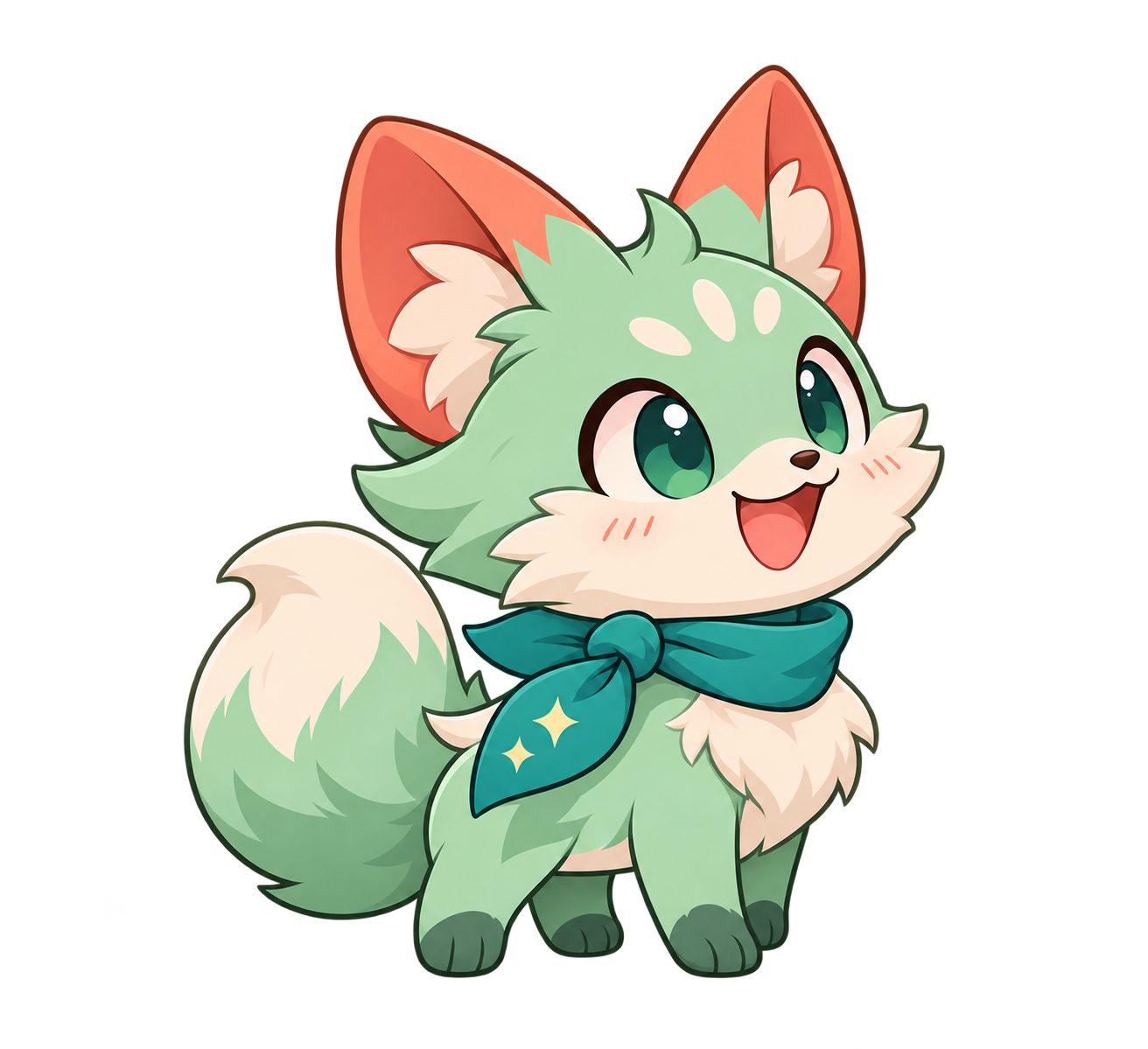
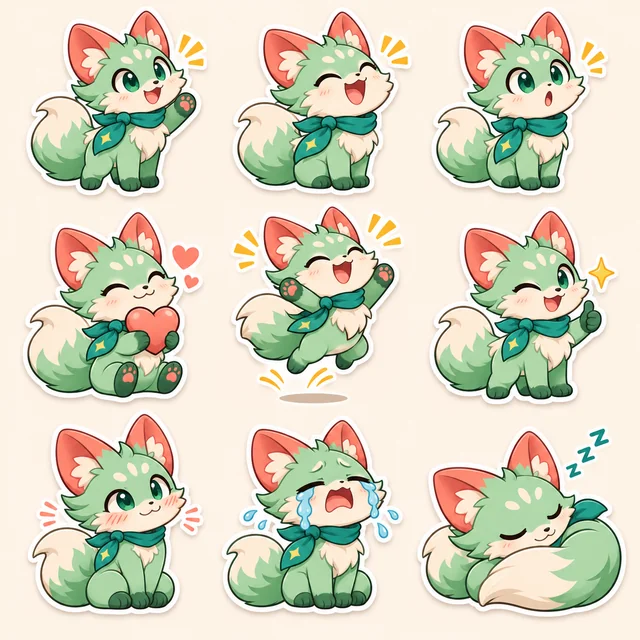
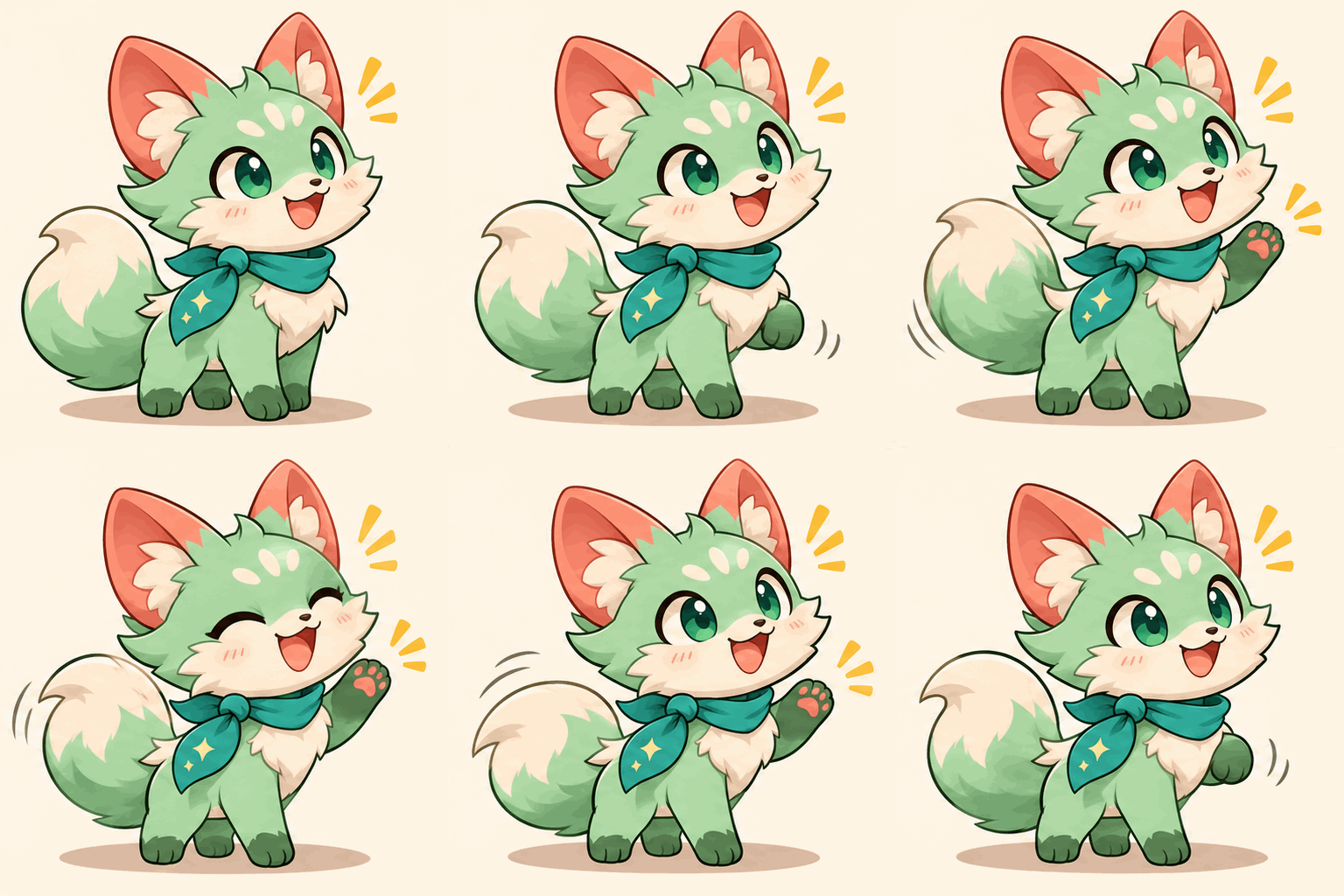
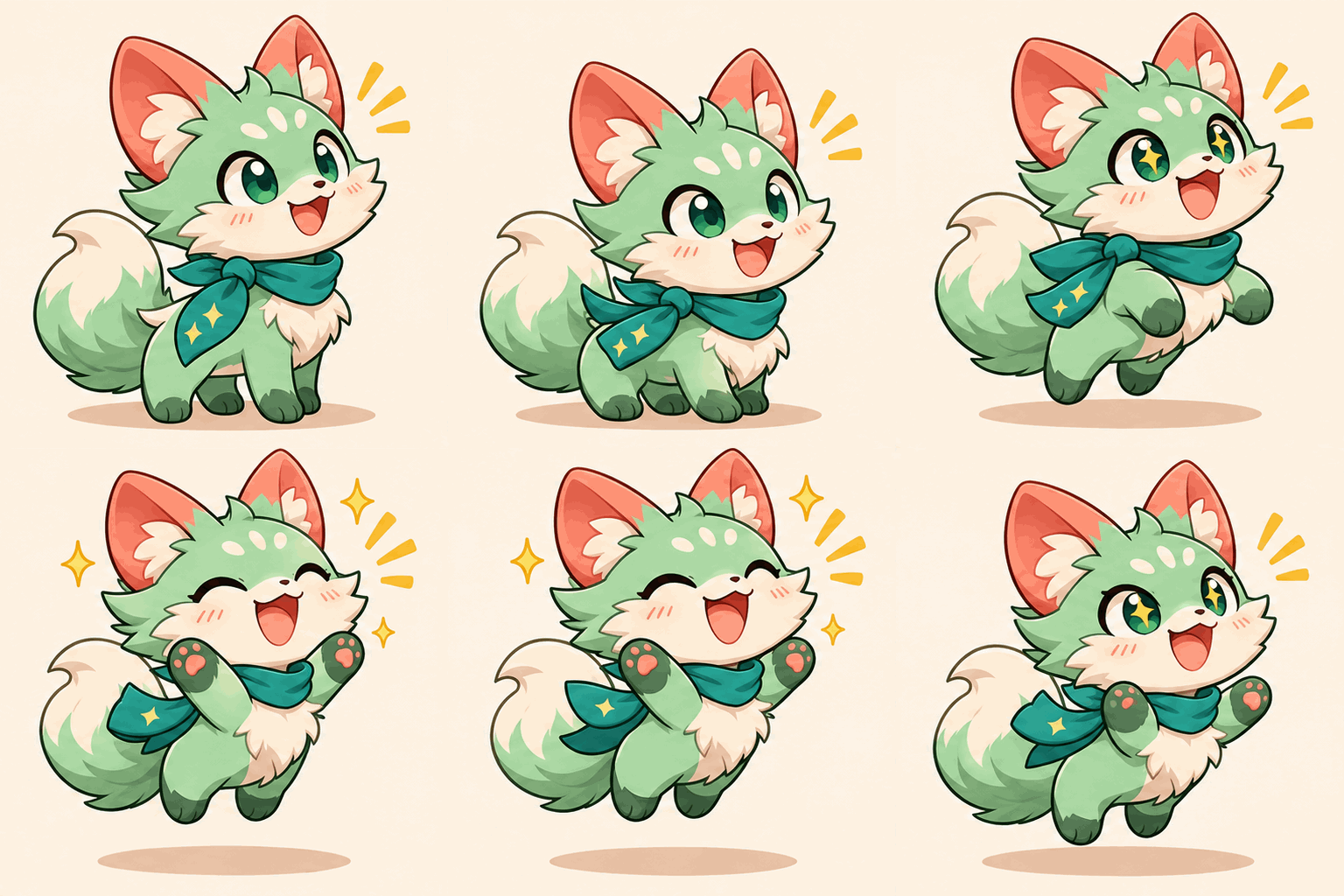
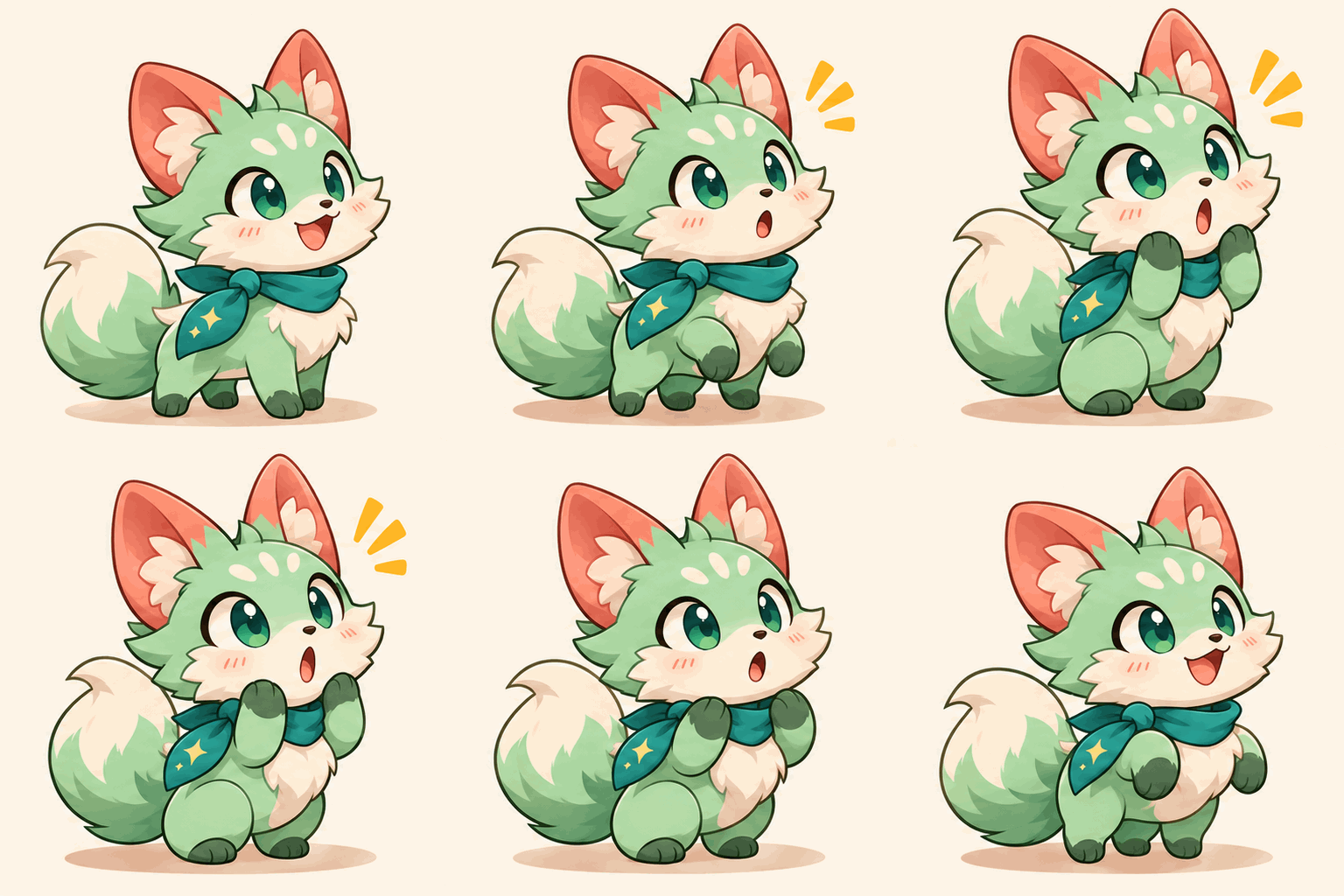
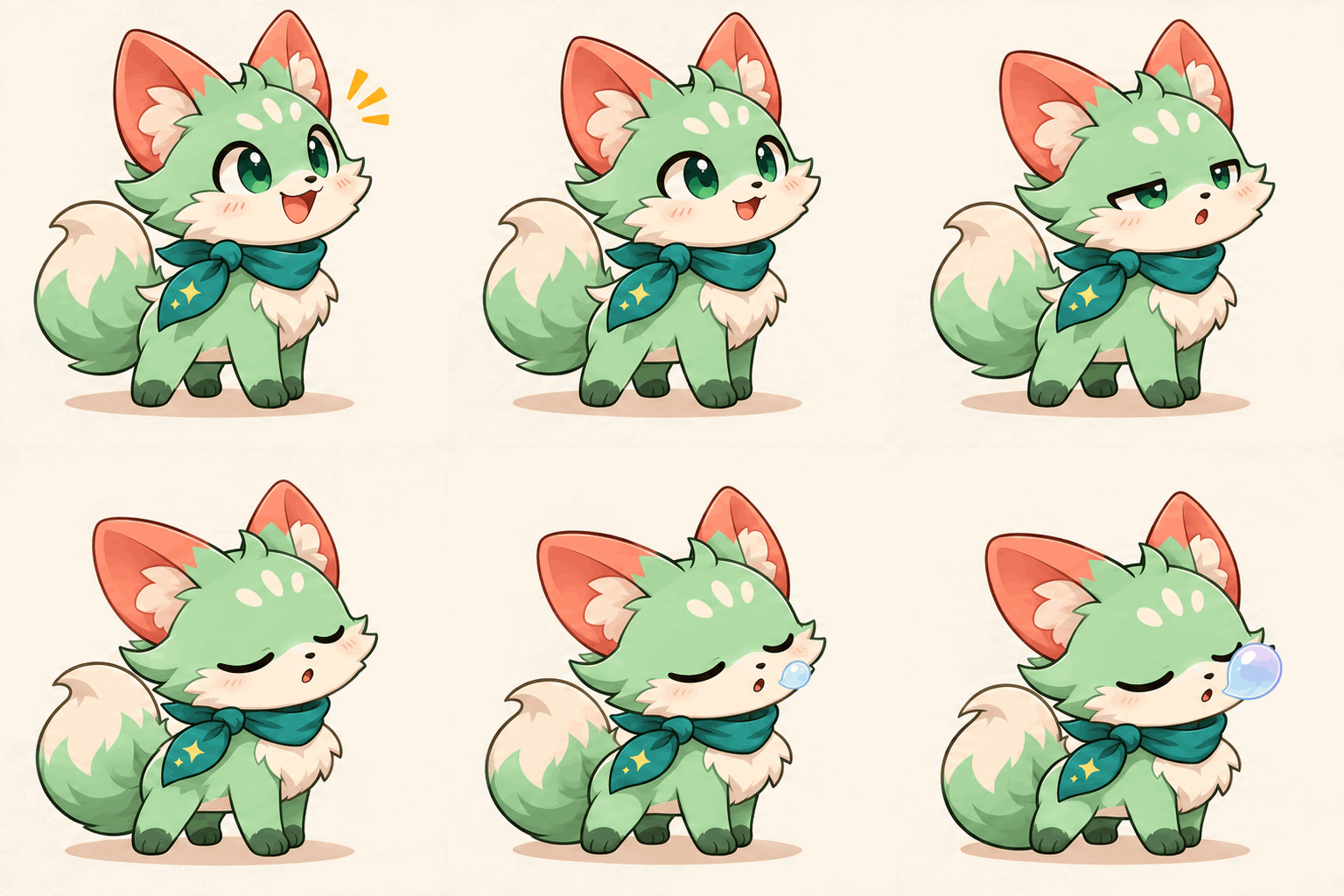
A clean reaction pack starts here
Choose a character or photo, select your sticker count, and describe the reactions you want.
Keep the same source image while changing the action: a wave for hello, a grateful nod, or a sleepy good night. Each reaction has its own prompt and its own result, so you can keep the useful ones without downloading a collage.
Toonderly generates PNG artwork or GIF animation and downloads the original files. It does not resize, convert to WebP, remove the background with a dedicated editor, or add a pack to WhatsApp. Check the actual background and file dimensions before importing.
Choose a clear single-subject reference. Reuse it across the set, then compare face shape, markings, clothing, and silhouette in every result. Identity can vary between generations.
Try “waving hello with one paw” rather than “make a sticker pack.” The page adds sticker framing instructions; use each prompt for the subject and reaction.
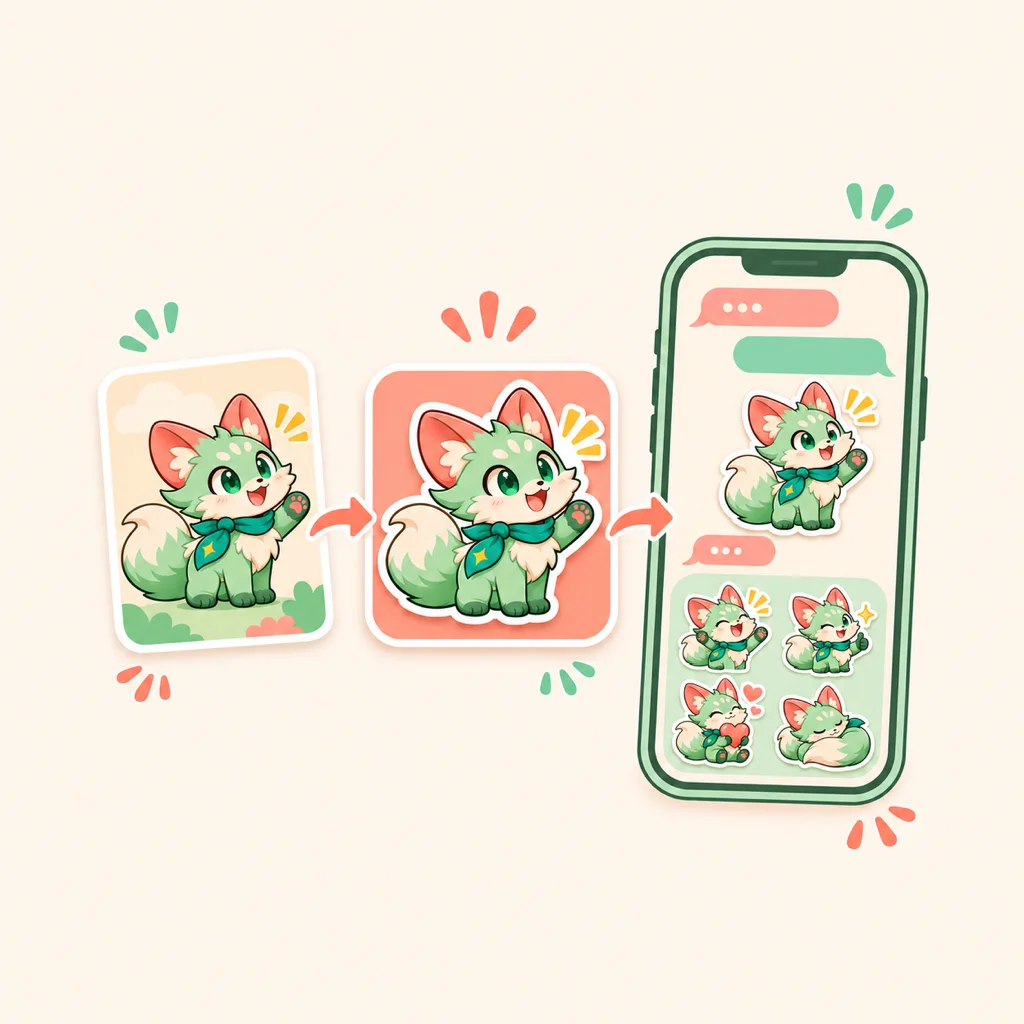
Test one reaction before spending credits on a larger set. The total changes with quantity, output format, and quality and appears on the generate button.
Use Reference Image for one JPG, PNG, or WebP up to 30 MB, or choose a saved Character. You can also create from a text prompt without a reference.
Select 1 to 9 results. Write one action per box or use Random fill for distinct prompts. Choose Static or GIF, check the displayed credit total, and sign in to generate.
Review the face, edges, and background. Download each original, then resize and convert in an editor if needed. Keep the entire subject inside the canvas rather than cropping it.
Choose the import route that matches your task. Downloading an image here does not install it in WhatsApp.
WhatsApp has a built-in photo sticker editor. For a simple cutout, open the sticker panel, choose Create, and select your saved image. Use its preview to check the cutout before sending. Controls can vary with app version.
For a collection, use WhatsApp's pack controls or a sticker-pack app. The official Android app-pack format requires 3 to 30 stickers and a 96×96 tray icon. Start with three distinct reactions rather than nine near-duplicates.
Convert GIF originals to animated WebP in a separate editor and check the converted file. Use one type per pack: static and animated stickers cannot be mixed in the same pack.
These are starting ideas, not measured usage rankings. Choose the reactions your own conversations need.
Try hello, thank you, and good night around one familiar face. Distinct gestures make the set easier to tell apart at chat size.
Use a pet or consenting person's photo for a heart, a laugh, or an encouraging thumbs-up. Only upload images you have permission to use.
Random fill supplies different reaction prompts for the selected count. It does not guarantee that the resulting expressions will all look different, so review each one.
For app-based sticker packs, check the final WebP files against WhatsApp's official requirements. The platform preset here is guidance, not an automatic compliance check.
Requirements checked November 8, 2026. See the official WhatsApp sticker app specification. App-pack rules and the built-in photo editor are different import routes.
Generation requires sign-in and credits. The button shows the total for the selected quantity, format, and quality before you generate. Check your account balance; this page does not promise unlimited free generation.
Start with one subject and one reaction. Check the result before expanding the set.
Choose a related tool for your next image, avatar, portrait, or illustration. Each option opens a focused workflow with real examples to try.
Try image to sticker generation with AI Sticker Maker. Turn a photo, saved Character, or text prompt into 1–9 custom static stickers or GIFs to download.
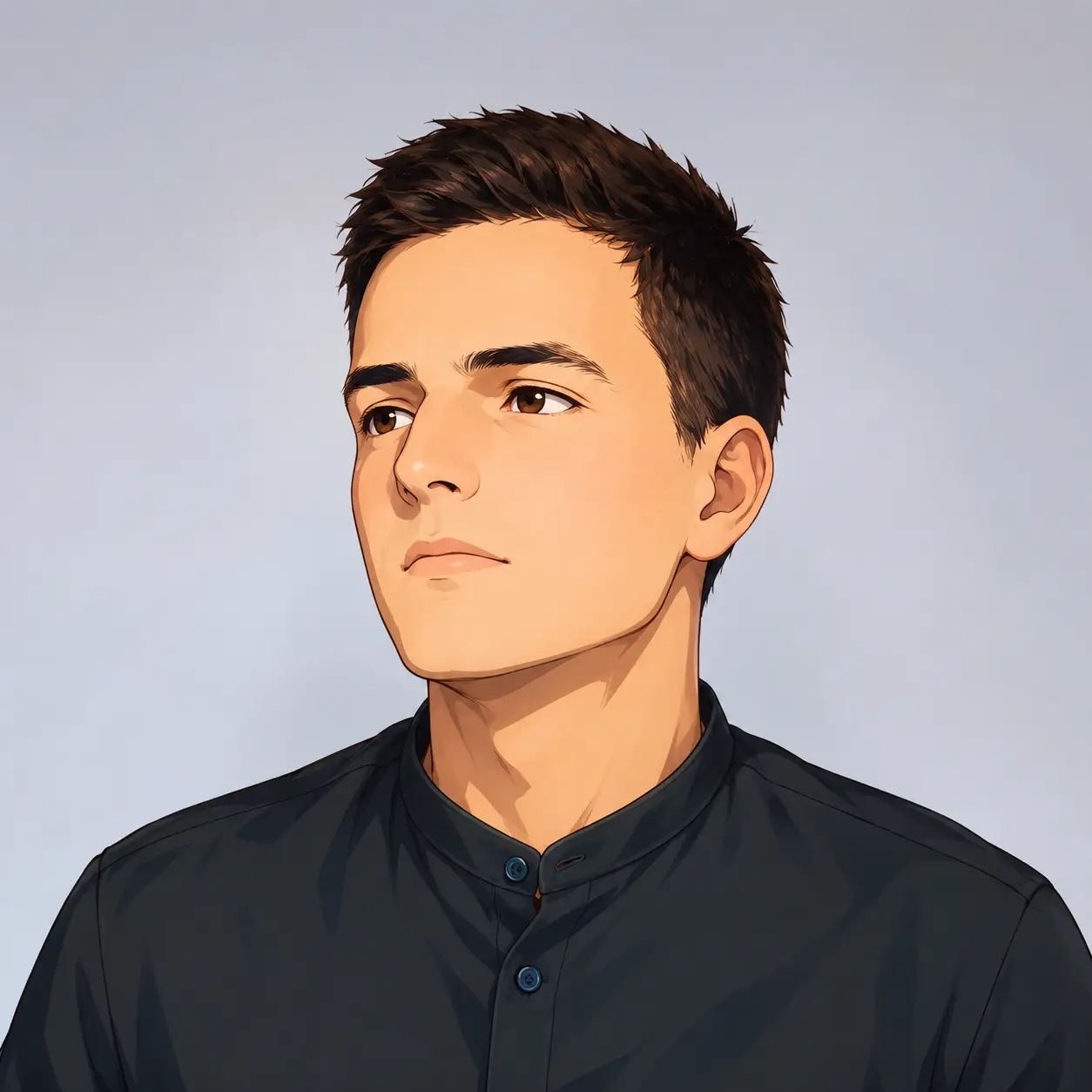
Turn your photo into a cartoon profile picture with AI. Pick 2D, 3D, anime, or sketch styles, keep your look recognizable, and download a high-quality avatar.
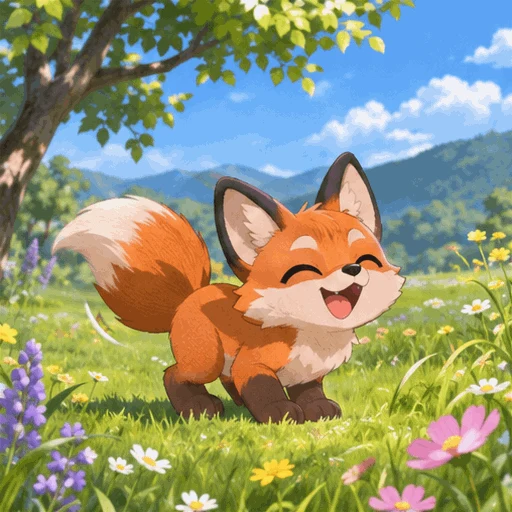
Make looping GIFs from text or a photo with AI. Pick quality and frame rate, preview, and download — powered by GPT Image 2.6. Free credits to start.
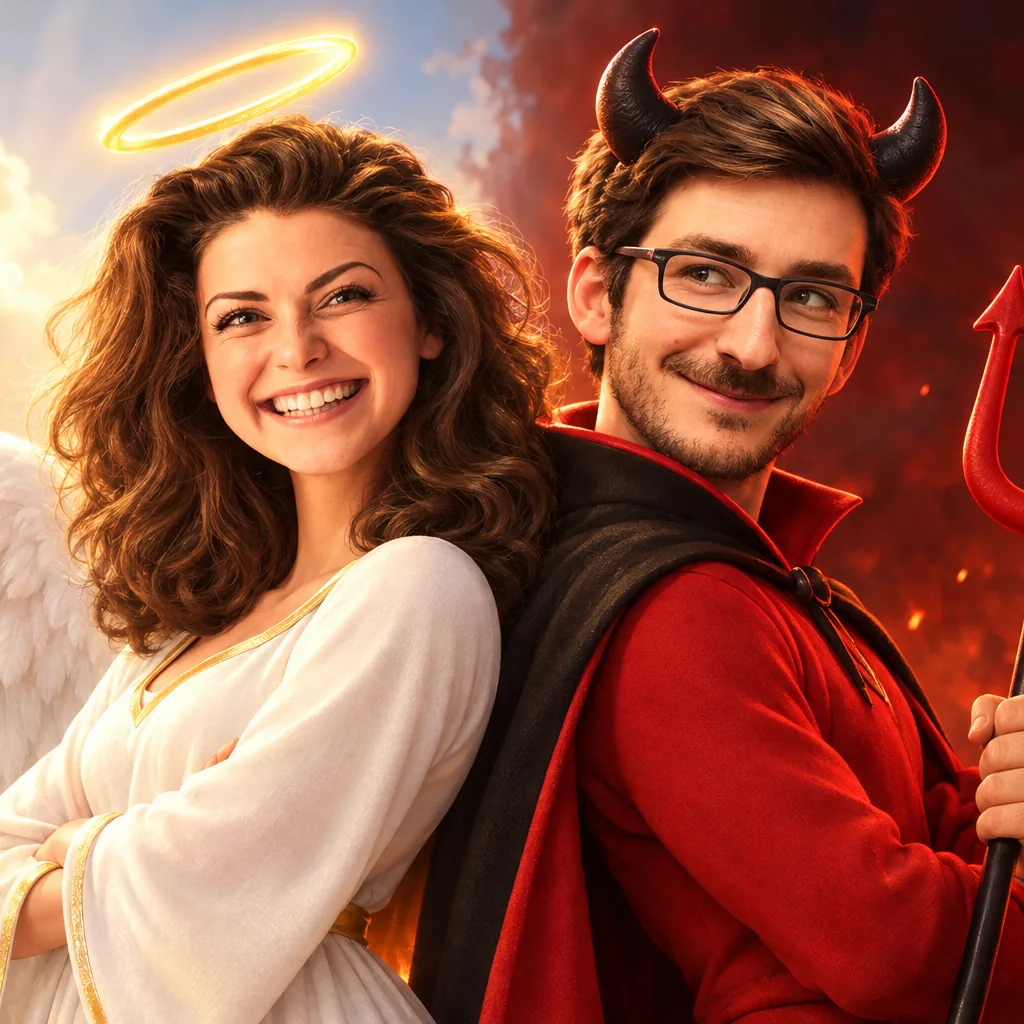
Turn your photo into a 3D cartoon Halloween costume — witch, vampire, skeleton, zombie or angel & devil duo. Six tested costumes, results in seconds.
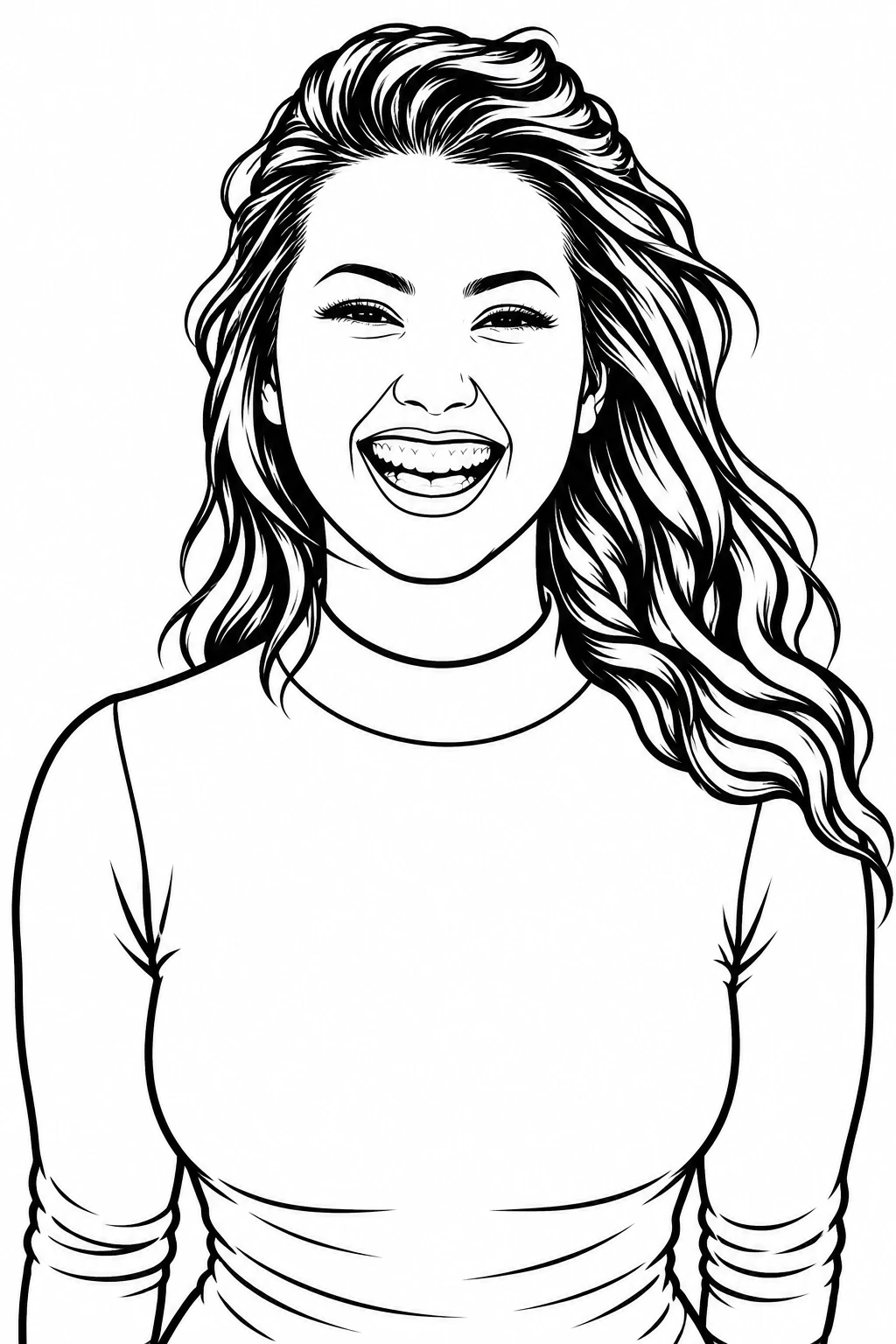
Turn any photo into clean black-and-white line art in one click. Three detail levels, print-ready 4K export, original aspect ratio kept.
Turn a photo into an editable English prompt. Keep the full look or just the subject and scene, then copy, download, or open it in Toonderly's studio.