Add one source
Use one JPG, PNG, or WebP up to 30 MB through Reference Image, choose a saved Character, or leave the source empty for text-only generation.
Turn a photo, saved Character, or prompt into 1 to 9 Telegram sticker designs. Sign in to generate PNG or GIF originals; prepare static files or convert animations before publishing.
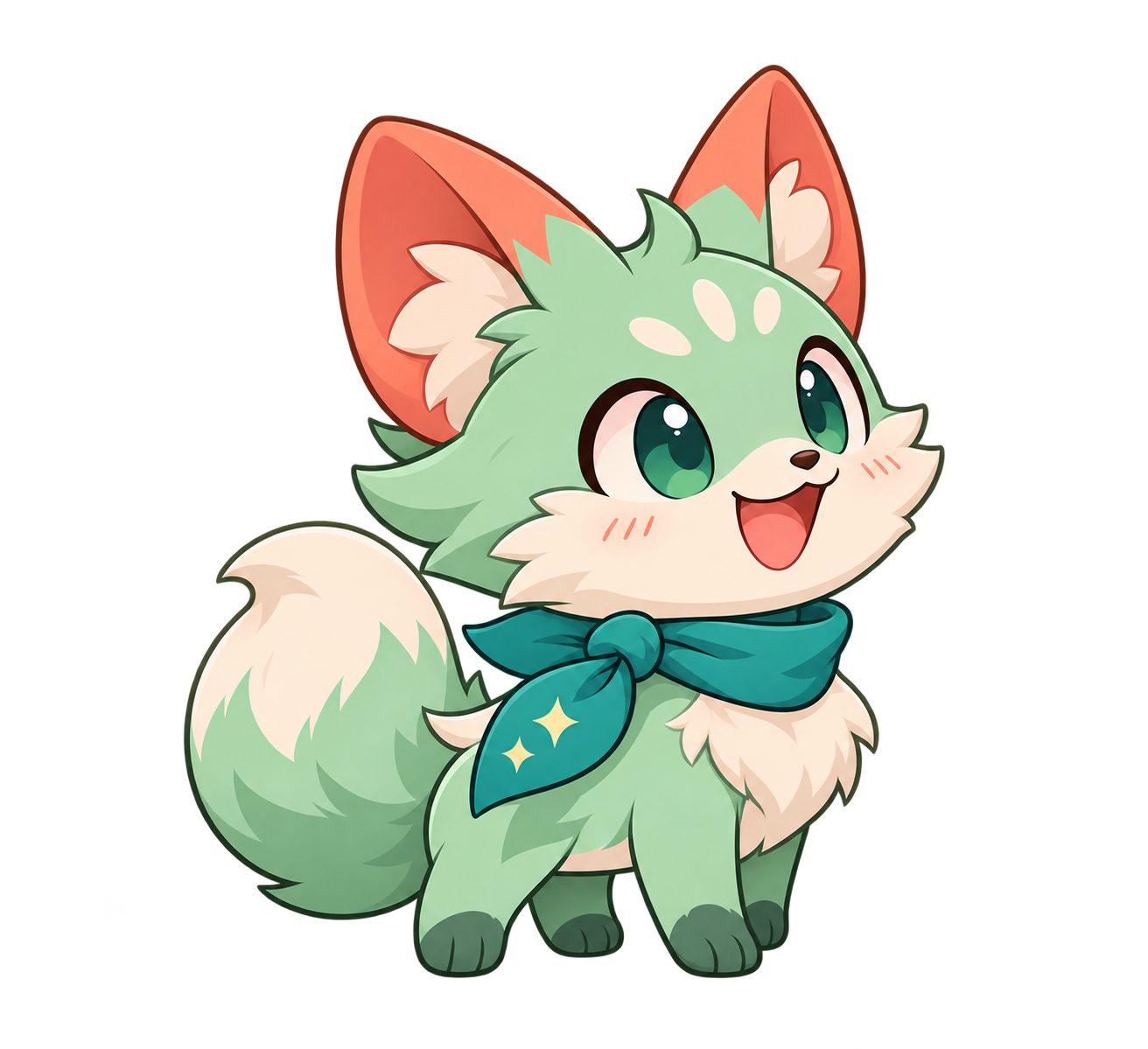
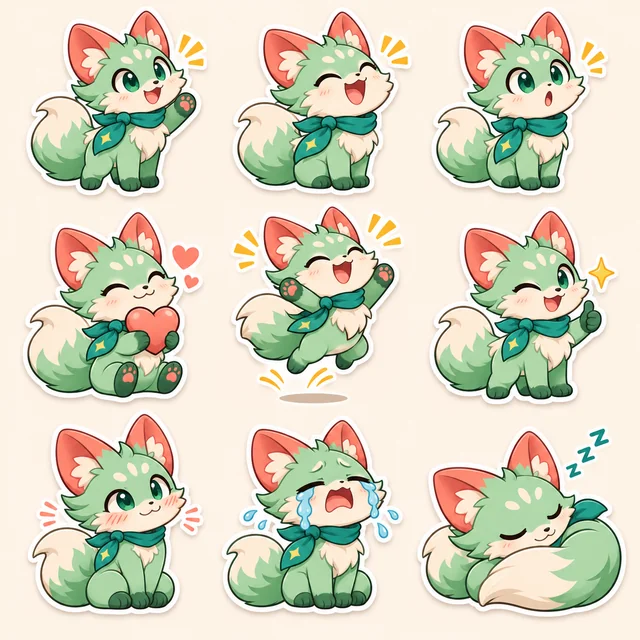
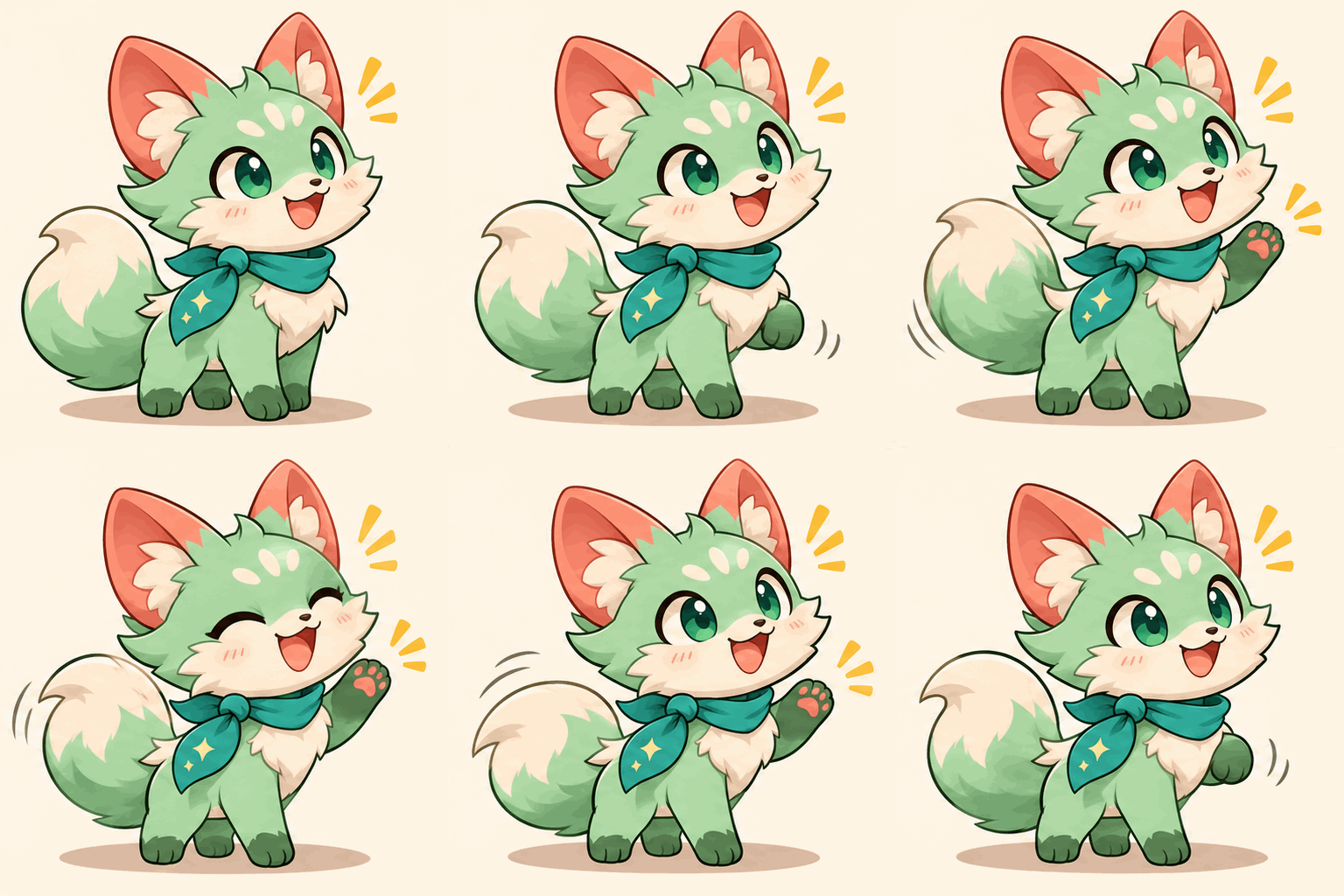
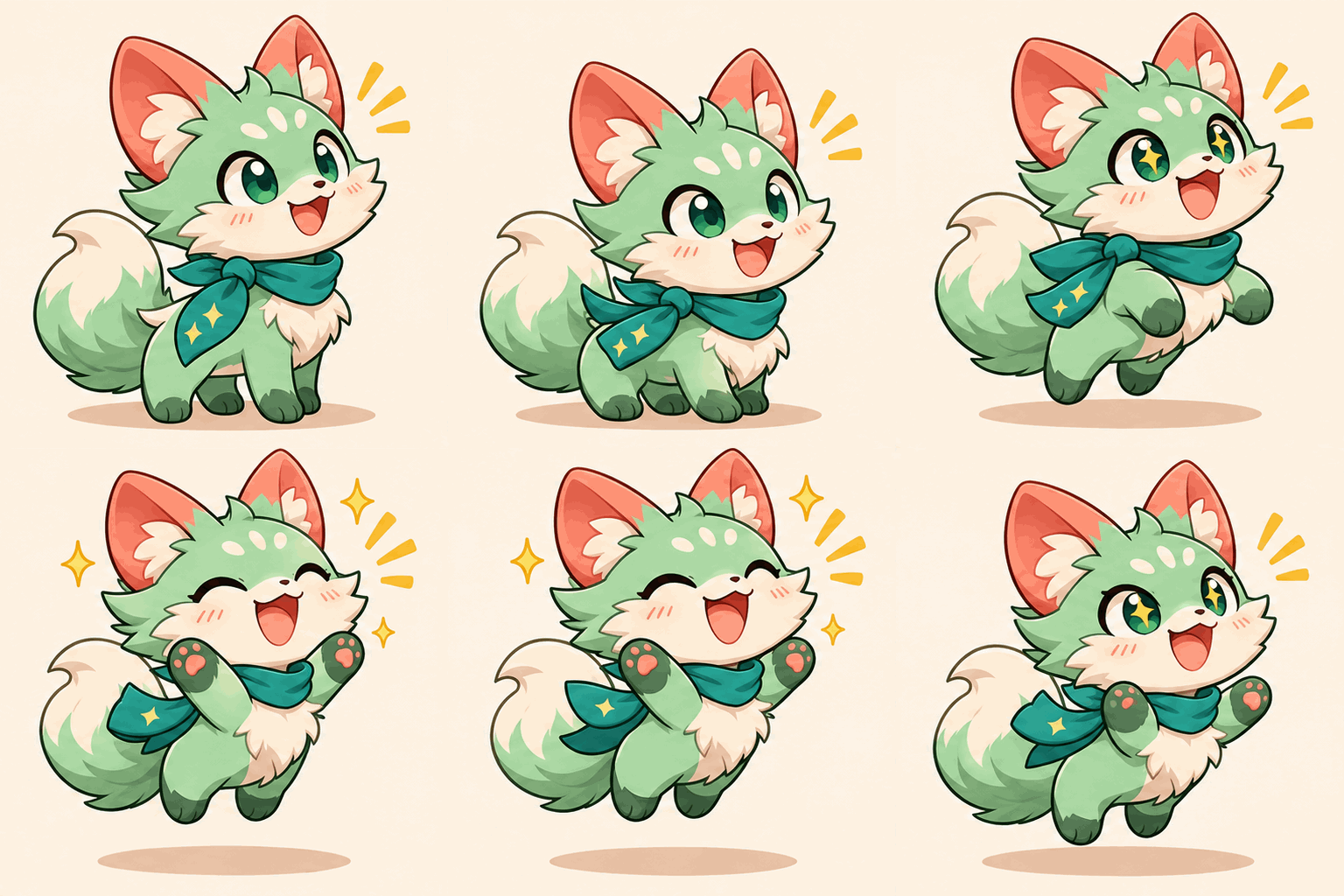
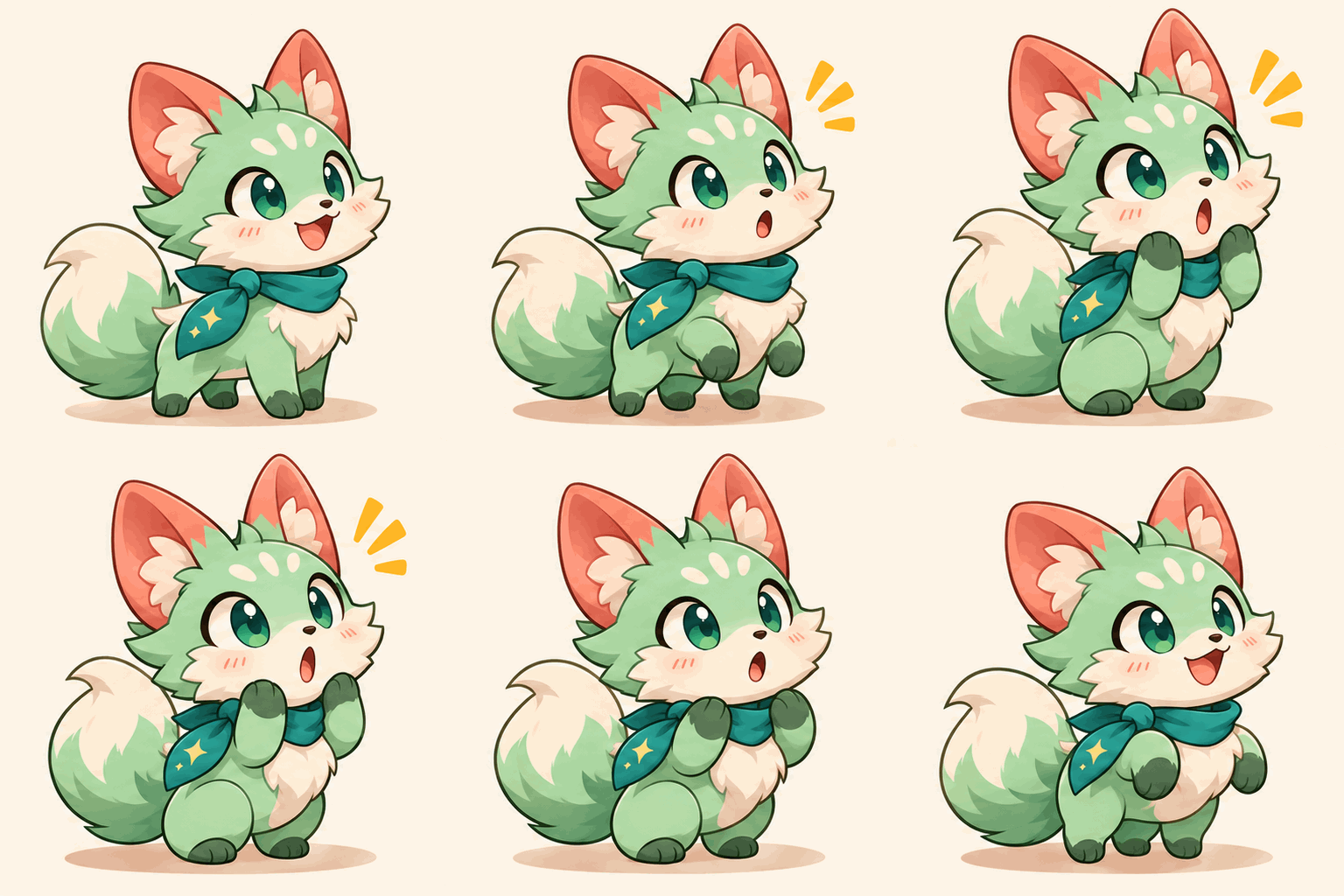
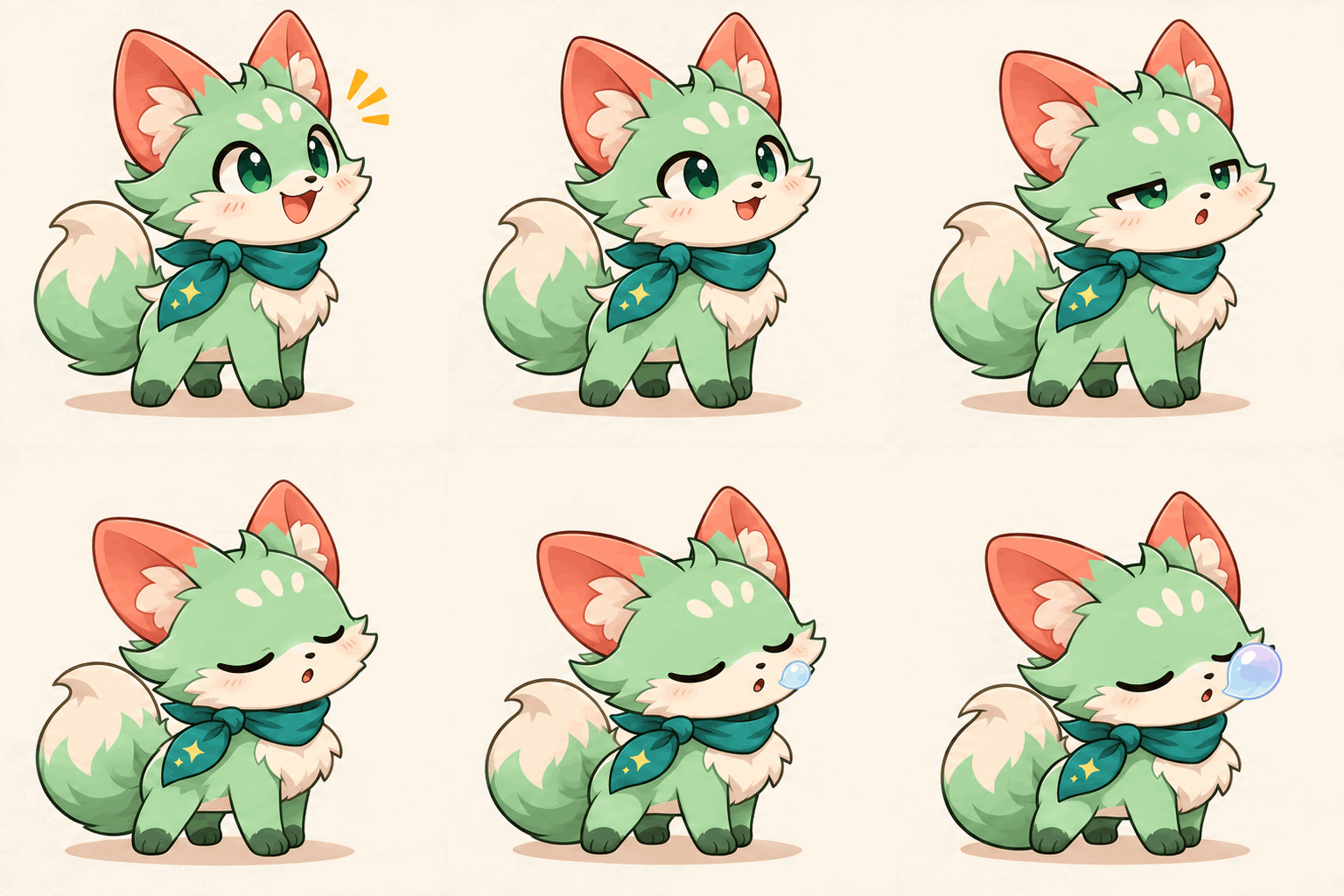
A clean reaction pack starts here
Choose a character or photo, select your sticker count, and describe the reactions you want.
For a still reaction, start with PNG and prepare a static sticker. For a moving reaction, the GIF is source material for a separate VP9 WebM conversion. Telegram's TGS vector animation format needs a different workflow; it is not an export option here.
If you only want to cut a subject out of an existing photo, Telegram's built-in Sticker Editor may be enough. Use Toonderly when you want to generate an expression or pose that is not in the original image.
Reuse one reference or saved Character across the set. Compare facial features, markings, and clothing after generation; consistency is a goal, not a guarantee.
Try applause, a puzzled head tilt, or a sleepy yawn. Write one action per prompt instead of asking for multiple panels in one image.
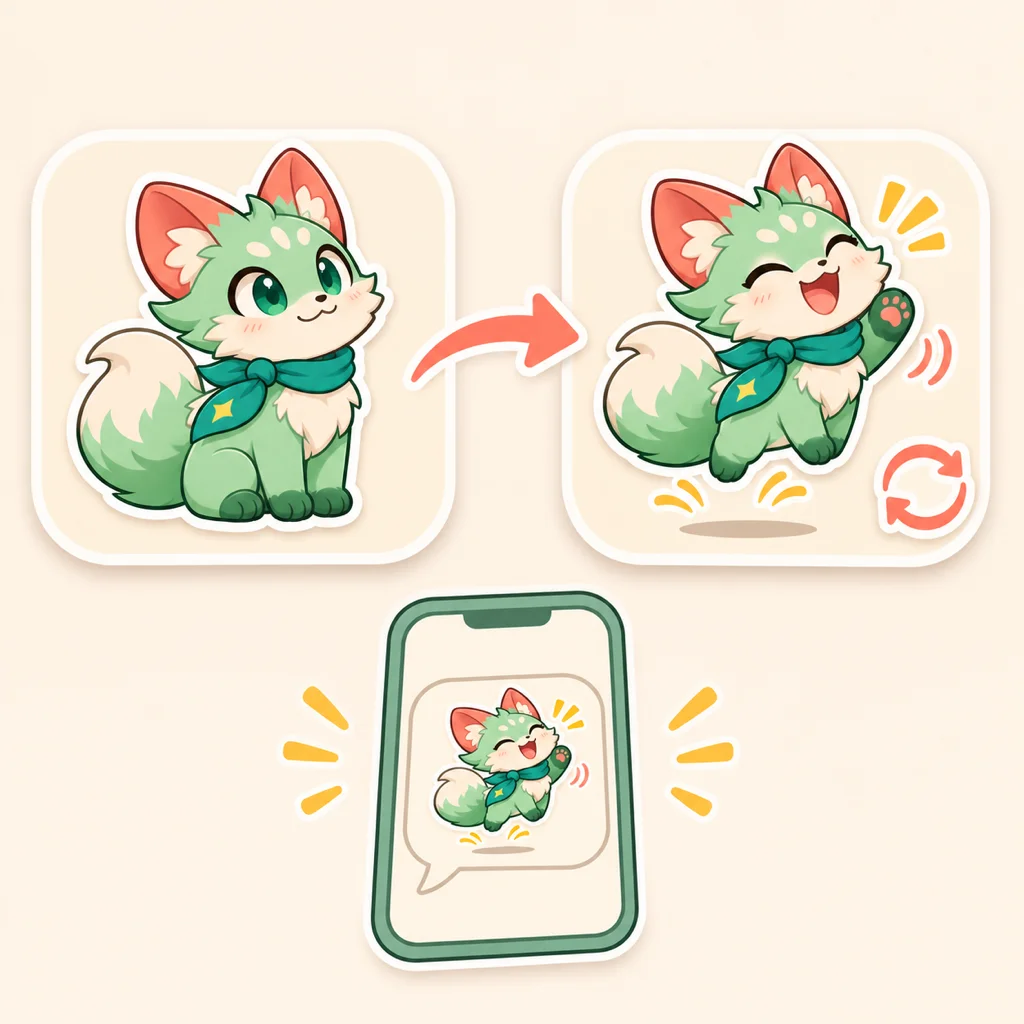
Use Telegram's own tools to finish publishing. This page does not connect to your account, assign emoji, or create a shareable pack link.
In a Telegram chat, open the sticker panel and tap the plus button to use the built-in Sticker Editor. Select the saved image and review the cutout before adding it to a set.
Open the official @Stickers mini app to create or manage a set. Supply the finished PNG/WebP or VP9 WebM file, then associate emoji with each sticker. Text-command access is also available.
Check format first, then canvas dimensions and file size. For video, inspect codec, duration, frame rate, and audio too. Renaming a GIF to .webm does not convert it.
Make one test reaction before expanding the batch. The generate button shows the total credit cost for your selected quantity, format, and quality.
Use one JPG, PNG, or WebP up to 30 MB through Reference Image, choose a saved Character, or leave the source empty for text-only generation.
Write one action per box or use Random fill. Choose Static or GIF, check the credit total, and sign in to create the set.
Download the original file after checking subject identity, edges, and background. Resize or convert in a separate editor before using Telegram's publishing tools.
Telegram treats raster images, video, and vector animation as separate formats. The requirements below describe Telegram, not an automatic export or validation feature of this tool.
Requirements checked November 8, 2026. Sources: Telegram sticker formats and VP9 WebM encoding guide. Emoji association happens during publishing.
These are suggested pairings, not automatic metadata. Add the associated emoji when publishing in Telegram.
Prompt: “clapping both paws with a grateful smile.” Pair it with the clapping emoji when you publish, so the set has a clear celebration reply.
Prompt: “tilting the head with one paw on the chin.” Pair it with a thinking emoji rather than creating several nearly identical puzzled poses.
Prompt: “curling up with a sleepy yawn.” A still pose may communicate enough; choose a GIF only when movement adds something useful.
Generation requires sign-in and credits. The total is shown on the button before you generate and depends on quantity, format, and quality. This page does not promise unlimited free generation.
Create one recognizable reaction, check the original, then build a set you can finish in Telegram.
Choose a related tool for your next image, avatar, portrait, or illustration. Each option opens a focused workflow with real examples to try.
Try image to sticker generation with AI Sticker Maker. Turn a photo, saved Character, or text prompt into 1–9 custom static stickers or GIFs to download.
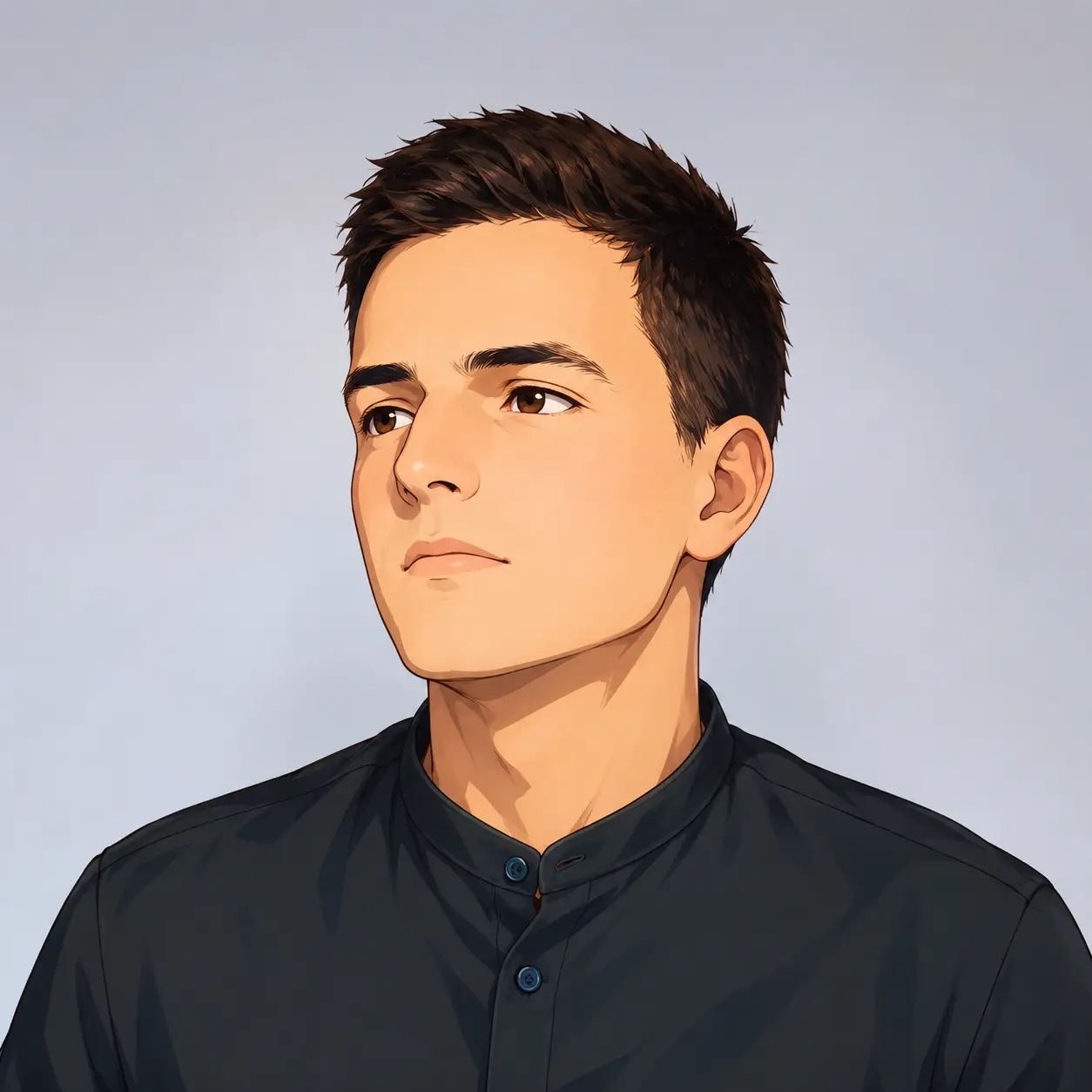
Turn your photo into a cartoon profile picture with AI. Pick 2D, 3D, anime, or sketch styles, keep your look recognizable, and download a high-quality avatar.
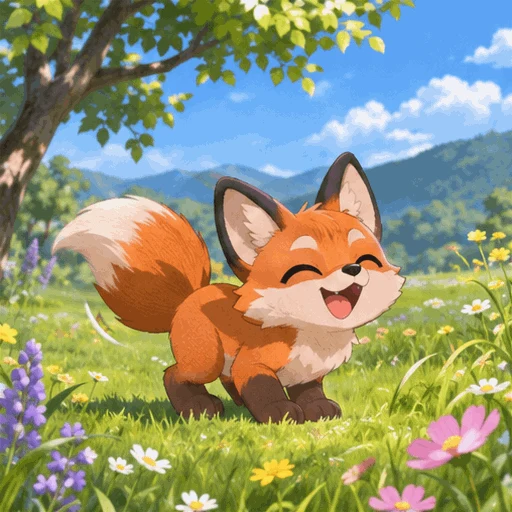
Make looping GIFs from text or a photo with AI. Pick quality and frame rate, preview, and download — powered by GPT Image 2.6. Free credits to start.
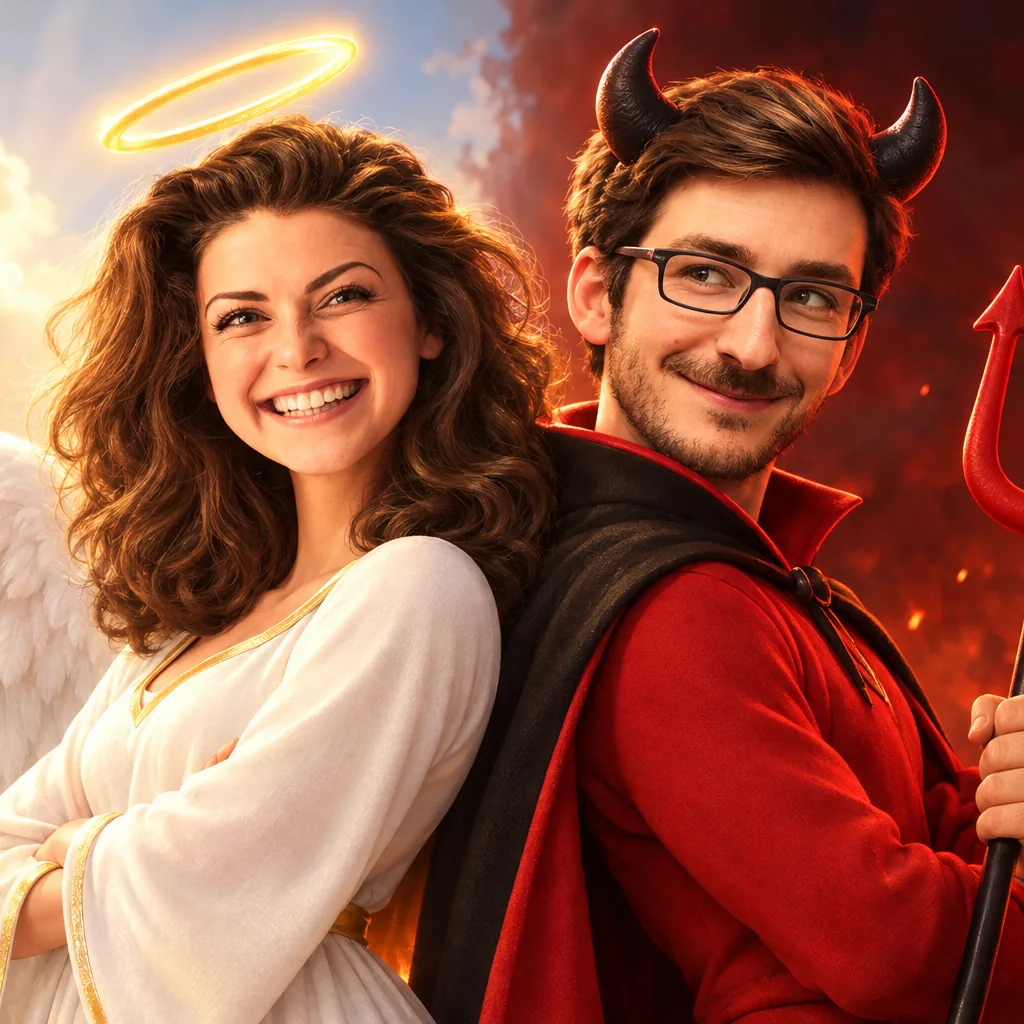
Turn your photo into a 3D cartoon Halloween costume — witch, vampire, skeleton, zombie or angel & devil duo. Six tested costumes, results in seconds.
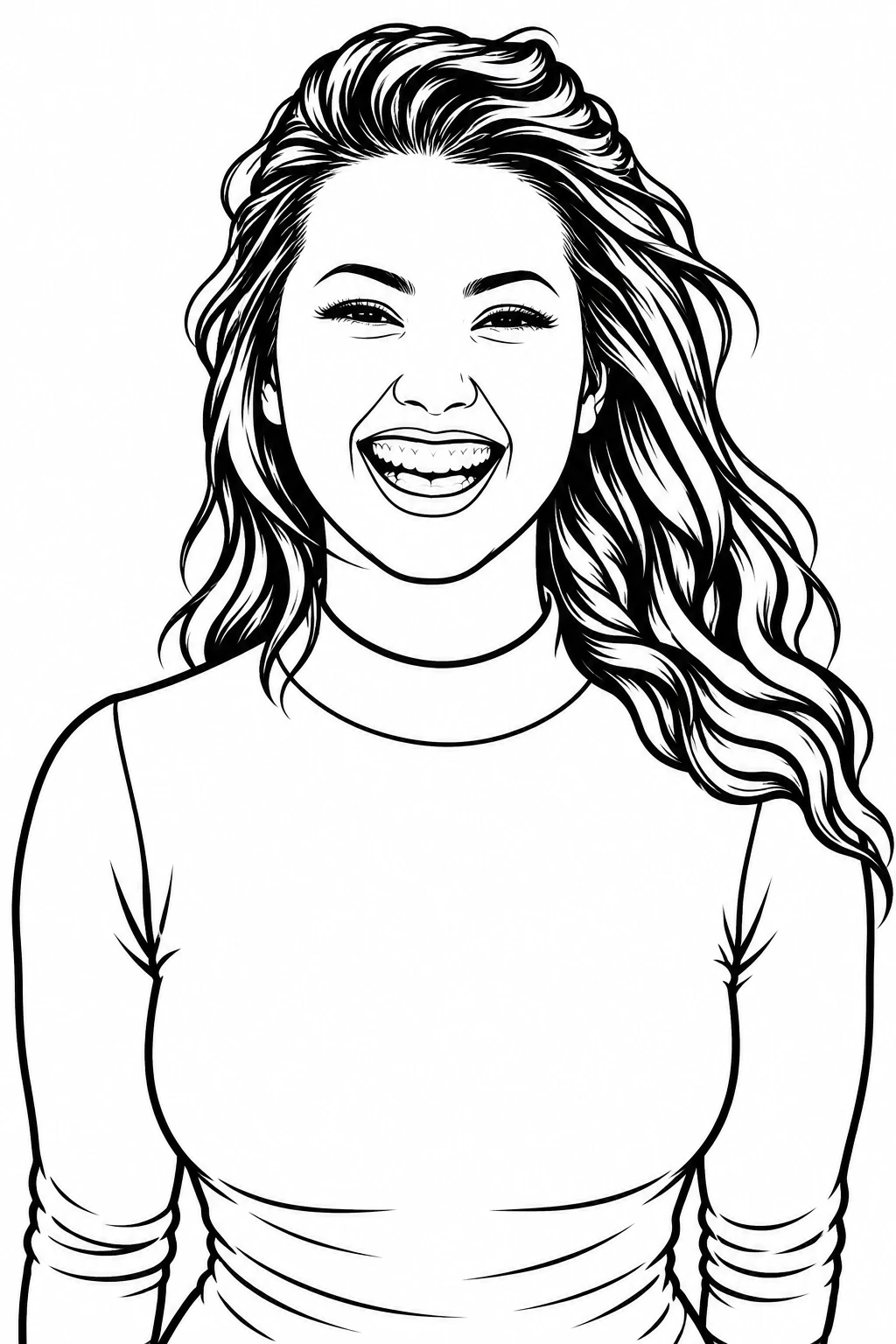
Turn any photo into clean black-and-white line art in one click. Three detail levels, print-ready 4K export, original aspect ratio kept.
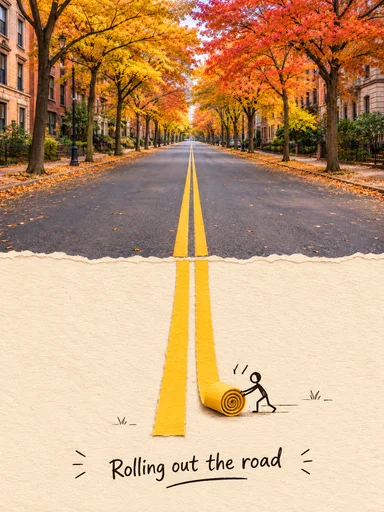
Turn a photo into an editable English prompt. Keep the full look or just the subject and scene, then copy, download, or open it in Toonderly's studio.