

Point a modern image generator at almost any cartoon style, and it produces something recognizable: rounded 3D toon, cel-shaded anime, chibi, watercolor, pixel art, claymation. Getting the cartoon stopped being the hard part. The decisions that matter now are which cartoon serves your project, and how to keep that look consistent once you have picked it.
This guide works as a catalog: each style below comes with a real example generated inside AI Cartoon Generator, the jobs it fits, and a prompt pattern to start from. If you would rather browse first, the style library lets you compare every preset side by side, and the text-to-cartoon generator turns a written scene into any of them.
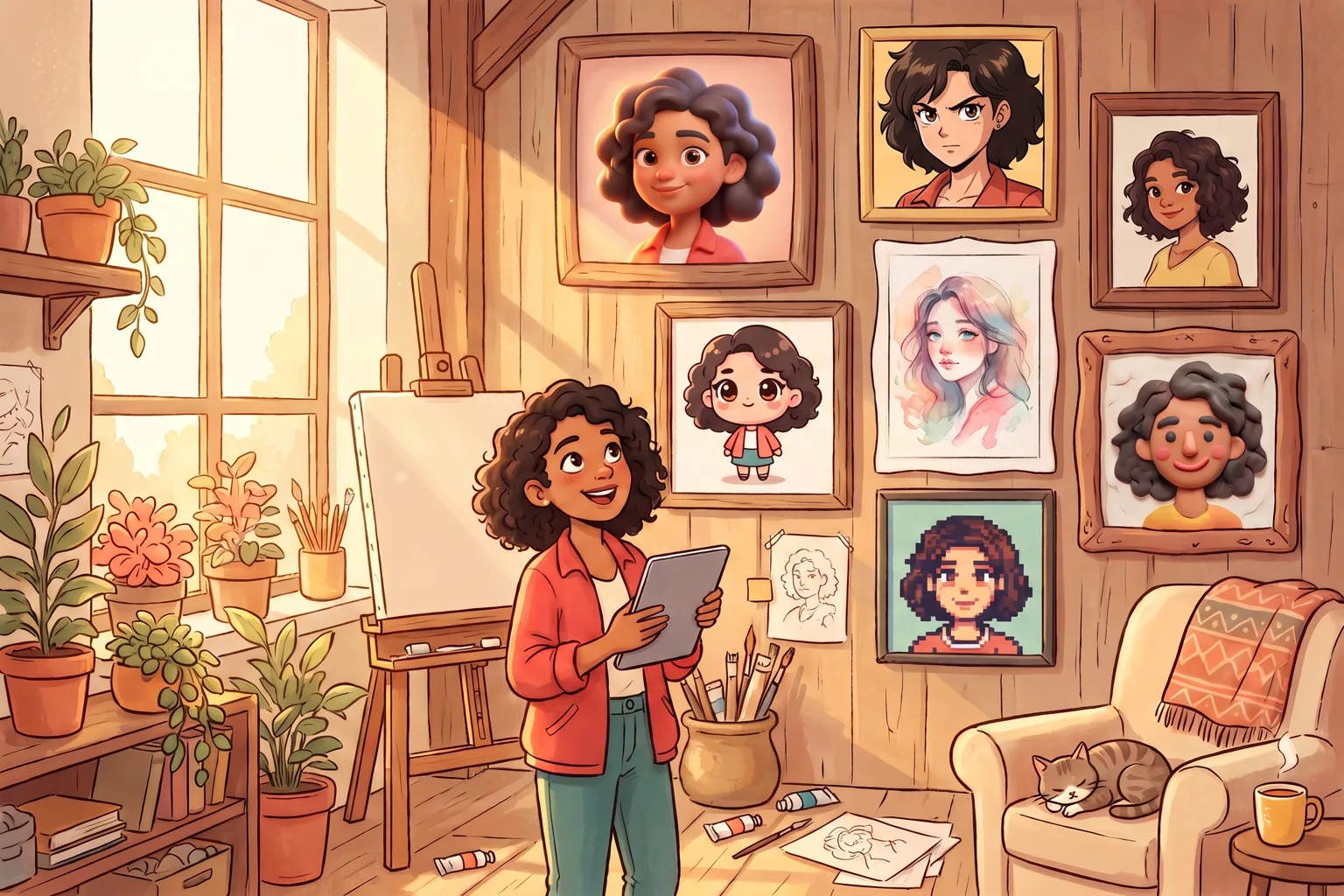
How cartoon styles work in AI generators
There are two ways to get a cartoon style out of an AI image model, and most people end up using both.
The first is to describe the style in your prompt: words like "cel shaded", "watercolor", or "pixel art" push the model toward a visual family. This works in any generator, but the result drifts. The same phrase can produce noticeably different line weights, palettes, and shading from one run to the next, because the model improvises the style every time.
The second is a style preset. A preset locks in the decisions a style depends on (contour weight, palette range, shadow treatment, surface texture), so you describe only the subject and the scene. AI Cartoon Generator works this way: 40 style presets cover every look in this catalog, and each one feeds a tuned prompt template behind the scenes. Presets matter most when you need the same look again tomorrow, or across ten images instead of one.
If your starting point is a photo rather than an idea, the same presets run through the photo-to-cartoon and photo-to-anime workflows, which keep the face and pose from the original while restyling everything around it.
The catalog: cartoon styles for AI image generators
The styles below are grouped into six families. The examples come from different projects, so the subjects differ; compare the visual language of each look rather than treating them as a quality ranking. Every family links to the matching presets in the cartoon and anime style library.
3D and toybox styles
These styles model volume. Light wraps around forms, materials read as tangible surfaces, and characters feel like they could be picked up.
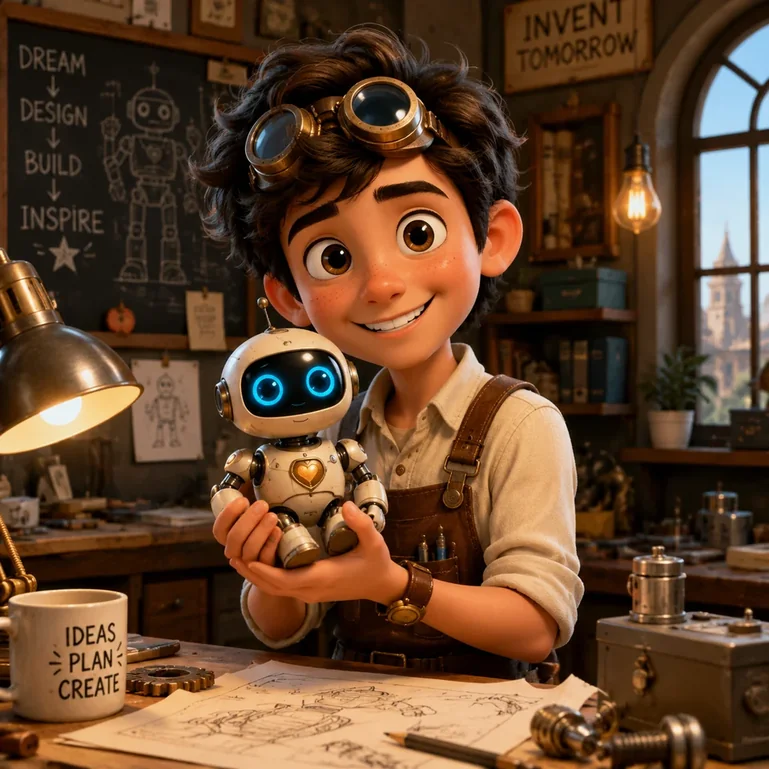
Pixar-style 3D is the family most people mean by "3D cartoon": rounded anatomy, soft cinematic lighting, expressive faces with broad planes. It suits character portraits, mascots, and story scenes that need warmth. A workable prompt keeps the subject concrete, something like "a courier resting a bicycle against a bakery counter, morning light", and lets the preset carry the render. Try it on the Pixar 3D style page.
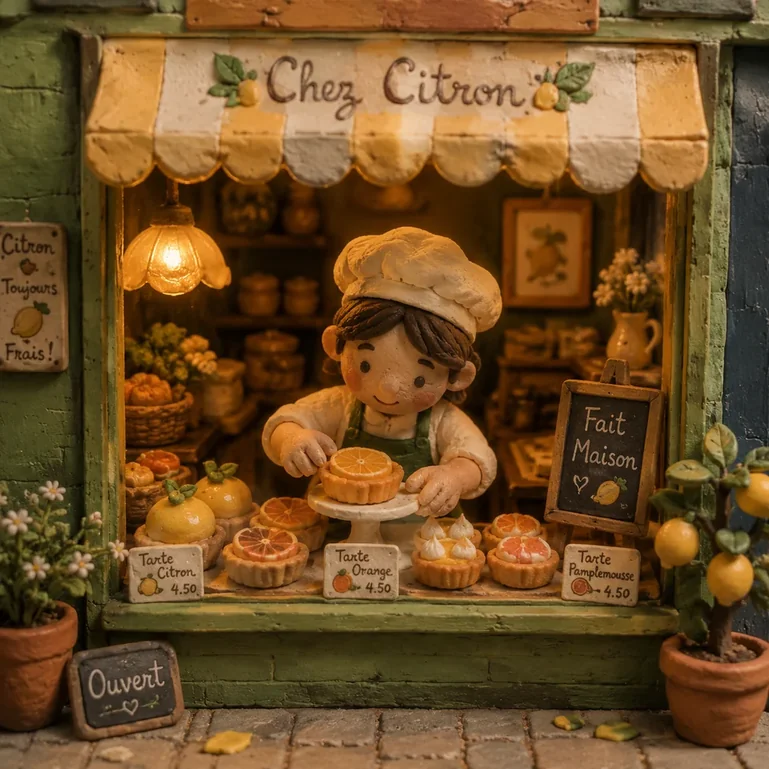
Claymation imitates hand-built stop-motion puppets: visible fingerprints of craft, slightly imperfect edges, matte clay surfaces. It flatters cozy subjects and humor. The claymation style page shows it across portraits and scenes.
Lego and brick styles rebuild characters as minifigures with molded plastic sheen, good for avatars that play with a familiar toy language (lego AI generator). Minecraft style goes further into blocky voxel geometry and works whenever a scene benefits from grid-built structure (minecraft style). Blind box toy styling wraps a character in the compact, glossy proportions of collectible figures.
3D toon sits between the poles of this family: more shading than a flat American cartoon, less render than Pixar-style 3D. When a character needs to read as dimensional but the scene should stay graphic, it is the useful middle ground.
Anime and manga styles
Anime is the widest family, so treat its labels as dials rather than separate universes.
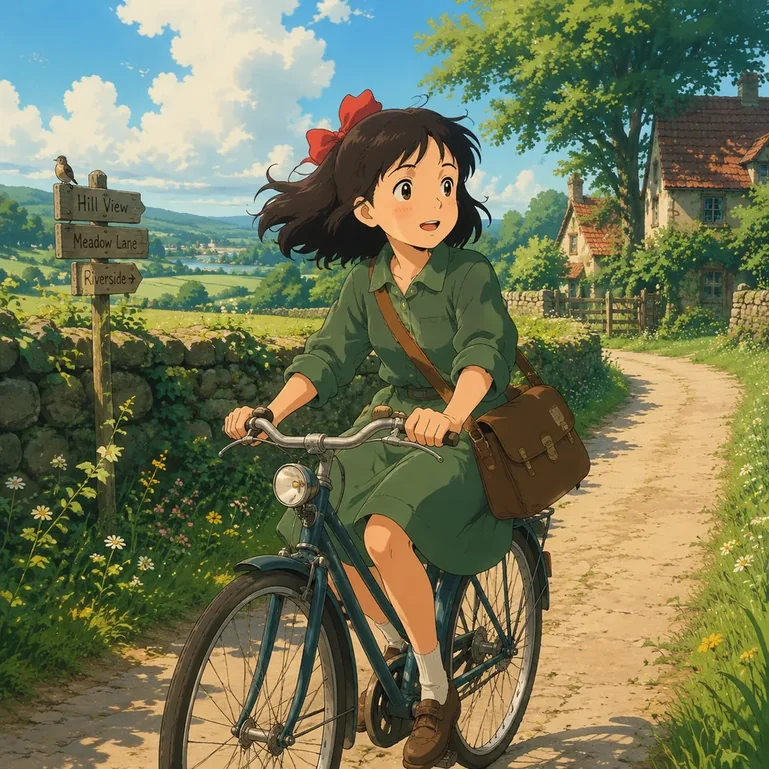
Ghibli-style favors hand-painted warmth: lush nature, gentle skies, interiors full of lived-in detail. It is the go-to for scenic story moments. See the Ghibli style page for portrait and landscape examples.
Retro 90s anime winds the clock back: muted VHS-era palettes, film grain, chunkier highlights, and the specific confidence of hand-drawn television cels. It is having a visible revival because it reads as nostalgic without being a parody. The 90s anime filter applies it to photos and original scenes.
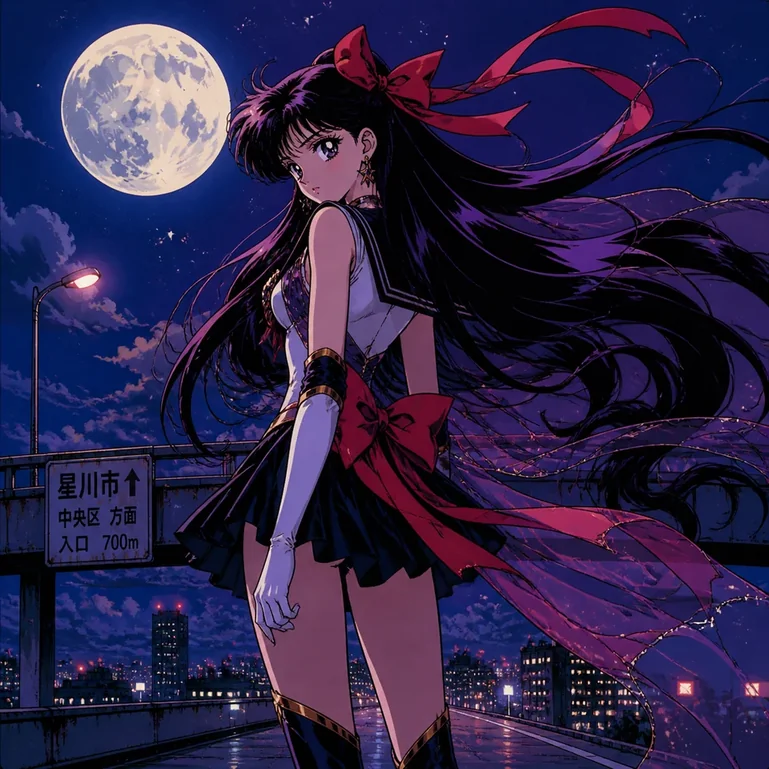
Cel shading separates light and shadow into firm shapes, giving any drawing crisp, animation-ready volume; it is the workhorse behind action scenes (cel shading generator). Around it, the manga variants move the dials: shojo manga softens line and light for romance, adventure shonen pushes speed and impact, cyberpunk anime swaps palettes for neon and rain, and dark manga thins the palette toward ink. Faces stay anime throughout; what changes is line weight, palette, and mood. Converting a real portrait? The photo-to-anime workflow keeps identity stable while the style shifts.
Modern anime, the plain preset at the center of the family, is the safest first pick for an original character: clean linework, grouped hair shapes, saturated daylight. Every other variant is a small adjustment away from it. Fashion battle manga pushes costume detail, chaotic sci-fi cartoon loosens the anatomy for comedic effect, and 80s city pop wraps the same faces in retro evening light.
Western cartoon and comic styles
Western styles organize around silhouette and ink.
American cartoon and classic TV cartoon use bouncy shapes, thick outlines, and flat color, the language of Saturday-morning animation. Both survive tiny display sizes well, so they are dependable choices for avatars.
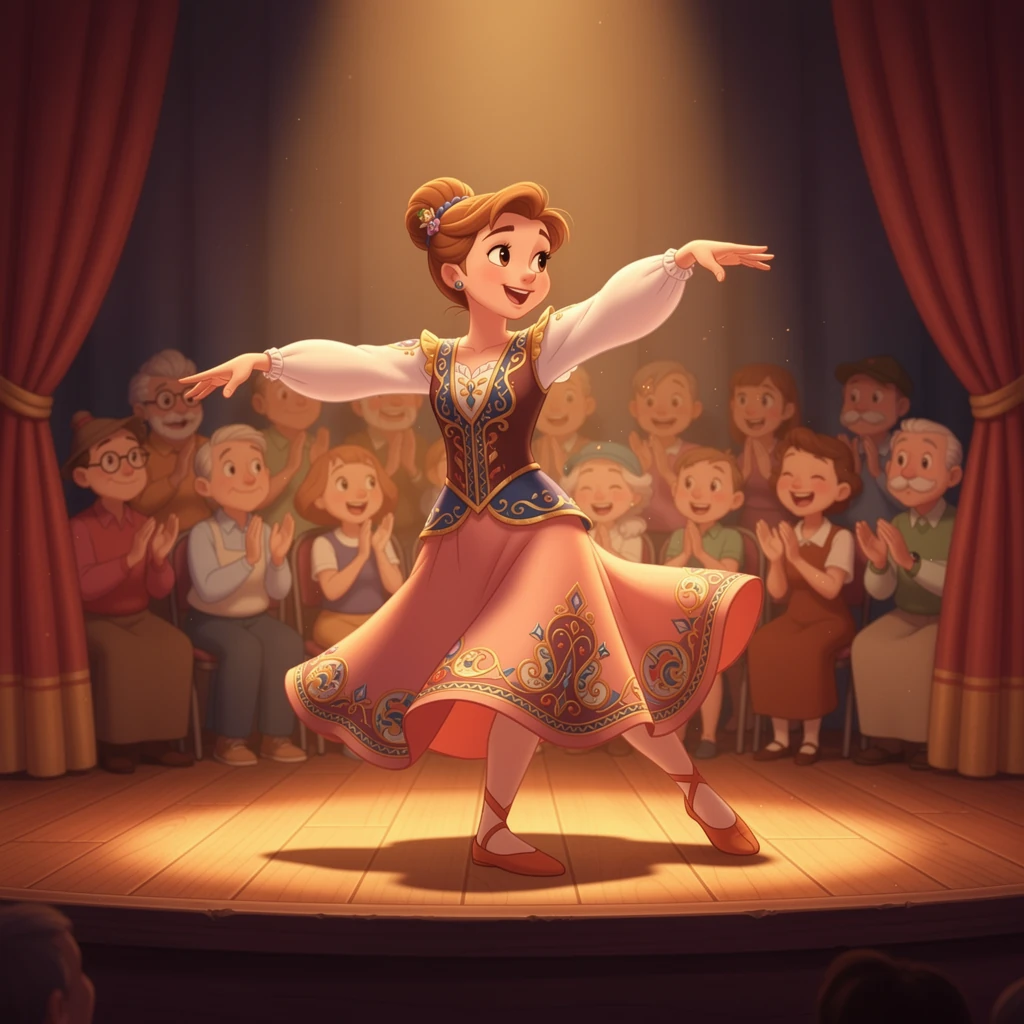
Disney-style polishes that foundation into feature-animation sheen: softer shading, storybook color design, eyes that carry the emotion. The Disney style page shows it on portraits and couples.
Marvel comic style swings to the other end: inked contours, dense cross-hatching, heroic contrast. It is built for action poses and cover-style character art (Marvel style). Plain comic style keeps the ink but lightens the drama, often with halftone texture. For an original webcomic, generate the whole cast in one style and reuse that style block for every panel setup; mixed styles are the fastest way to make one page look like a collage.
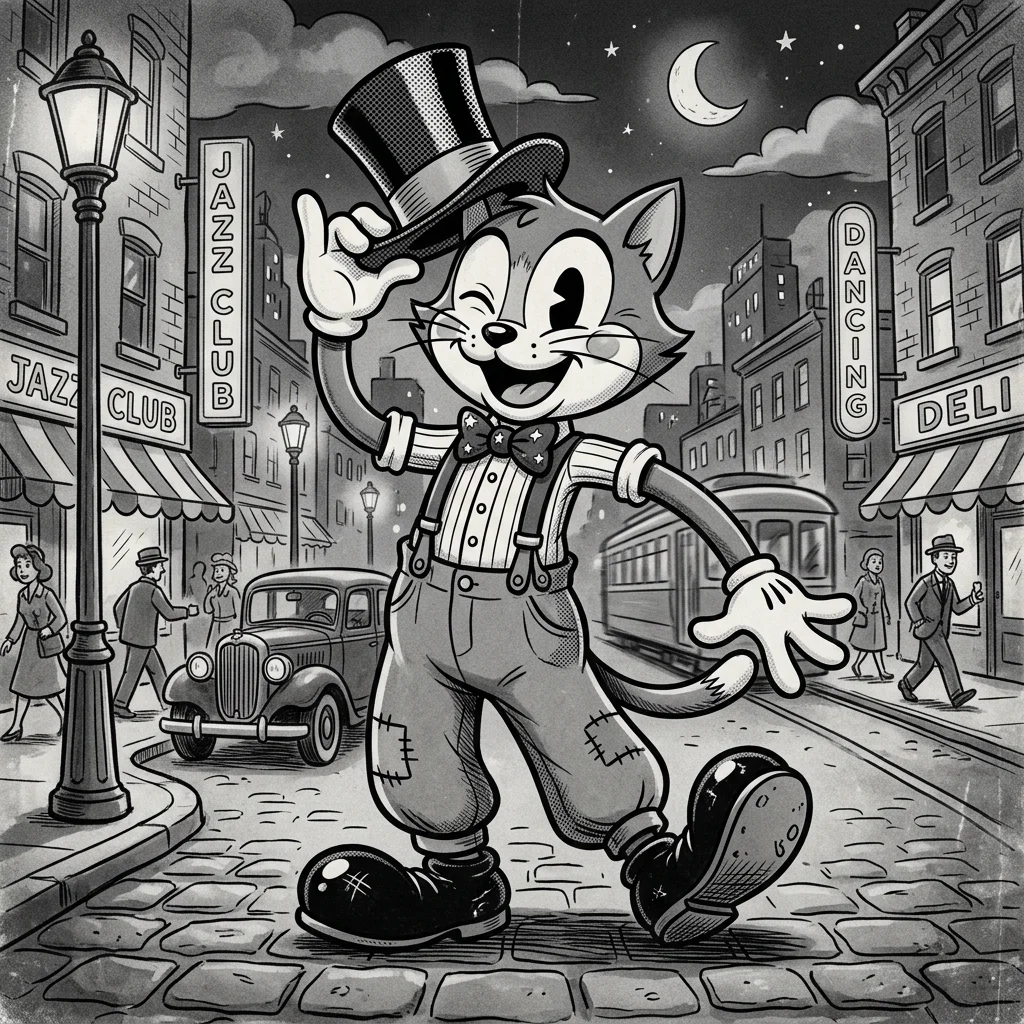
Rubber hose is the 1930s ancestor of all of this: bendy limbs, pie-cut eyes, black-and-white film texture. AI handles it well because the rules are so distinctive, and the results are instantly charming for retro branding.
Two more looks round out the family: Burtonesque gothic stripes the shadows and spindles the silhouettes for a creepy-cozy mood, and pop art flattens portraits into bold color fields with Ben-Day dots.
Handmade and storybook styles
These styles imitate physical media, which makes them the most forgiving for scenes and the least forgiving for fine geometry.
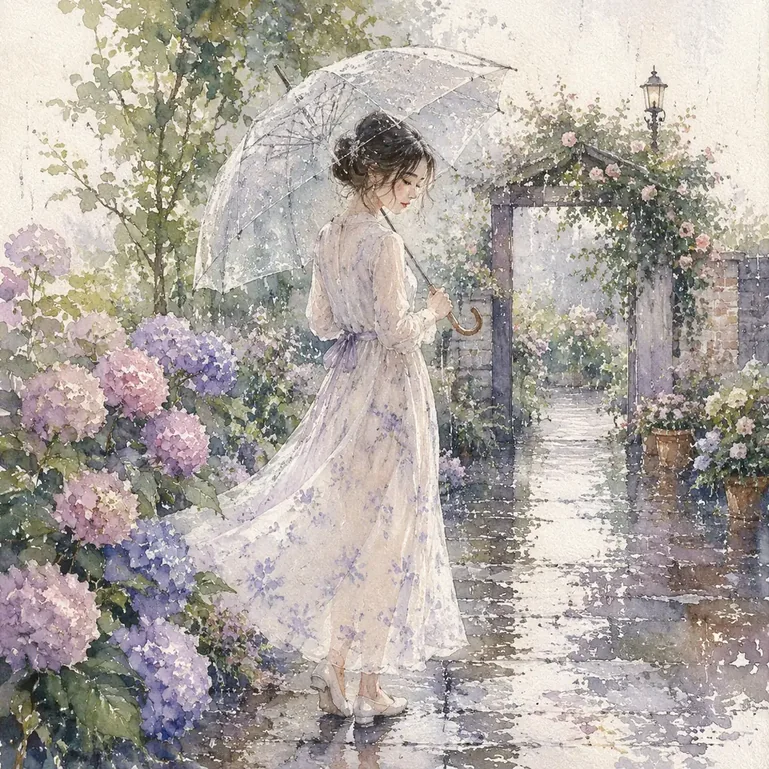
Watercolor leads the family: translucent washes, soft pigment edges, paper texture showing through. It excels at travel scenes, pet portraits, and children's book moods. A watercolor prompt works best when it names a focal point and leaves room: "two kayaks resting on a stone beach, fog over the tree line" beats a dense list of props, because washes need space to breathe. The watercolor style page has before-and-after conversions.
Storybook crayon roughens the line into child-drawing charm, sketch and line art strip color away to leave gesture and contour, layered papercraft builds scenes from cut-paper depth, and felt miniature renders everything in soft textile. All of them trade precision for warmth, so check small details like fingers, eyewear, and background signage before accepting a result on a detailed source photo.
Cute and compact styles
Chibi shrinks the body and enlarges the head until the face does all the work. Accessories, hairstyles, and expressions become the identity carriers, which is exactly why chibi works so well for stickers, reaction images, and avatars that must read at 64 pixels. Keep two or three anchors, such as a hairstyle, an accessory, and a signature color; more than that and the details crowd each other at small sizes. The chibi generator shows it on pets and people.
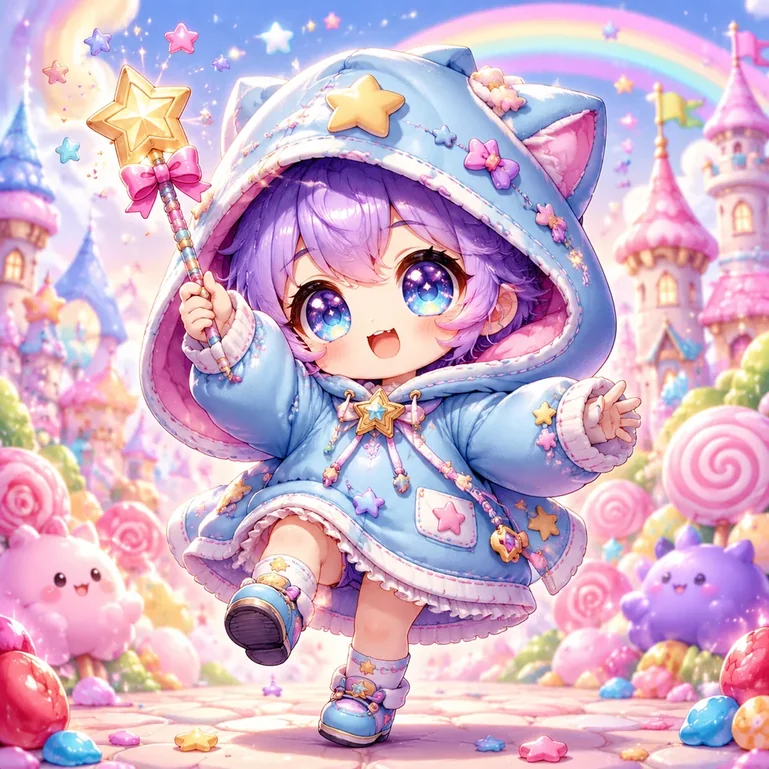
Graffiti sticker wraps the same compact energy in street-art outlines and bold fills, and caricature exaggerates selected features of a real face while keeping the likeness, a party trick that works best when the exaggeration has a target.
Game-native styles
Pixel art is the most rule-bound look in the catalog: a visible grid, a limited palette, and detail placed cluster by cluster. Good AI pixel output commits to the grid instead of applying a mosaic filter to a smooth drawing. It suits game-inspired avatars, icons, and retro scenes. A 32-pixel sprite and a 512-pixel scene use different grid densities, so decide the display size before generating rather than scaling afterward. The pixel art generator keeps grid and palette consistent.

Sugimori monster style imitates the soft watercolor-and-airbrush creature art of classic monster RPGs, which makes it useful for original creature design, while low poly 3D facets every surface into clean geometric planes for a modern indie-game look.
Prompt patterns that work across cartoon styles
Whichever tool you use, four habits separate a controllable cartoon prompt from a random one.
Keep one style per prompt. "Anime watercolor 3D pixel" does not blend into something richer; it asks the model to satisfy conflicting edge, shading, and material systems at once. Pick one family, then add a compatible modifier like "muted pastel palette" or "hard cel shadows".
Use a fixed style block. Write the style portion once, for example "flat 2D cartoon, thick outlines, limited pastel palette, cream background", and paste it unchanged into every prompt in a set. Reusing identical words is what keeps runs recognizable as siblings.
Describe subject, action, and setting separately from style. A prompt like "a night-market noodle vendor fanning a grill, steam catching the lantern light" plus your style block gives the model one job per phrase. In AI Cartoon Generator the preset already carries the style block, so prompts only need the subject-and-scene half. That is deliberate, and it is why the same prompt works across all 40 presets.
Add negatives for generic tools. Where the generator supports them, excluding "photorealistic, 3D render" helps when you want a flat cartoon and the model keeps adding realism.
Matching the style to the job
The catalog is fun to browse, but the decision usually runs the other way: start from the deliverable, then shortlist two or three styles that serve it.
| Job | Strong starting styles | Watch out for |
|---|---|---|
| Social avatar | Chibi, flat 2D, retro 90s anime | Identity survives the small crop |
| Pet portrait | Watercolor, Pixar-style 3D, chibi | Markings and coat pattern stay accurate |
| Original character | Anime, Marvel comic, 3D toon | Costume anchors repeat across runs |
| Children's story scene | Watercolor, storybook crayon, Ghibli-style | Cast stays recognizable page to page |
| Sticker set | Chibi, pixel, graffiti sticker | Outer silhouette reads at tiny sizes |
| Action shot | Cel shading, comic, adventure shonen | Pose and limbs stay clear |
| Short cartoon video | Flat 2D, cel shading, 3D toon | Character anchors hold between shots |
If a choice still feels close, the deeper framework in cartoon art styles, explained through five visible decisions breaks any two candidates down by shape, line, color, shading, and material, and shows how to run a fair head-to-head test with the same source: one subject, one wording, one style swapped at a time.
From stills to short video
Several of these styles carry directly into short cartoon video, and the ones that do share a trait: controlled detail. Flat 2D, cel shading, and rounded 3D toon keep their shapes between frames, so characters stay on-model while they move. Heavily textured styles are less cooperative; watercolor edges and pixel grids tend to shimmer or redraw themselves in motion.
If video is the destination, pick a style from the video-friendly group even for the still images, so posters, thumbnails, and the film share one look. The workflow overview in how to create AI cartoon videos explains the steps once the stills are set.
Keeping one style across a whole set
A single great image is easy; a consistent set is where cartoon styles for AI get technical. Three habits keep a series coherent:
- Freeze the style block. Use the same preset or the same pasted phrase for every image, with no "creative" upgrades mid-project.
- Anchor the character. Reuse a reference image where your tool supports it, or a fixed description with hair, outfit, and palette spelled out. The reusable character assets in AI Cartoon Generator store those anchors so portraits, scenes, and storybook pages pull from one identity; the AI cartoon character guide walks through the setup.
- Judge at final size. A set that looks uniform at full size can drift apart once the images shrink to thumbnails.
The same discipline carries into motion: the same-character comparison in 2D vs 3D animation shows what holds up when a still style has to survive video frames.
FAQ
What cartoon styles can AI generate?
Modern generators cover every major family: 3D toon and toy looks (Pixar-style 3D, claymation, Lego, Minecraft), anime and manga (cel anime, Ghibli-style, retro 90s, cyberpunk), Western cartoon and comic (Disney-style, Marvel comic, rubber hose, pop art), handmade media (watercolor, crayon, sketch, papercraft), compact cute styles (chibi, blind box), and game-native looks (pixel art, low poly). AI Cartoon Generator ships 40 style presets across these families, each backed by its own prompt template.
How do I turn a photo into a cartoon style?
Use a photo-to-cartoon workflow rather than describing your photo in text, because the image preserves the face, pose, and clothing that text cannot reconstruct. Pick one style preset, keep the crop unchanged, and generate. The step-by-step walkthrough in how to make a cartoon from a photo covers reviewing identity, background, and edges before accepting the result.
What do I write in a prompt to get a cartoon style?
Name one style family and its two or three most visible traits: "flat 2D cartoon, thick outlines, limited pastel palette" or "cel-shaded anime, crisp shadow shapes, saturated daylight". Then describe the subject, action, and setting in plain language. One family per prompt and the same wording every time is what makes results repeatable.
Can I mix two cartoon styles in one image?
Rarely with good results. Styles define conflicting systems (watercolor edges versus pixel grids versus 3D shading), and the model resolves the conflict unpredictably, usually by splitting the difference into mush. The reliable combination is style plus a non-style modifier: "watercolor, limited winter palette" or "pixel art, night lighting".
How do I keep the same cartoon style across multiple images?
Freeze everything that defines the look: the same preset (or pasted style block), the same aspect ratio, and a fixed character anchor, meaning a reference image or a repeated description with hair, outfit, and palette spelled out. Change only the scene between images. Tools with stored character assets make this nearly automatic; without them, identical style wording plus a consistent seed is the next-best stability.
What is the difference between anime and cartoon styles in AI tools?
They overlap, but the labels point at different defaults. "Cartoon" presets tend toward Western shapes: bouncier silhouettes, thicker outlines, flatter color, rubber-hose or TV-animation heritage. "Anime" presets use controlled linework, grouped hair shapes, smaller mouths, and cel-style shading. In practice most tools, including ours, treat anime as a family inside the broader cartoon catalog. The 2D vs 3D comparison shows how these differences behave in motion.
Are style presets better than writing style words into the prompt?
Presets win on repeatability, and hand-written style words win on portability, since they work in any tool. If you will generate a whole set in one look, use a preset. If you are pasting a single prompt into a general-purpose assistant, a written style block is the practical route. Both improve when you keep the subject description separate from the style description.
Which cartoon style should a beginner try first?
Pick the job, not the style: a chibi or flat 2D preset for an avatar, watercolor for a scene, Pixar-style 3D for a character portrait. Those three cover most first projects, and each forgives small prompt mistakes. Generate the same subject in two of them and compare at the size you will actually publish.
Pick the look by the job it does
Every style in this catalog exists because it does a job better than its neighbors: chibi reads at avatar size, watercolor breathes atmosphere, cel shading keeps action legible, claymation makes a scene feel touchable. Choose the job first, shortlist two styles, and test them against the same source before committing.
Browse the full cartoon and anime style library to compare presets with real samples, open the text-to-cartoon generator for an original scene, or start from a photo in the photo-to-cartoon tool.